Understanding how to check URL traffic is fundamental for any website owner or marketing manager who wants to make informed decisions about their digital presence. Whether you're tracking a single landing page, monitoring campaign performance, or analyzing which content drives the most engagement, URL-level traffic analysis provides the granular insights needed to optimize your online strategy. For European businesses, this process becomes even more nuanced when considering data sovereignty and privacy regulations that shape how we collect and analyze visitor information.
Why URL-Level Traffic Analysis Matters
Tracking traffic at the URL level differs significantly from monitoring overall website performance. When you check URL traffic for specific pages, you gain visibility into individual content performance, campaign effectiveness, and user journey patterns that aggregate data simply cannot reveal.
Key benefits of checking URL traffic include:
- Identifying high-performing content that drives conversions
- Detecting underperforming pages that need optimization
- Understanding which traffic sources deliver the most valuable visitors
- Measuring campaign ROI at the landing page level
- Discovering technical issues affecting specific URLs
Marketing teams use URL traffic data to justify content investments, whilst product managers rely on page-level metrics to validate feature launches. According to quantitative research on web usage patterns, understanding traffic distribution across individual pages provides critical insights into user behavior that aggregate metrics mask.
Real-Time vs Historical Analysis
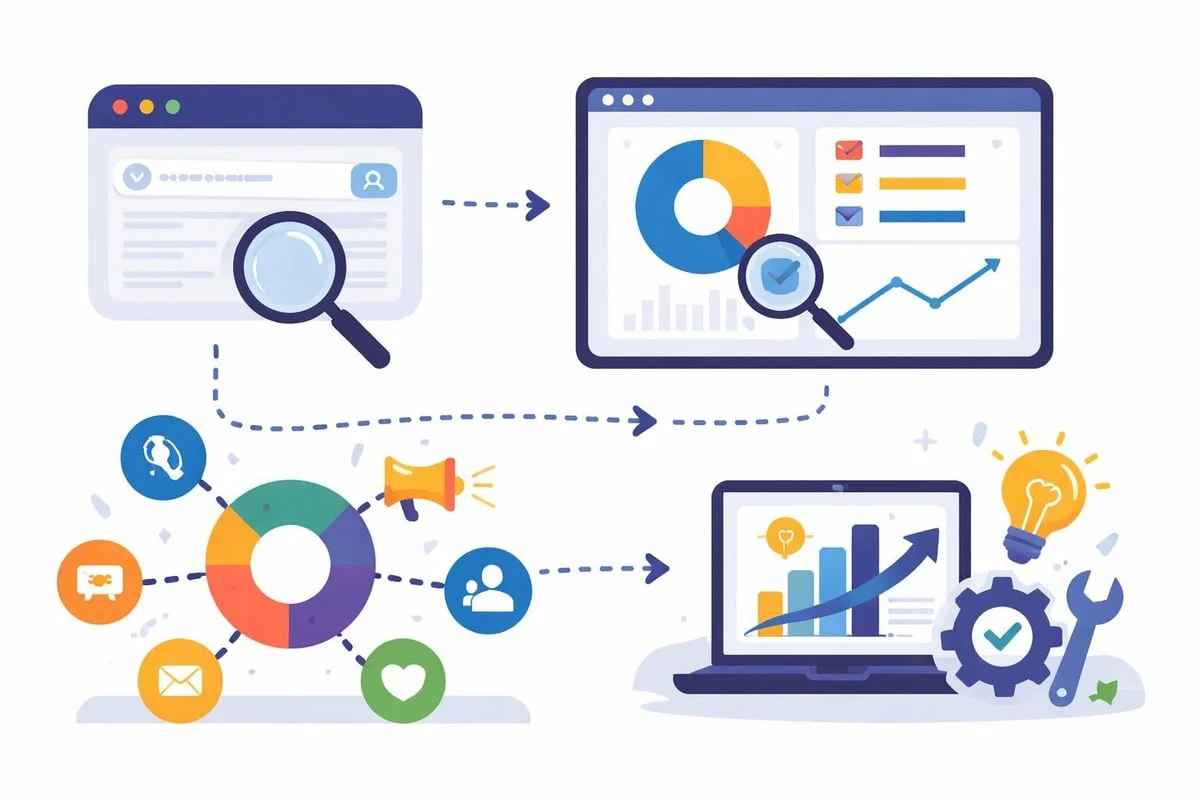
When you check URL traffic, you're typically examining data through two lenses: real-time monitoring and historical trend analysis. Real-time data shows current visitor activity, allowing you to respond immediately to traffic spikes or technical issues. Historical data reveals patterns over weeks or months, helping you understand seasonal trends and long-term performance.
European businesses often need both perspectives simultaneously. A retail website might monitor product page traffic in real-time during a flash sale whilst comparing performance against last quarter's campaign. Service providers track consultation request pages daily but analyze monthly trends to forecast capacity requirements.
Methods to Check URL Traffic
Using Web Analytics Platforms
Modern analytics platforms provide the most comprehensive method to check URL traffic. These tools track every page view, measure engagement metrics, and attribute traffic to specific sources without compromising visitor privacy.
When evaluating analytics solutions, European businesses should prioritize platforms that process data within EU data centers. Traditional analytics tools often transfer data across borders, creating compliance complexities. Cookieless alternatives eliminate consent banner requirements whilst maintaining accurate tracking through server-side analytics and privacy-preserving techniques.
Essential metrics to monitor:
- Page views: Total number of times the URL loaded
- Unique visitors: Individual people viewing the page
- Average time on page: Engagement indicator
- Bounce rate: Percentage leaving without interaction
- Traffic sources: Where visitors originated (search, social, direct, referral)
- Conversion rate: Actions completed per visitor
Metric Type | What It Measures | Why It Matters |
|---|---|---|
Volume | Total page views and visitors | Indicates reach and popularity |
Engagement | Time on page, scroll depth | Shows content quality and relevance |
Sources | Search, social, referral, direct | Reveals acquisition channel effectiveness |
Outcomes | Conversions, goal completions | Measures business impact |
Server Log Analysis
Server logs provide an unfiltered view of every request made to your URLs. This method captures bot traffic, failed requests, and technical details that browser-based analytics miss. System administrators check URL traffic through log files to diagnose performance issues, identify crawling patterns, and detect security threats.
Whilst powerful, server logs require technical expertise to parse and interpret. The raw data format lacks the user-friendly visualizations of dedicated analytics platforms, making it more suitable for technical troubleshooting than marketing analysis.
Search Console Integration
Google Search Console offers valuable insights into how URLs perform in search results. You can check URL traffic from organic search specifically, examining impressions, clicks, average position, and click-through rates. This complements your analytics data by showing search visibility before users even click through to your site.
The Search Console provides detailed performance metrics broken down by query, page, country, and device. European websites often discover surprising regional variations, with certain URLs performing better in specific markets than others.
Traffic Source Attribution
Understanding where your URL traffic originates provides actionable insights for marketing optimization. Traffic sources typically fall into several categories, each requiring different analysis approaches.
Organic Search Traffic
When you check URL traffic from search engines, you're measuring how well your content ranks for relevant queries. High organic traffic indicates strong SEO performance, whilst declining numbers suggest ranking losses or increased competition.
Monitor which keywords drive traffic to specific URLs using your analytics platform combined with Search Console data. This reveals opportunities to optimize existing content or create supporting pages that address related queries. The EuroMetrics SEO audit tool helps identify technical issues that might limit search visibility.
Direct and Referral Traffic
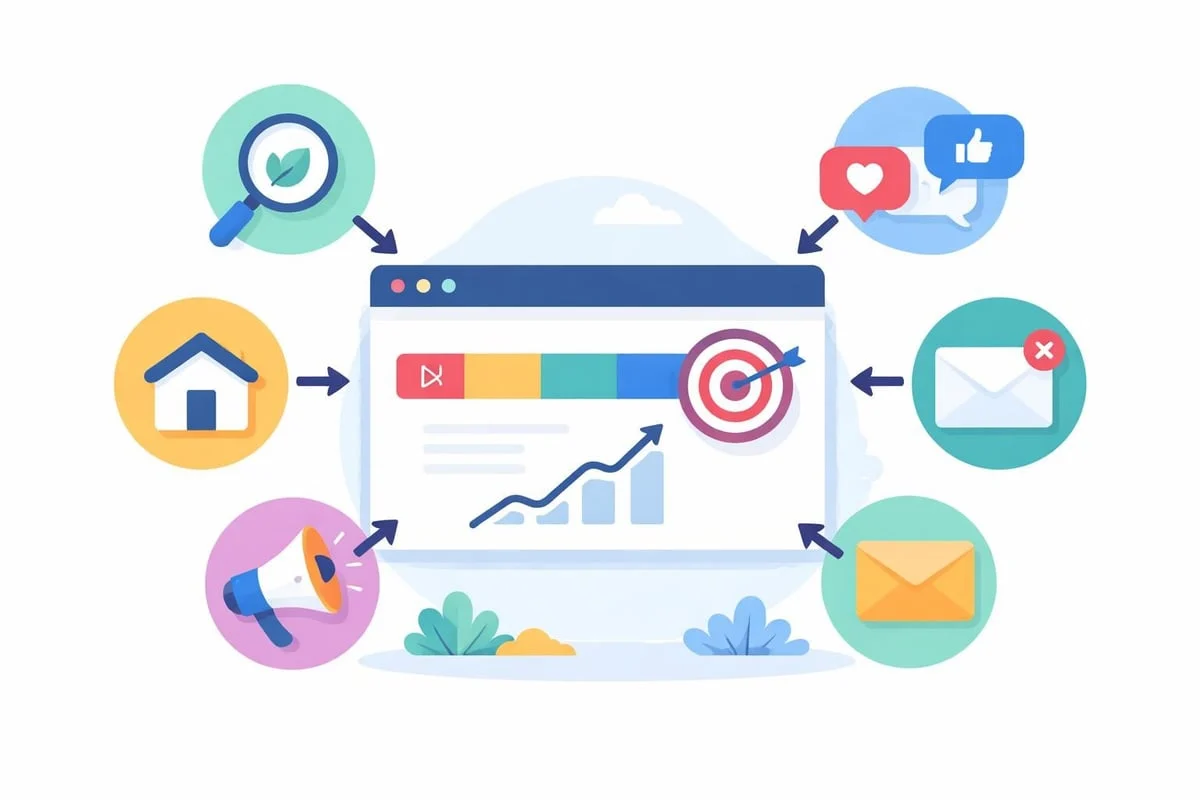
Direct traffic represents visitors typing your URL directly or clicking bookmarks. High direct traffic to specific URLs often indicates brand strength or successful offline marketing. Referral traffic comes from links on other websites, showing which partnerships, guest posts, or mentions drive actual visitors.
Analyzing referral patterns:
- Identify your most valuable referral sources
- Track which content types earn the most backlinks
- Monitor competitor mentions that link to your URLs
- Detect unexpected traffic spikes from viral sharing
Campaign Traffic
Marketing campaigns require precise URL tracking to measure effectiveness. When you check URL traffic tagged with campaign parameters, you can attribute visitors and conversions to specific initiatives. Use UTM parameters or similar tracking codes to distinguish between email campaigns, social ads, and partner promotions.
The campaign URL builder streamlines this process by generating properly formatted tracking links that work seamlessly with analytics platforms. Consistent parameter naming ensures accurate reporting across all campaigns.
Privacy-Focused Traffic Analysis
European businesses face unique considerations when checking URL traffic. Regulations and user expectations demand privacy-preserving analytics that deliver insights without compromising visitor anonymity.
Cookieless Tracking Solutions
Traditional cookie-based analytics require consent banners that reduce tracking accuracy and degrade user experience. Cookieless alternatives use server-side processing, privacy-preserving identifiers, and statistical modeling to track URL traffic accurately without storing personal data in browsers.
These solutions measure traffic just as effectively whilst eliminating compliance risks. A cookieless platform processes all data server-side, preventing third-party tracking and data leakage to external jurisdictions. For European businesses, this approach aligns with both regulatory requirements and user privacy preferences.
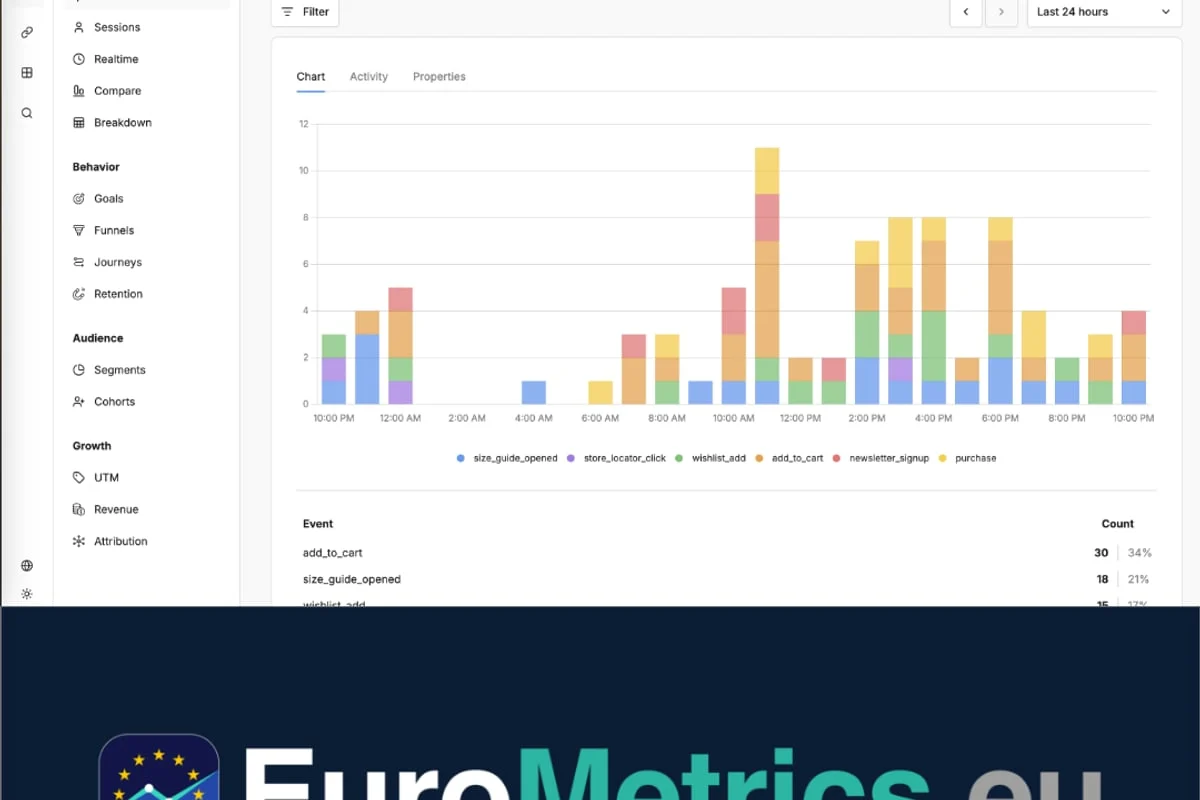
EuroMetrics represents this new generation of analytics platforms, offering complete URL traffic tracking through cookieless technology hosted exclusively in European data centers. Built with GDPR principles in mind, it provides real-time insights without consent banners or data transfers outside the EU.
Data Sovereignty Considerations
Where your analytics data resides matters significantly. When you check URL traffic using platforms that process data in non-EU jurisdictions, you introduce legal complexity and potential compliance violations. European data protection authorities increasingly scrutinize cross-border data transfers, particularly to countries without adequate protection frameworks.
Choosing analytics infrastructure hosted in Paris, Frankfurt, or Amsterdam ensures data never leaves European legal jurisdiction. This geographical commitment simplifies compliance, reduces legal risk, and demonstrates respect for user privacy. For websites serving European audiences, it's becoming not just preferable but essential.
Interpreting URL Traffic Data
Raw numbers mean little without context and interpretation. When you check URL traffic, transform data into decisions through comparative analysis and trend identification.
Benchmarking Performance
Compare URL traffic against historical performance, competitor estimates, and industry averages. A landing page receiving 500 monthly visitors might be excellent for a niche B2B service but disappointing for consumer retail.
Useful comparison frameworks:
- Month-over-month growth: Identifies short-term trends
- Year-over-year comparison: Reveals seasonal patterns
- Segment performance: Compares similar page types
- Traffic quality: Evaluates engagement beyond volume
Comparison Type | Use Case | Insight Gained |
|---|---|---|
Historical baseline | "How does this month compare to average?" | Growth trends and anomalies |
Similar pages | "How does this product page compare to others?" | Content quality benchmarks |
Industry standards | "Is our blog traffic typical for our sector?" | Competitive positioning |
Goal alignment | "Are we hitting our traffic targets?" | Strategic progress |
Identifying Patterns and Anomalies
Traffic patterns reveal opportunities and problems. Consistent daily traffic suggests stable search rankings and audience loyalty. Sudden spikes might indicate viral content, successful campaigns, or technical issues causing bot traffic. Unexpected drops signal ranking losses, broken links, or seasonal declines.
When you check URL traffic regularly, you develop intuition for normal fluctuation versus significant changes requiring investigation. Set up alerts for unusual activity so you can respond quickly to both opportunities and problems.
Technical Considerations
Page Speed and Traffic Correlation
URL loading speed directly impacts traffic levels. Search engines rank faster pages higher, whilst users abandon slow-loading content before it even appears. When you check URL traffic alongside performance metrics, you often discover that optimization efforts increase visitors substantially.
The speed test tool measures page performance from European servers, providing actionable recommendations to improve loading times. Even small improvements in Core Web Vitals can boost search rankings and user retention.
Uptime Monitoring
You cannot check URL traffic accurately if your pages are intermittently unavailable. Downtime creates gaps in analytics data and drives visitors away permanently. Implement uptime monitoring to detect outages immediately, minimizing revenue loss and user frustration.
European businesses benefit from monitoring services with EU-based checkpoints that accurately reflect how local users experience your website. Multi-location monitoring prevents false alarms whilst ensuring rapid detection of genuine issues.
Mobile vs Desktop Traffic
URL traffic patterns differ significantly between devices. Mobile visitors typically show higher bounce rates but increasing conversion rates as mobile experiences improve. When you segment traffic by device type, you discover which URLs need mobile optimization and where desktop experiences fall short.
Responsive design alone doesn't guarantee equivalent performance across devices. Check URL traffic metrics separately for mobile, tablet, and desktop to identify device-specific issues. Mobile page speed, touch-friendly navigation, and simplified forms often require dedicated optimization efforts beyond responsive layouts.
Advanced Traffic Analysis Techniques
Cohort Analysis
Group visitors who arrived during specific time periods and track their behavior over subsequent weeks. This reveals whether traffic quality improves over time, how long visitors remain engaged, and which acquisition periods produce the most valuable audiences.
When you check URL traffic through cohort lenses, you understand the long-term value of different traffic sources. A campaign might deliver fewer immediate visitors than another but produce higher lifetime value through repeat visits and referrals.
Funnel Visualization
Map how visitors move between URLs to understand conversion paths and abandonment points. Funnel analysis shows which pages successfully guide users toward goals and where friction causes drop-off.
Key funnel metrics:
- Entry pages where journeys begin
- Navigation paths between URLs
- Exit pages where users leave
- Conversion bottlenecks requiring optimization
Segmentation Strategies
Generic traffic averages hide important variations between user groups. Segment URL traffic by geography, referral source, device type, new versus returning visitors, and behavior patterns. Detailed segmentation techniques reveal opportunities that aggregate data obscures.
European businesses often discover significant differences between markets. A URL might perform excellently in Germany whilst underperforming in France, suggesting localization opportunities or cultural misalignment. Geographic segmentation guides international expansion strategies and content adaptation decisions.

Competitor URL Analysis
Understanding competitor traffic provides strategic context for your own performance. Various tools estimate traffic levels to any publicly accessible URL, though accuracy varies significantly.
Available Estimation Tools
Several platforms attempt to estimate traffic to competitor URLs through panel data, clickstream information, and search visibility proxies. Popular tools include SEMrush, Similarweb, and Ahrefs, each using different methodologies with varying accuracy levels.
Remember that competitor traffic estimates represent approximations, not precise measurements. Use them for directional insights rather than absolute numbers. When evaluating whether to check URL traffic for competitor analysis, consider that your own first-party data always provides more accurate strategic guidance than third-party estimates.
Ethical Considerations
Analyzing publicly visible data about competitor traffic remains acceptable, but attempting to access private analytics or user data crosses ethical and legal boundaries. Focus on understanding market positioning and content strategies rather than obsessing over precise competitor numbers you cannot verify.
Automating Traffic Monitoring
Manual traffic checking becomes impractical as your website grows. Automation ensures consistent monitoring without constant manual effort.
Setting Up Alerts
Configure notifications for significant traffic changes, such as 50% drops or unusual spikes. Alerts enable rapid response to problems whilst flagging unexpected successes worth amplifying. Most analytics platforms support custom alert rules based on your specific monitoring priorities.
Regular Reporting Schedules
Establish weekly or monthly reporting routines that check URL traffic systematically. Consistent review cycles help you spot trends earlier and maintain awareness of overall website health. Automated reports save time whilst ensuring monitoring doesn't slip during busy periods.
Integration with Other Tools
Connect your analytics platform to marketing automation, CRM systems, and business intelligence tools. Integration eliminates manual data transfer whilst enabling sophisticated cross-platform analysis. When traffic data flows automatically into your existing workflows, you make faster, better-informed decisions.
Frequently Asked Questions
How often should I check URL traffic?
The ideal frequency depends on your business model and traffic patterns. E-commerce sites during promotional periods benefit from real-time monitoring, whilst corporate blogs might review weekly summaries. Establish baseline checking schedules (daily for key pages, weekly for others) and increase frequency during campaigns or when addressing issues.
Can I check URL traffic without cookies?
Yes, modern cookieless analytics platforms accurately track URL traffic using server-side processing and privacy-preserving techniques. These solutions measure page views, traffic sources, and user journeys without storing browser cookies or requiring consent banners, making them ideal for European businesses prioritizing privacy.
What's the difference between page views and unique visitors?
Page views count every instance of a URL loading, including multiple views by the same person. Unique visitors measure how many individual people viewed the URL, regardless of how many times they visited. A single unique visitor might generate multiple page views if they return several times or navigate away and back.
Why does my analytics show different numbers than Search Console?
Search Console measures only organic search traffic and counts impressions differently than analytics platforms count page views. Analytics platforms track all traffic sources and only count completed page loads, whilst Search Console shows search result appearances whether users clicked or not. Both provide valuable but different perspectives on URL performance.
How accurate are competitor traffic estimation tools?
Third-party traffic estimation tools provide rough approximations based on panel data and algorithmic modeling. Accuracy varies significantly depending on website size, traffic sources, and geographic distribution. Treat estimates as directional indicators rather than precise measurements, and focus more on relative trends than absolute numbers.
Do I need different tools to check traffic for different URL types?
A comprehensive analytics platform tracks all URL types (pages, posts, products, downloads) through a single interface. However, specialized tools may provide deeper insights for specific use cases: Search Console for organic search performance, email marketing platforms for newsletter link clicks, or social media analytics for shared content engagement.
Monitoring URL traffic provides the foundation for data-driven website optimization and marketing success. When you track individual page performance with privacy-respecting tools, you gain actionable insights whilst maintaining visitor trust and regulatory compliance. For European businesses seeking cookieless analytics built with GDPR principles in mind, EuroMetrics delivers complete URL traffic tracking from EU-hosted infrastructure without consent banner requirements or data transfers outside Europe.