Documentation
Everything you need to integrate EuroMetrics into your website
On this page
Installation
6
Identifying Visitors with umami.identify
What identify Does Besides tracking pageviews and events, the tracker exposes umami.identify(), which attaches extra context to the current visitor’s session. Use it to record session-level attributes (like the plan...

Tracking Script Options
Customizing the Tracking Script The tracking snippet accepts optional data-* attributes that change how it behaves. The basic snippet only needs src and data-website-id; everything below is optional.

Cookie Consent and Fingerprinting
Privacy-First by Default EuroMetrics is designed to work without cookies and without collecting personal data, so in its default configuration you usually do not need a consent banner. Two related...
First-Party Tracking on Your Own Domain
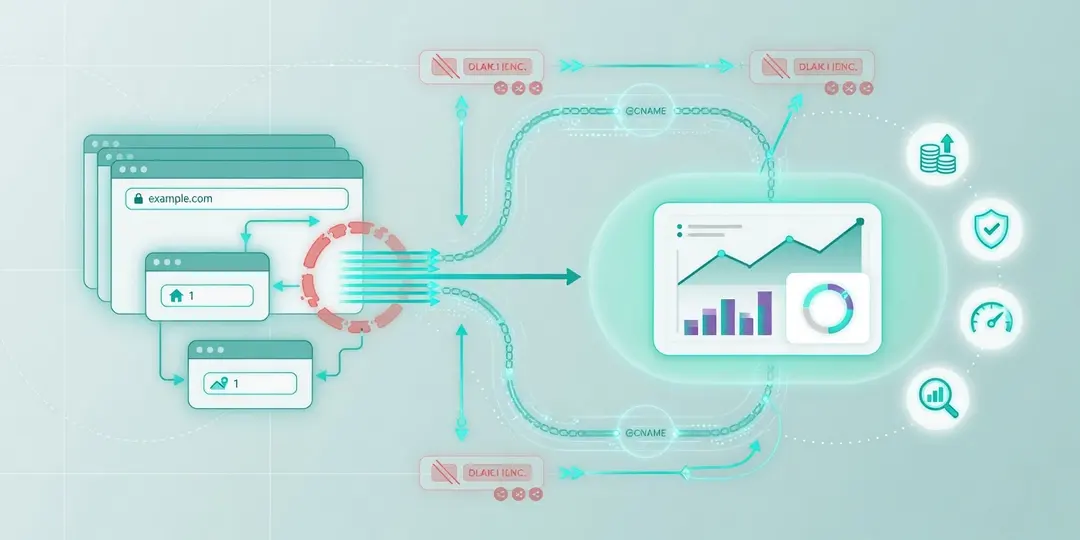
Why Serve the Tracker From Your Own Domain By default the tracking script loads from app.eurometrics.eu. Some ad-blockers and browser privacy lists block requests to third-party analytics domains, which means...
Installation Guide: WordPress, Next.js, Tilda & More
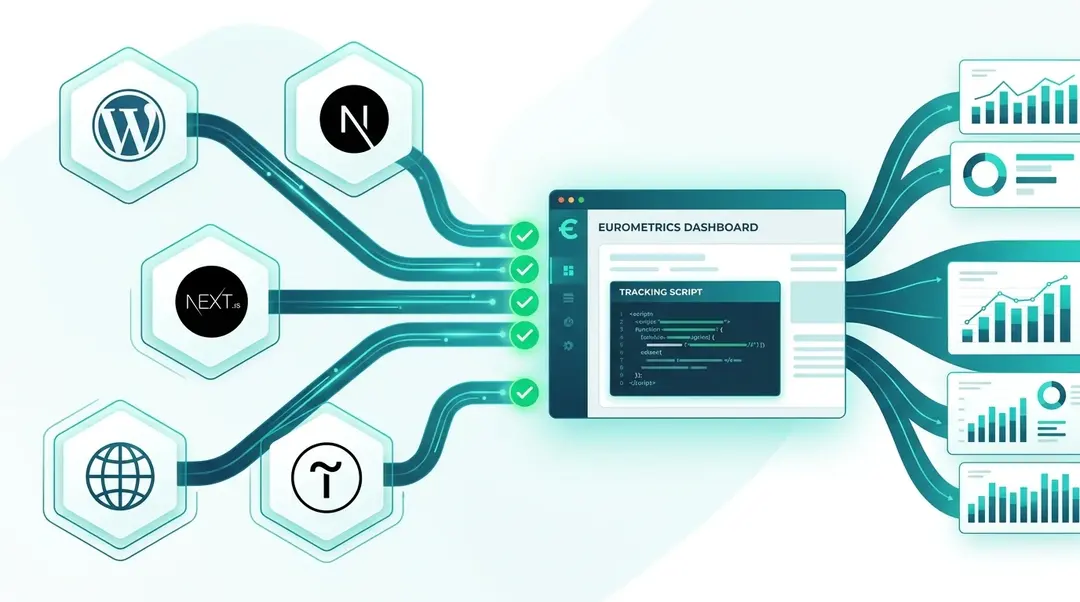
Complete guide to installing the EuroMetrics tracking script on any platform. WordPress plugin, Next.js, Tilda, manual installation, troubleshooting, and CSP configuration.
Adding a Website and Installing the Tracker
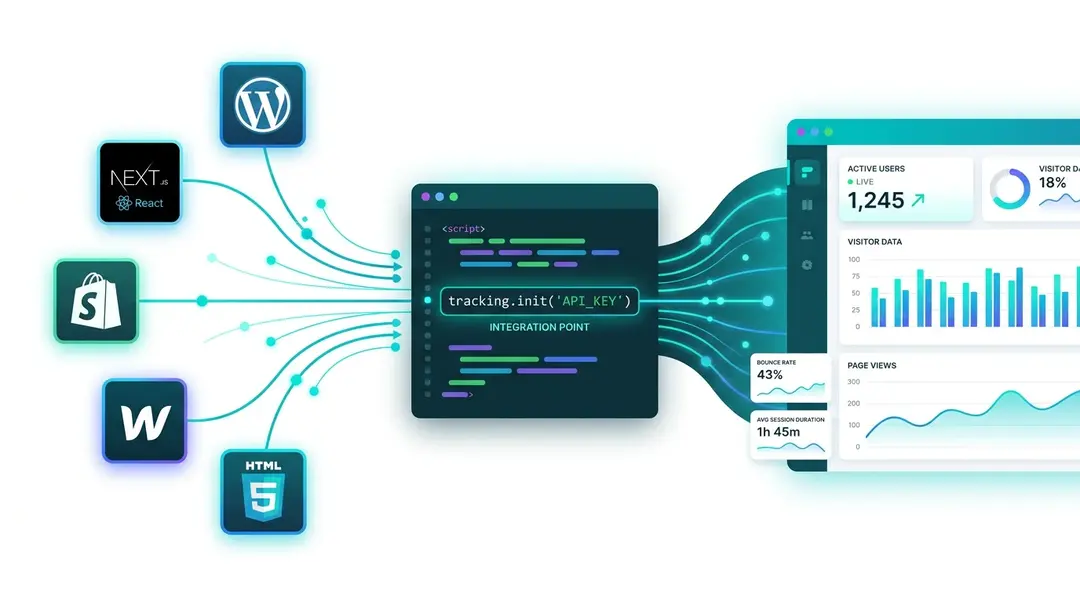
Add your first website to EuroMetrics, copy the tracking code, install it on any platform (WordPress, Shopify, Next.js, Webflow), and verify it works.
Getting Started
4
Data Not Showing Up: Troubleshooting
Start Here If your reports are empty or show fewer visits than expected, work down this list from the top. In almost every case the cause is one of the...
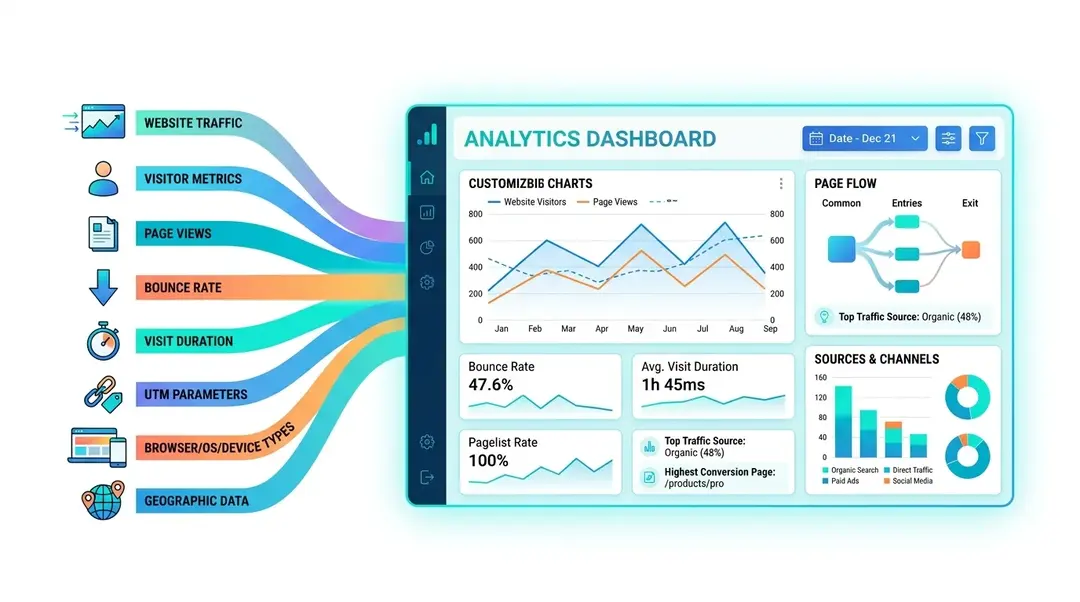
Understanding Your Analytics Dashboard
A complete walkthrough of the EuroMetrics analytics dashboard: metrics, charts, panels, filters, date ranges, world map, and sidebar navigation explained.
Adding a Website and Installing the Tracker
Add your first website to EuroMetrics, copy the tracking code, install it on any platform (WordPress, Shopify, Next.js, Webflow), and verify it works.
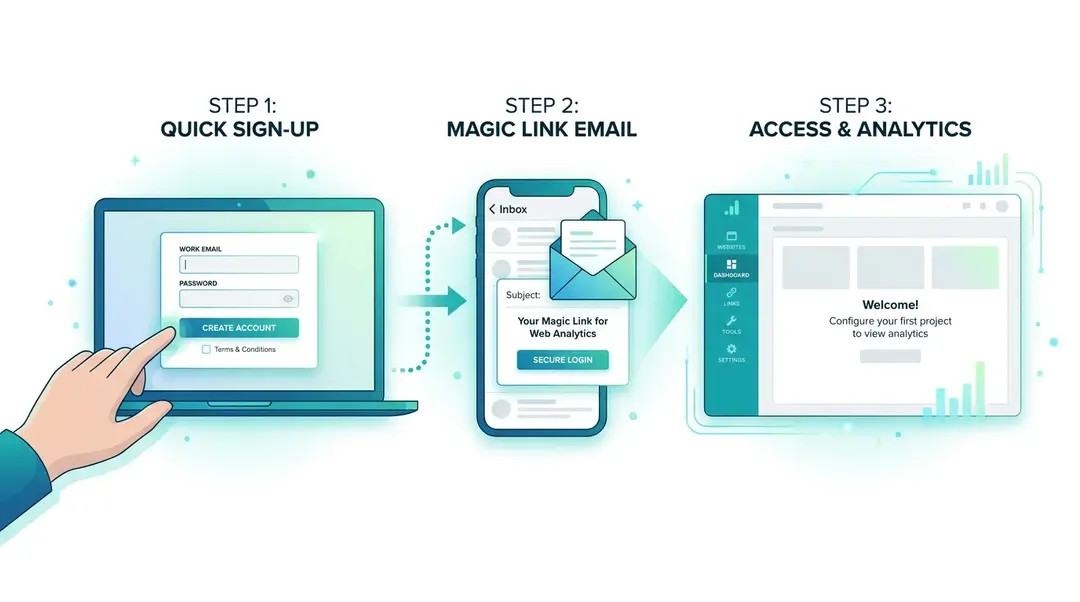
Getting Started: Registration and First Login
Create your EuroMetrics account in under two minutes. Learn how to sign up, use magic link authentication, and find your way around the interface.
Analytics & Traffic
8
Why Your Numbers Differ from Google Analytics
Different Numbers Are Normal When you compare EuroMetrics with Google Analytics, the numbers will rarely match exactly, and that is expected. Two analytics systems count differently. Here is why, and...
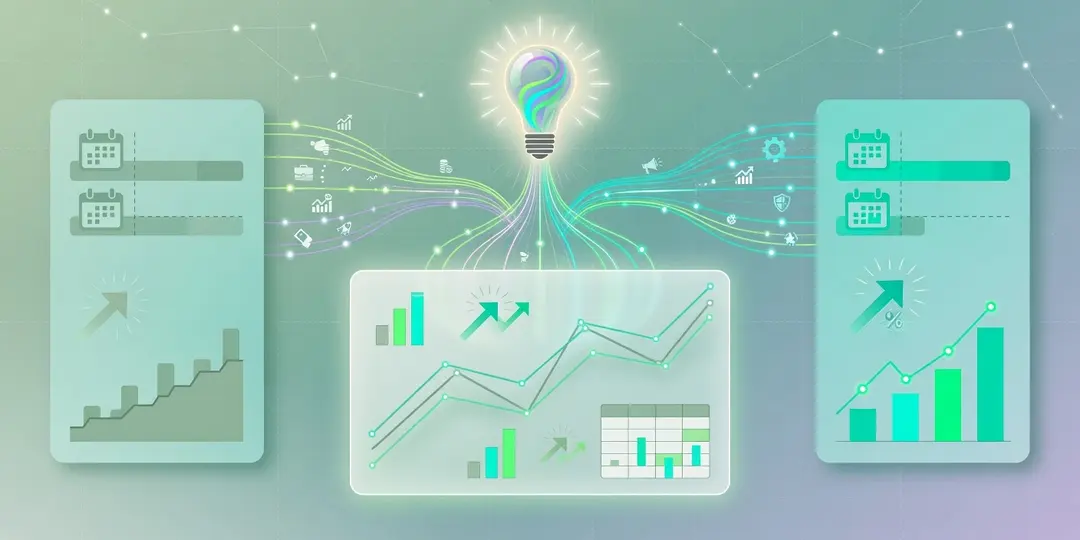
Comparing Time Periods
See What Changed The Compare report puts two date ranges side by side so you can see how your metrics moved: week over week, month over month, or against the...
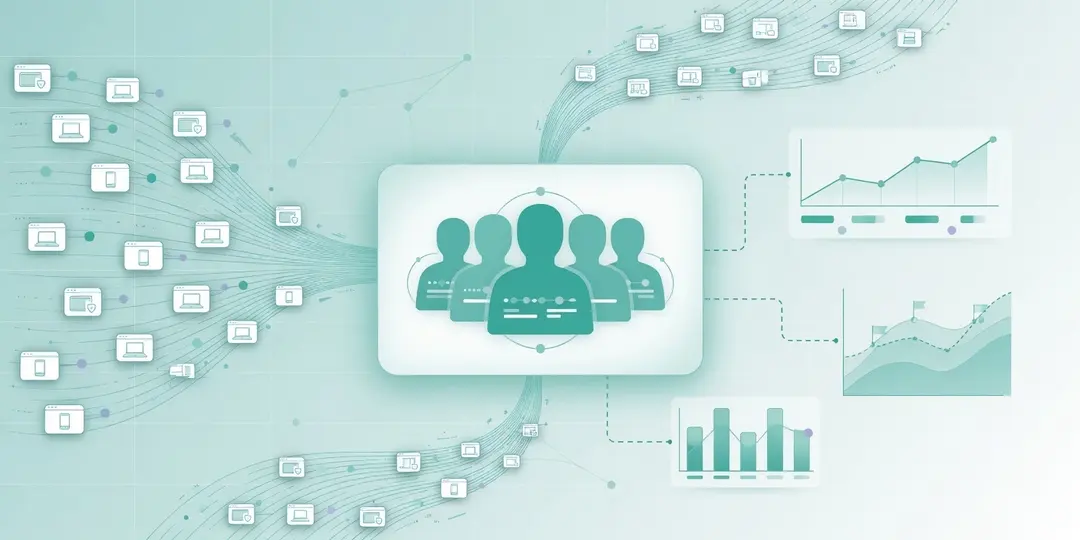
Visitors and Sessions
Two Ways to Look at People EuroMetrics gives you two related views of the people on your site: Sessions (individual visits) and Visitors (people across visits). Together they let you...
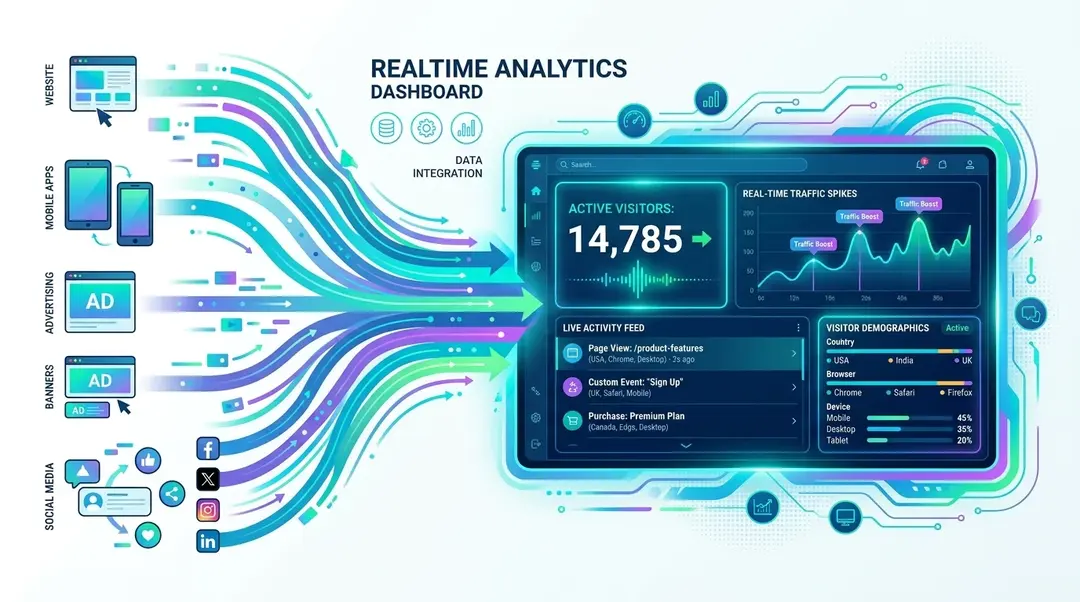
Realtime Analytics
Watch visitors navigate your site in real time. Monitor live activity during campaign launches, content publishing, and events.
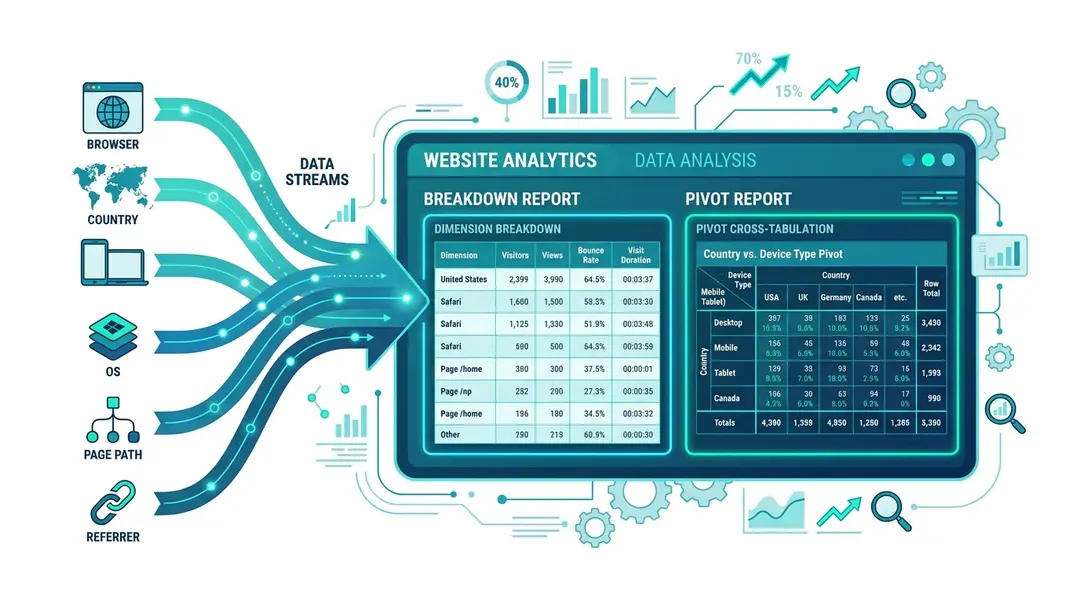
Breakdown and Pivot Reports
Slice data by any dimension with Breakdown reports, or cross-tabulate two dimensions with Pivot tables for deeper insights.
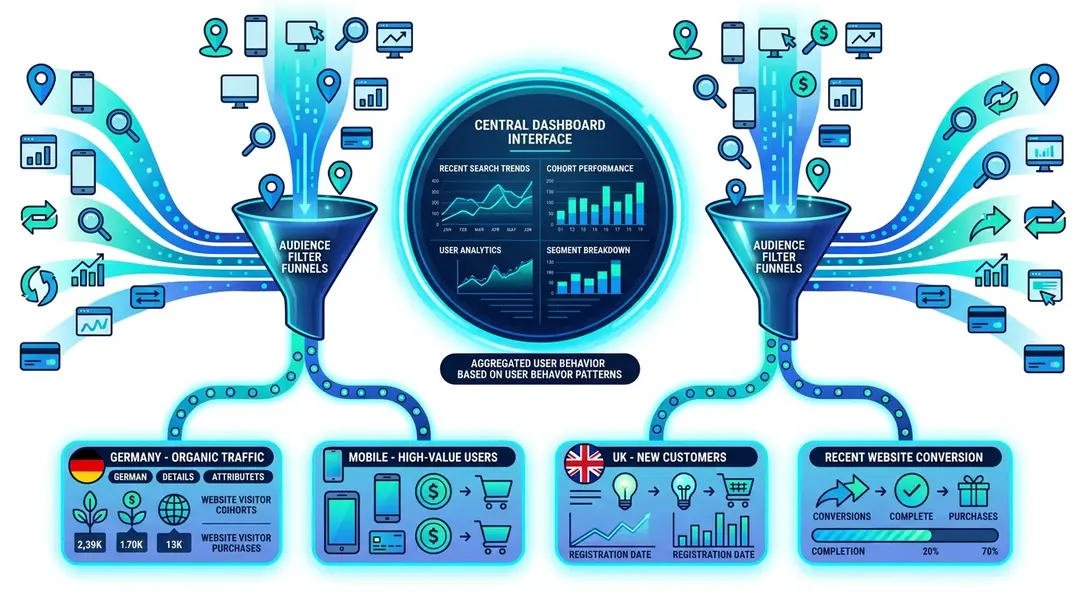
Audience Segments and Cohorts
Create reusable audience segments and cohort groups to slice your analytics by any dimension: device, country, behavior, and more.
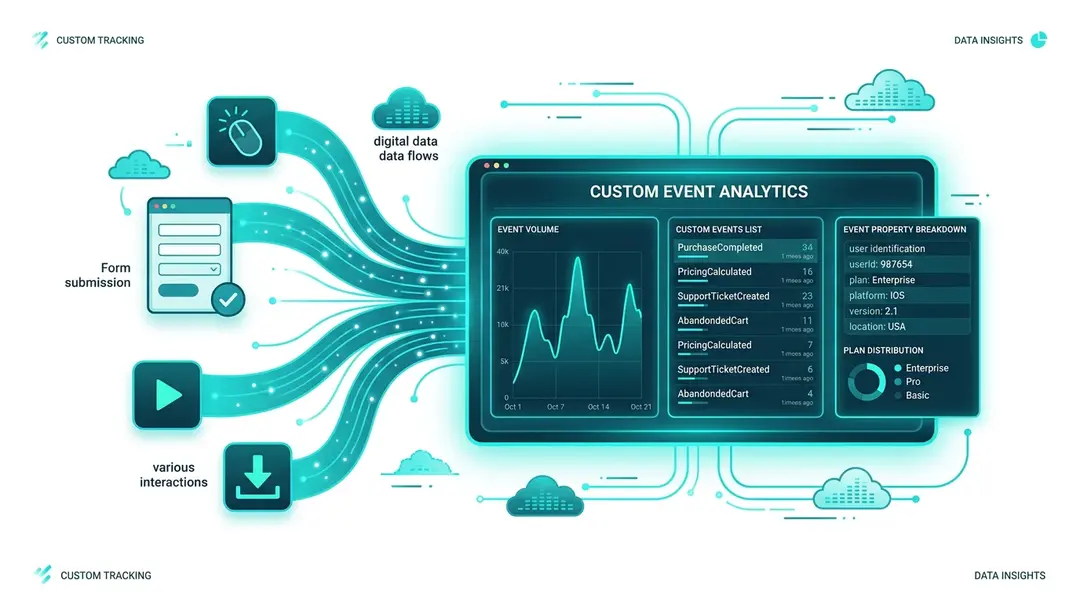
Tracking Custom Events
Go beyond page views: track button clicks, form submissions, downloads, and any custom action with JavaScript or HTML attributes.
Understanding Your Analytics Dashboard
A complete walkthrough of the EuroMetrics analytics dashboard: metrics, charts, panels, filters, date ranges, world map, and sidebar navigation explained.
Reports & Conversions
8
Goal Shows 0%: Troubleshooting
Why a Goal Stays at 0% A goal at 0% means EuroMetrics is not finding a single match. The cause is almost always a mismatch between the goal’s value and...
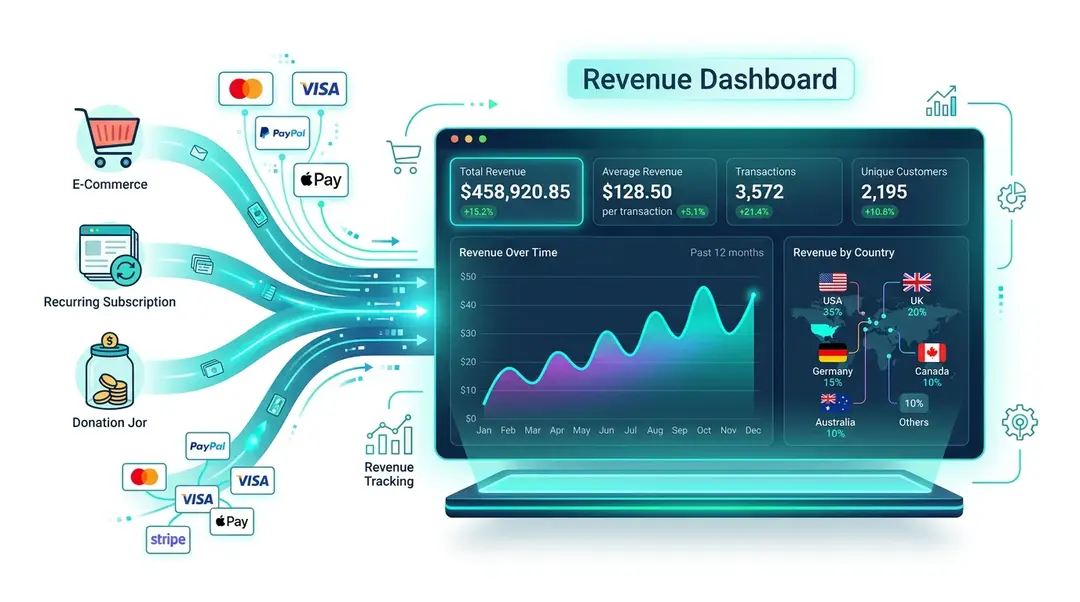
Revenue Tracking
Track e-commerce revenue, average order value, transactions, and geographic revenue distribution with custom event tracking.

Attribution Modeling
Distribute conversion credit across the whole customer journey with five attribution models: First Click, Last Click, Linear, U-Shaped and Time Decay.
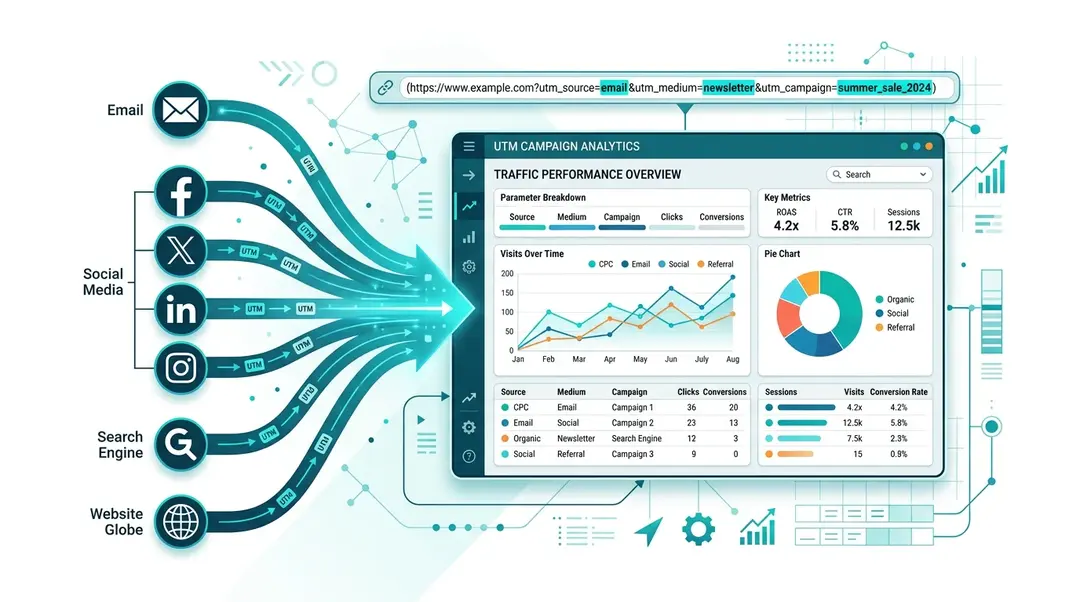
UTM Campaign Analytics
Track marketing campaigns with UTM parameters. Learn the five UTM tags, build tagged URLs, and analyze campaign performance.
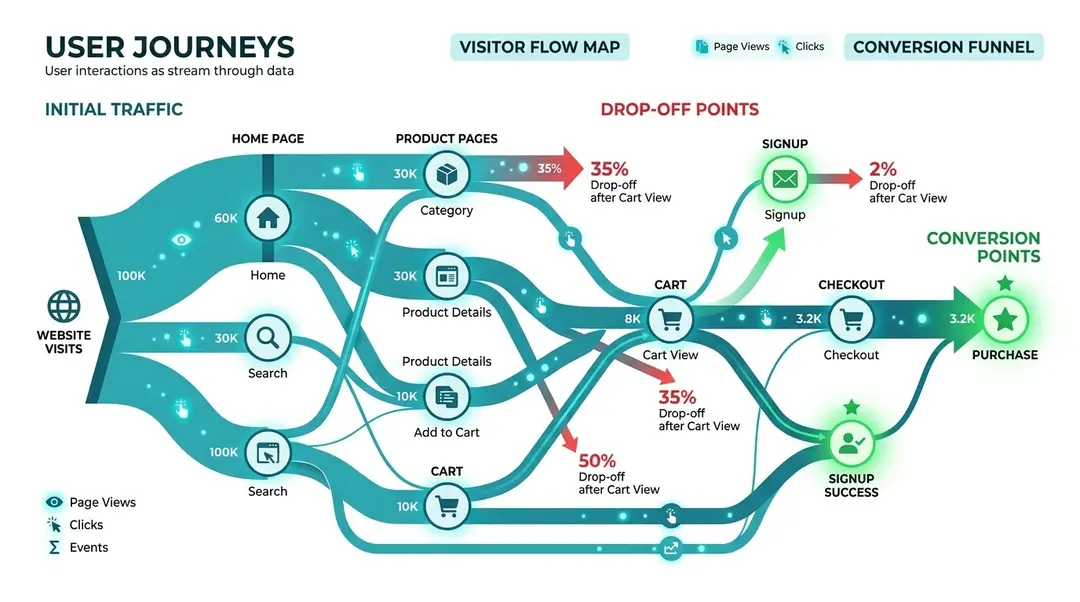
Understanding User Journeys
Visualize visitor navigation paths with interactive Sankey diagrams. See which pages lead where and where people drop off.
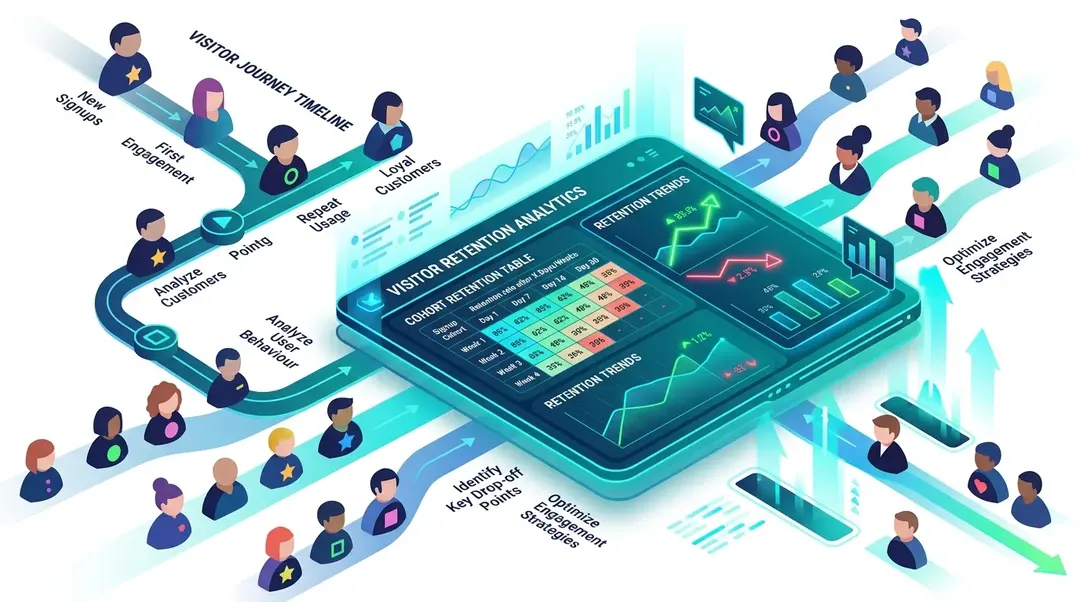
Measuring Visitor Retention
Use cohort retention tables to understand how many visitors come back after 1, 7, 14, and 28 days. Spot trends and improve stickiness.
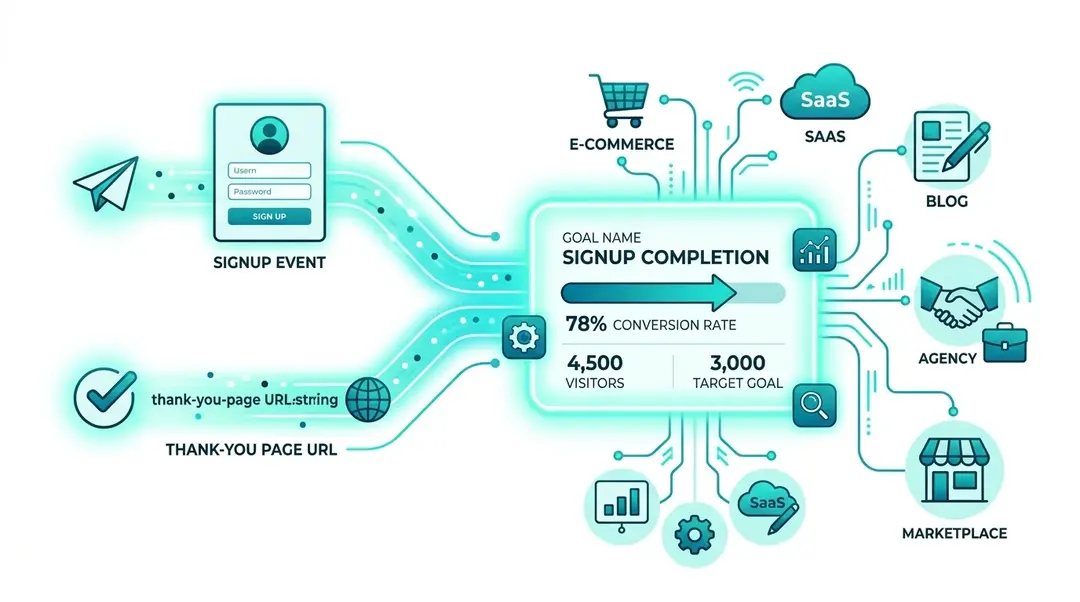
Tracking Conversion Goals
Set up conversion goals to measure what percentage of visitors complete key actions like signups, purchases, or page visits.
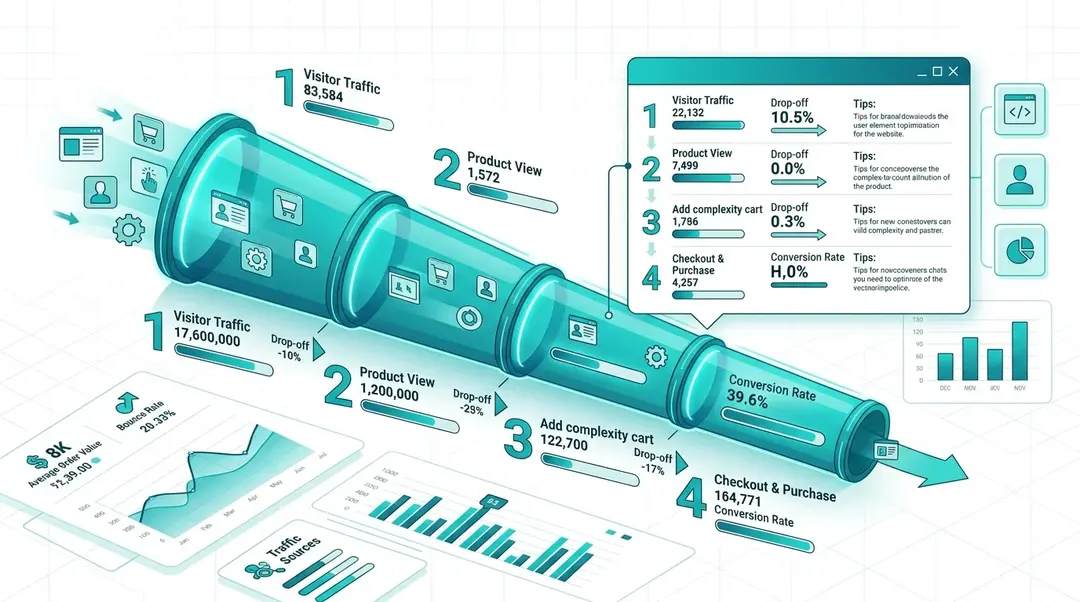
Setting Up Conversion Funnels
Create multi-step conversion funnels to see where visitors drop off, from product page to checkout. Track up to 8 steps with page views and custom events.
Tools
7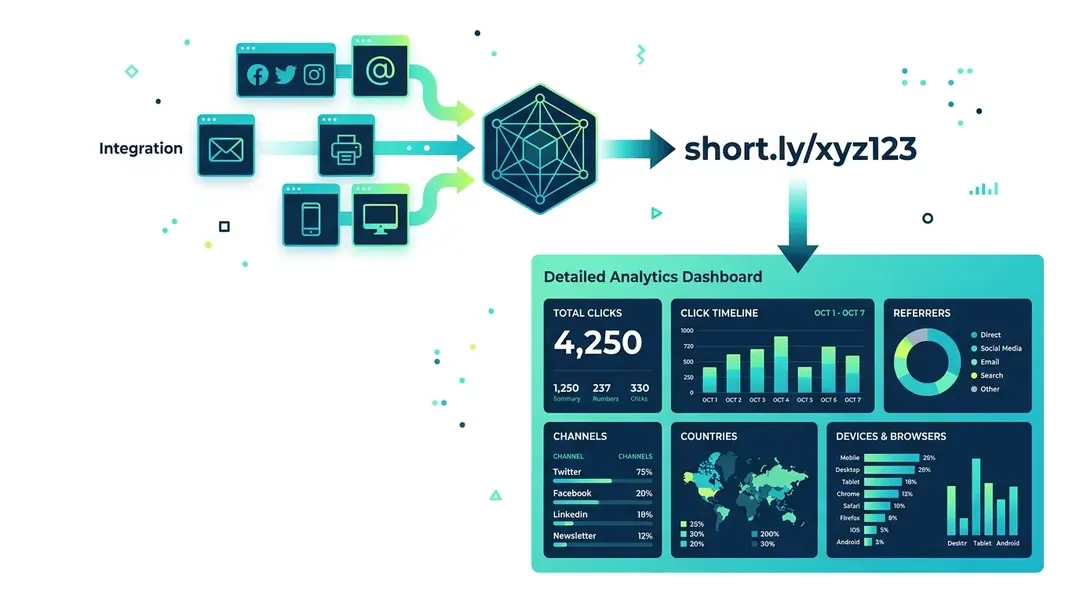
Short Links in Your Dashboard
Create short branded links with full click analytics: see referrers, countries, devices, and click trends for every link.
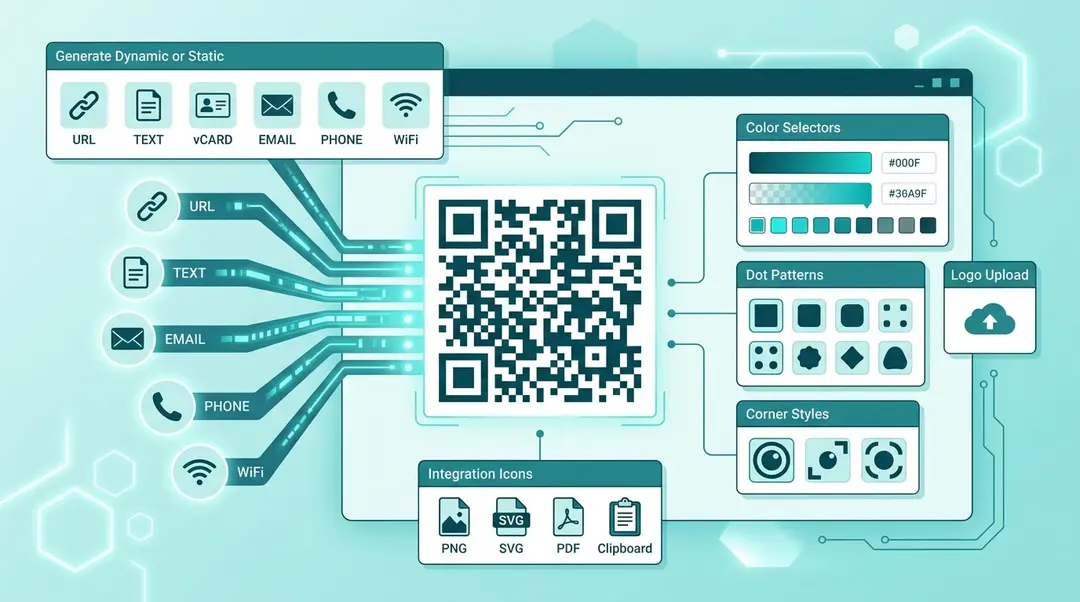
Creating QR Codes in Your Dashboard
Create custom-branded QR codes for URLs, contacts, WiFi, email, and more. Customize colors, styles, add your logo, and export as PNG, SVG, or PDF.
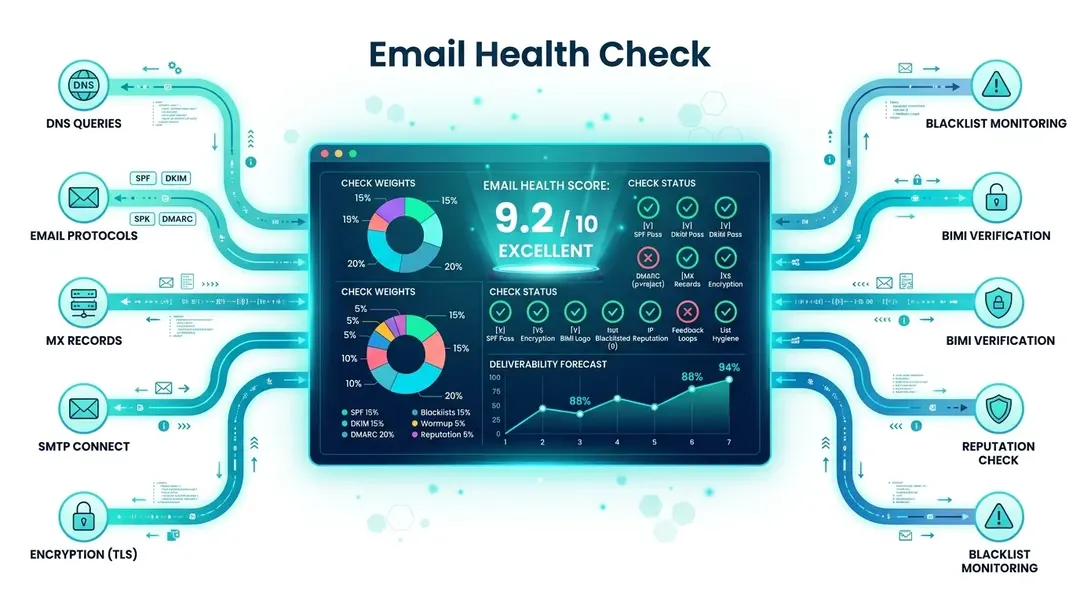
Email Health Check
Verify your email infrastructure with 10 DNS checks: SPF, DKIM, DMARC, blacklists, and more. Get a deliverability score and fix recommendations.
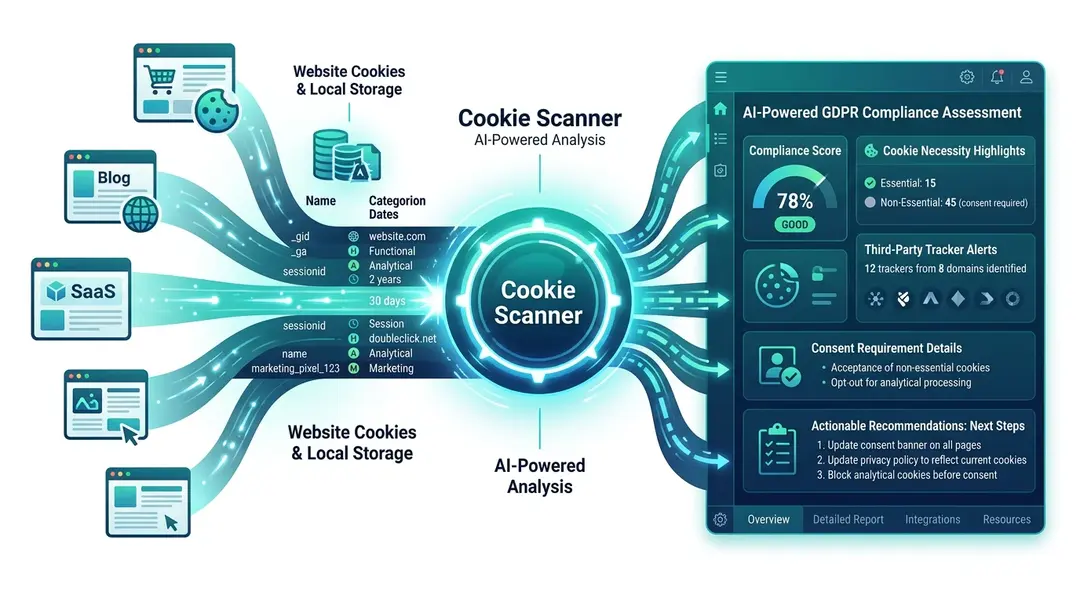
Using the Cookie Scanner in Your Dashboard
Detect all cookies, localStorage, and third-party trackers on any website. Get AI-powered GDPR compliance analysis and recommendations.
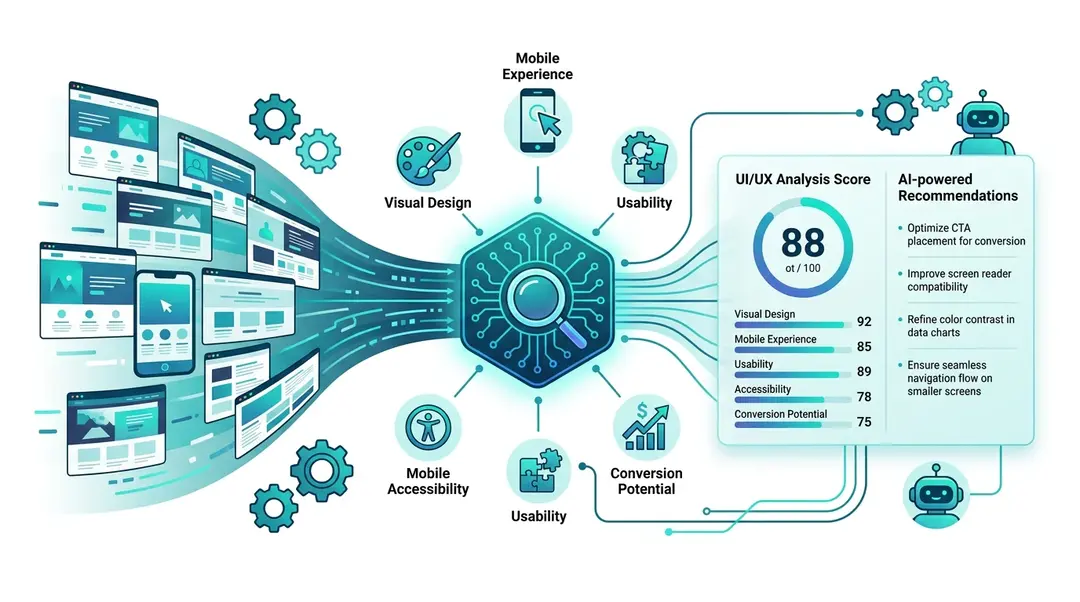
UI/UX Analyzer
Get an AI-powered design audit covering visual design, mobile experience, accessibility, usability, and conversion optimization.
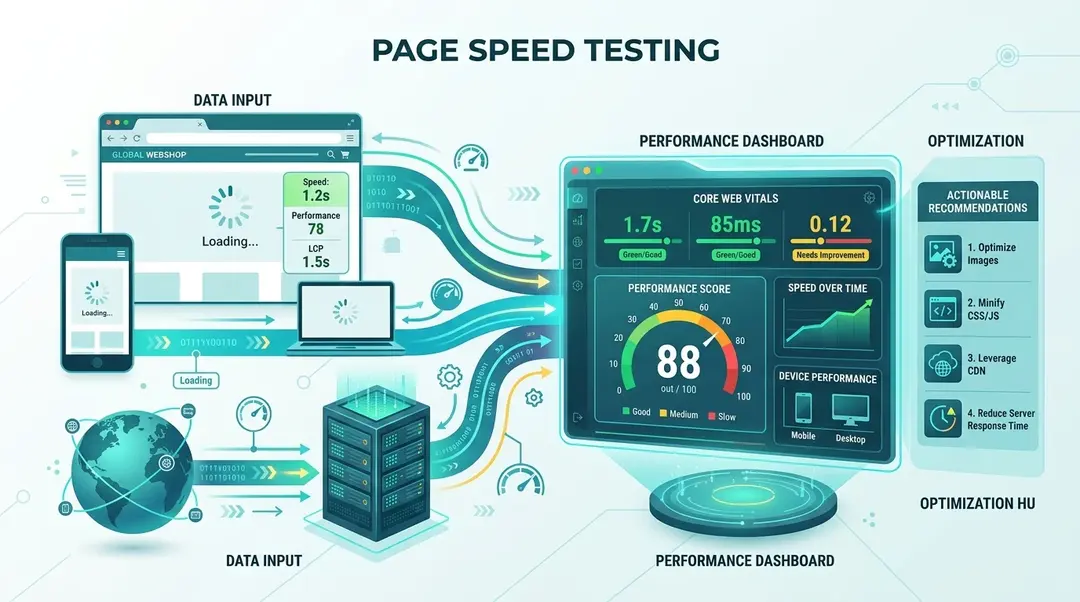
Running Speed Tests in Your Dashboard
Measure Core Web Vitals (LCP, FID, CLS) and overall performance with Lighthouse-powered speed tests. Set up scheduled monitoring and track trends.
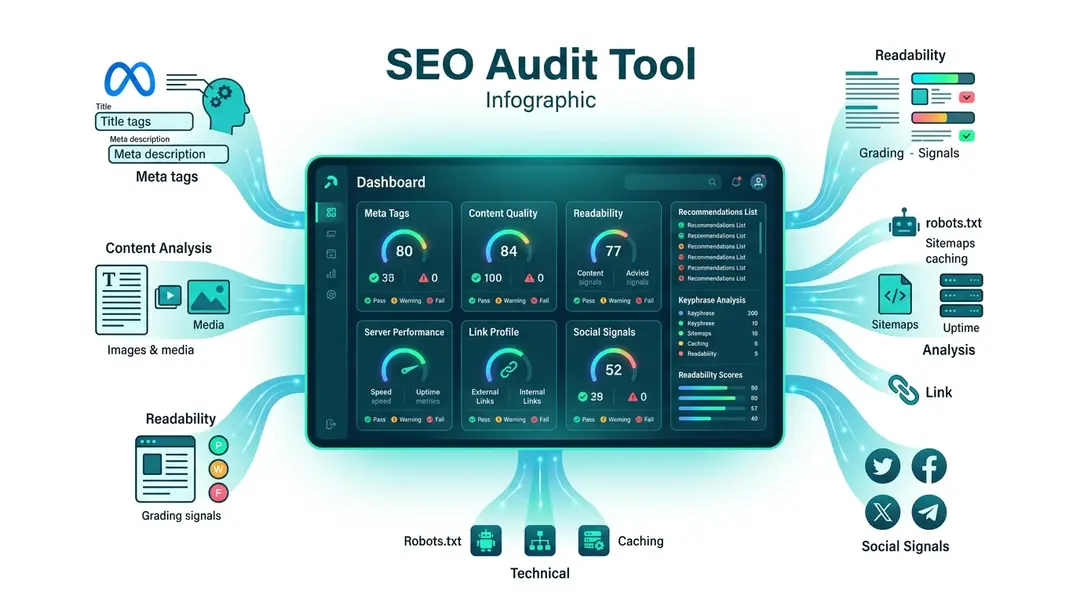
Using the SEO Audit in Your Dashboard
Run a full SEO audit with 70+ checks across 7 categories. Get a score, detailed recommendations, and export as PDF or Markdown.
Integrations
4
API Access
Pulling Your Data Programmatically EuroMetrics offers API access so you can read your analytics data into your own dashboards, data warehouse, or scripts. API access depends on your plan. Availability...

Conversion Pixels
What Is a Pixel? A pixel is a unique tracking URL. Whenever that URL is loaded, EuroMetrics records a hit. Pixels let you measure conversions in places where you cannot...
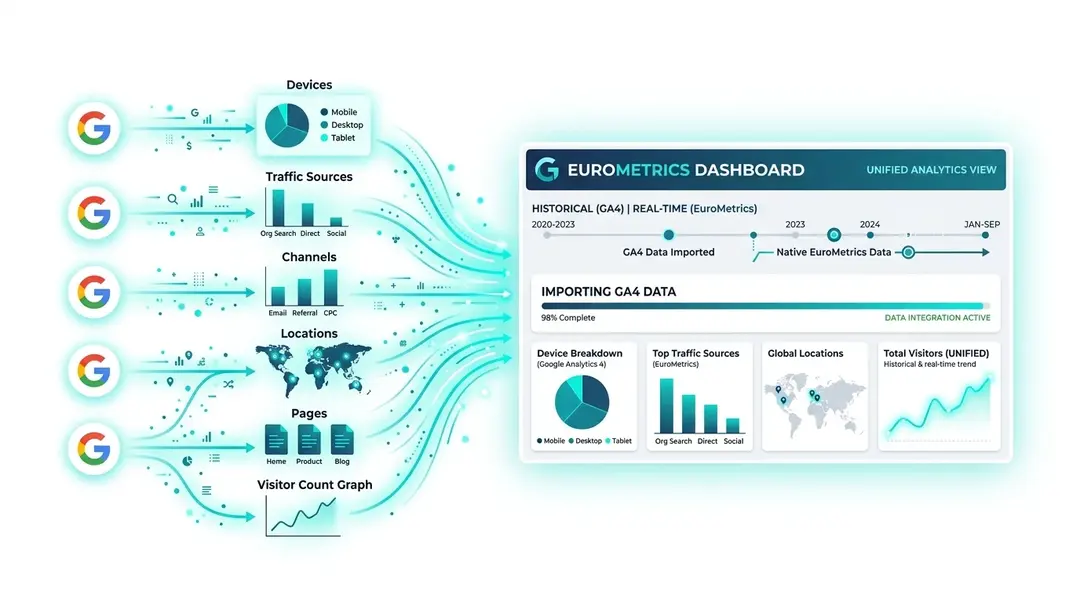
Importing Data from Google Analytics 4
Bring your historical GA4 data into EuroMetrics with our step-by-step import wizard. No data left behind when you switch.
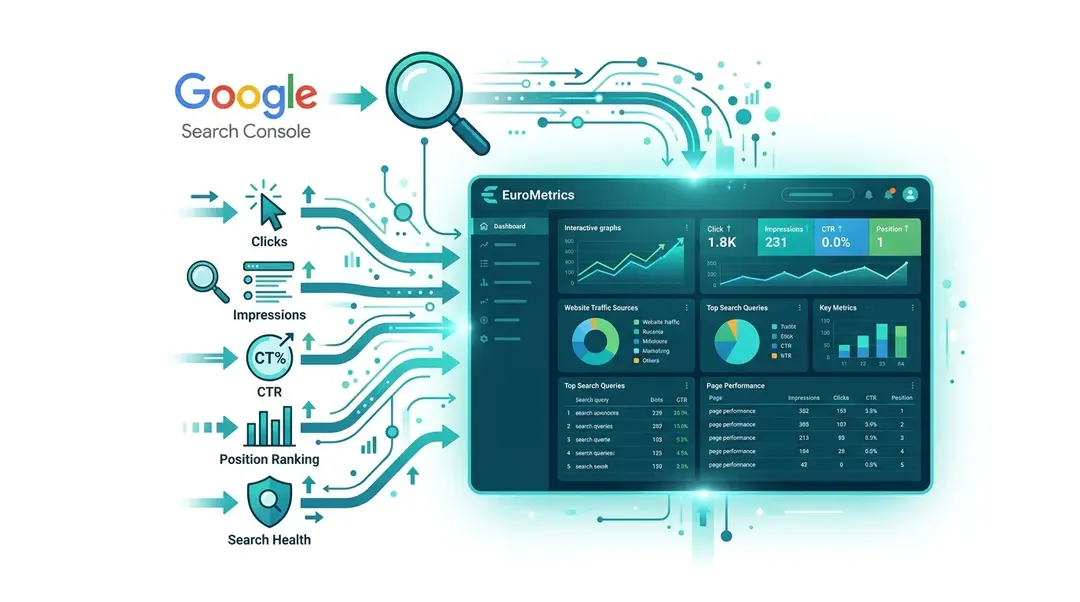
Connecting Google Search Console
Connect Google Search Console to see search queries, top pages, click-through rates, and indexation health alongside your analytics.
Settings & Management
9
Partner and Referral Program
Earn Recurring Commission The Partner Program pays you a recurring commission for every customer you refer to EuroMetrics: by default 30% for 12 months on each referred customer’s payments. You...
White-Label and Custom App Domain
What White-Label Means White-label lets agencies and resellers present EuroMetrics under their own brand and domain, so clients see your company rather than EuroMetrics. It is a separate concept from...
Profile and Account Settings
Personal Profile vs. Organization Account EuroMetrics separates two kinds of settings: Profile: your personal user: name, email, password, and preferences. Account: your organization: company details, tax ID, billing address, members,...
Usage and Quotas
What the Usage Page Shows The Settings → Usage page tells you how much of your plan you are currently using, so you can see at a glance whether you...
Pricing Plans and Limits
How Plans Work EuroMetrics offers several plans that differ by how many events you can track per month, how long your data is retained, how many websites and team members...
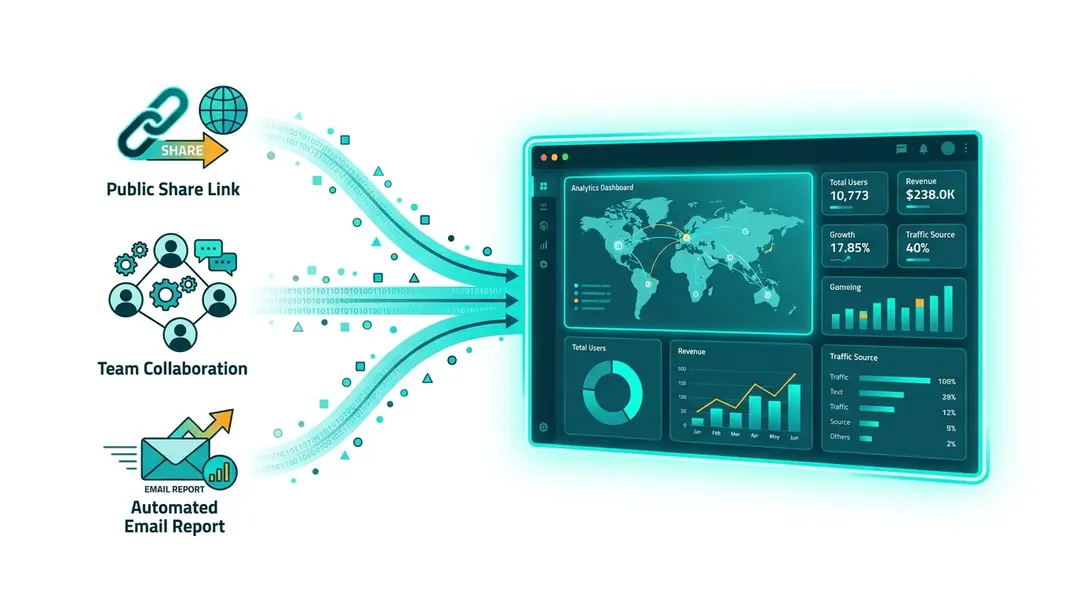
Sharing Your Analytics
Share analytics with public links, team access, automated email reports, data exports, and API access for collaboration.
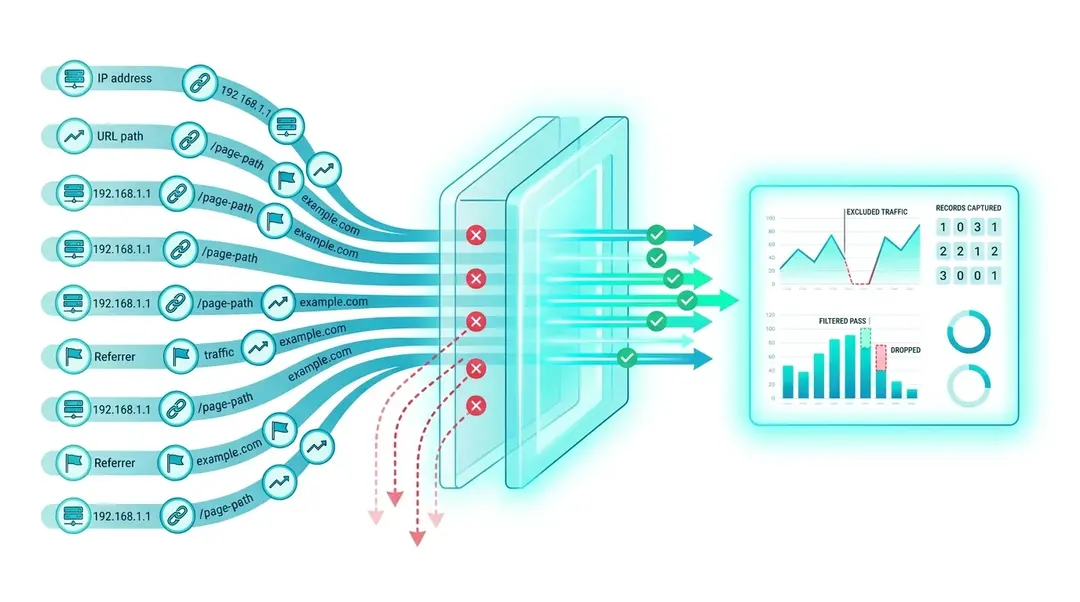
Traffic Filters
Exclude your own visits, block referrer spam, and filter traffic by IP, URL path, or referrer domain. Keep your analytics data clean from the start.
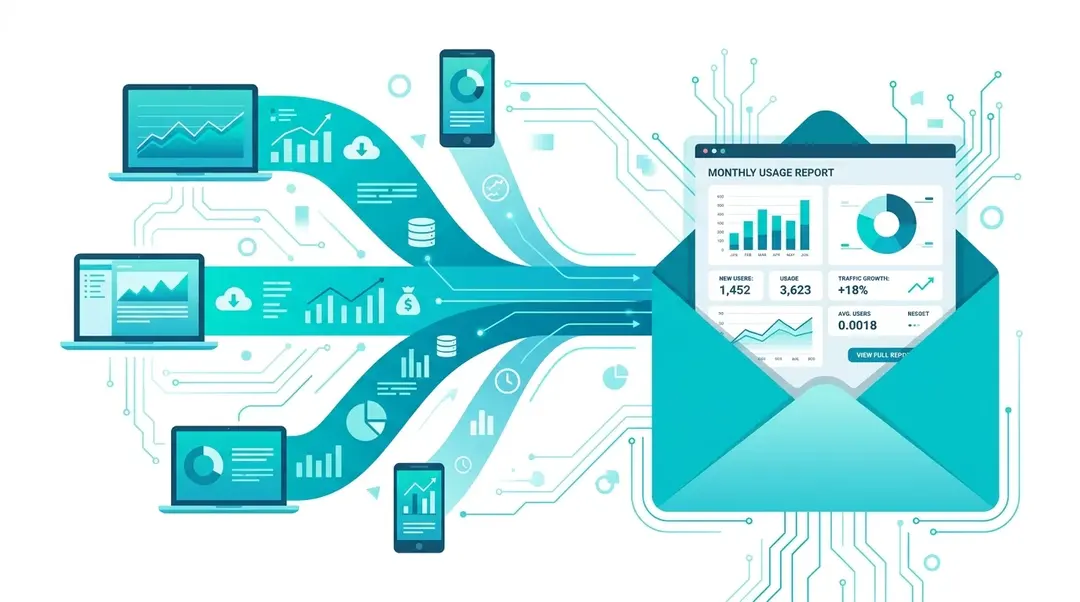
Email Report Automation
Set up automated daily, weekly, and monthly analytics reports delivered to your inbox. Configure schedules, timezones, and per-recipient report types.
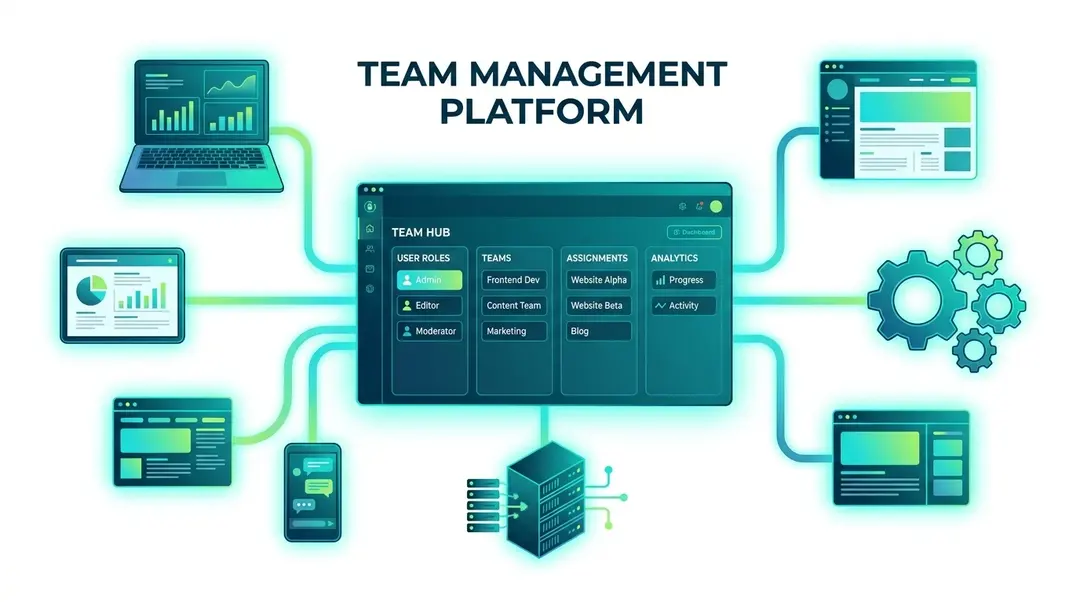
Team Management
Create teams, invite members with role-based access (admin, editor, viewer), and organize websites by team for secure collaboration.