Understanding web analytics platforms requires hands-on experience, yet many professionals hesitate to experiment with live business data. Google recognised this challenge and created a solution that allows marketers, analysts, and business owners to explore analytics capabilities without risking actual customer information. A demo Google Analytics account provides access to real data from an operational e-commerce website, enabling users to learn, test, and develop their analytical skills in a risk-free environment.
What Is a Demo Google Analytics Account
A demo Google Analytics account is a pre-configured analytics property containing genuine data from the Google Merchandise Store, an actual e-commerce platform selling Google-branded products. This official demonstration environment from Google grants read-only access to complete analytics data, including user behaviour, traffic sources, conversions, and e-commerce transactions.
Unlike synthetic or artificially generated datasets, this account reflects authentic visitor interactions, seasonal trends, and real-world marketing campaigns. The data updates continuously, providing current information that mirrors how analytics platforms function in production environments.
Key Features and Capabilities
The demo Google Analytics account includes both Universal Analytics and Google Analytics 4 properties, giving exposure to both platform versions. Users can explore standard reports, create custom segments, build dashboards, and experiment with advanced features without any cost or complicated setup procedures.
Primary capabilities include:
- Full access to all standard reports and metrics
- Ability to create and test custom segments
- Dashboard and report customisation options
- Data exploration and analysis tools
- E-commerce tracking and transaction data
- Multi-channel funnel visualisations
The account contains several years of historical data, enabling longitudinal analysis and trend identification. This depth of information proves invaluable for understanding seasonality, campaign performance cycles, and long-term growth patterns.
How to Access the Demo Google Analytics Account
Accessing a demo Google Analytics account requires a Google account but no additional permissions or approvals. The process takes less than five minutes and grants immediate access to the complete dataset.
Step-by-Step Access Process
- Navigate to the demo account link provided through Google's official analytics resources
- Sign in with your Google account using any existing Gmail or Google Workspace credentials
- Accept the access request to add the demo property to your Analytics account list
- Select the property from your account dropdown menu to begin exploring
Once added, the demo account appears alongside any other properties you manage. You can switch between your own analytics data and the demo environment easily, making it convenient for comparison and learning purposes.
The step-by-step tutorial for accessing GA4 demo accounts provides detailed screenshots and guidance for users new to the platform.
Essential Reports in the Demo Account
The demo Google Analytics account contains dozens of reports spanning user acquisition, engagement, monetisation, and retention. Understanding which reports provide the most valuable insights helps users maximise their learning efficiency.
Audience and User Behaviour Reports
Demographic and geographic data reveal where visitors originate and their characteristics. The demo account shows traffic from numerous countries, with varying device types, browsers, and screen resolutions. These reports demonstrate how audience composition influences engagement metrics and conversion rates.
User flow visualisations illustrate common navigation paths, identifying where visitors enter the site, which pages they view subsequently, and where they exit. This information is essential for optimising user experience and reducing abandonment rates.
Acquisition and Traffic Source Analysis
Understanding traffic origins forms the foundation of effective marketing strategy. The demo account includes data from organic search, paid advertising, social media, email campaigns, referral traffic, and direct visits.
Traffic Source | Typical Characteristics | Key Metrics to Monitor |
|---|---|---|
Organic Search | High intent, lower cost | Landing page performance, keyword rankings |
Paid Search | Immediate results, controllable | Cost per acquisition, conversion rate |
Social Media | Brand awareness, engagement | Session duration, pages per session |
Email Campaigns | Existing relationships | Click-through rate, revenue per visit |
Referral Traffic | Third-party endorsements | New user percentage, bounce rate |
The acquisition reports demonstrate how different channels contribute to overall business objectives, enabling informed budget allocation decisions.
E-commerce and Conversion Tracking
The Google Merchandise Store data includes complete e-commerce tracking, showing product performance, shopping behaviour, and checkout processes. These reports reveal which products generate revenue, average order values, and transaction volumes.
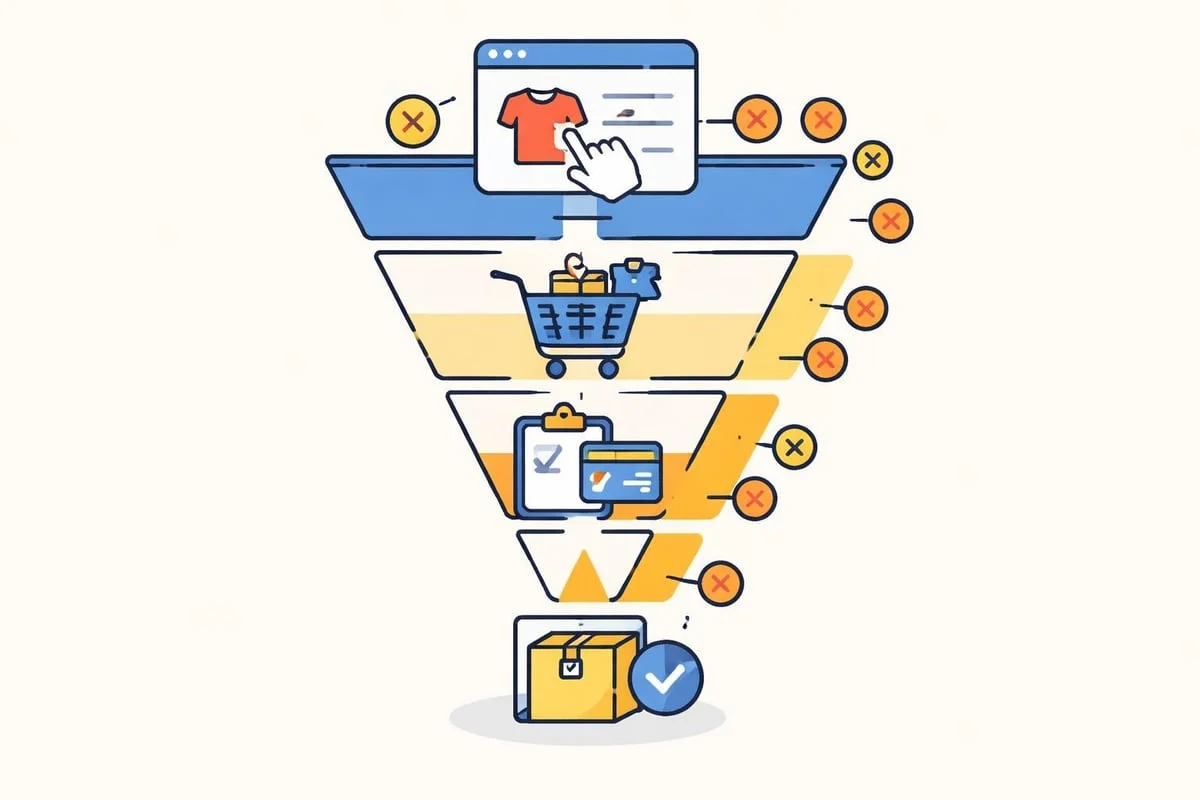
Conversion funnel analysis identifies where potential customers abandon their purchase journey. The demo account contains multiple conversion goals, illustrating how businesses track various success metrics beyond direct sales.
Practical Applications for Learning and Development
A demo Google Analytics account serves multiple purposes beyond basic platform familiarisation. Professionals across various roles utilise these accounts for skill development, testing, and strategic planning.
Training and Skill Development
Marketing teams use demo accounts to train new staff members without exposing confidential business data. Trainees can explore reports, create segments, and build dashboards whilst learning analytics fundamentals in a consequence-free environment.
Educational applications include:
- Understanding metric definitions and calculations
- Practising report interpretation and insight extraction
- Learning custom segment creation and application
- Experimenting with goal configuration and tracking
- Developing dashboard design skills
Analytics certifications and training programmes frequently reference the demo account in coursework and practical exercises. Students gain hands-on experience with real data patterns, preparing them for actual business scenarios.
Testing and Experimentation
Before implementing new tracking configurations or custom reports in production environments, analysts often test their approaches using the demo account. This practice prevents errors that could corrupt valuable business data or create misleading reports.
The demo environment allows experimentation with advanced features such as calculated metrics, custom dimensions, and complex segment logic. Users can verify their formulas and configurations function correctly before applying them to live properties.
Presentation and Proposal Development
Consultants and agency professionals use demo accounts when creating client presentations or proposals. Real data makes presentations more compelling than hypothetical examples, demonstrating analytical capabilities and strategic recommendations convincingly.
The detailed walkthrough from LovesData explains how professionals incorporate demo account data into client communications and training materials.
Comparing Demo Accounts with Production Analytics
Whilst demo Google Analytics accounts provide valuable learning opportunities, they differ from production implementations in several important aspects. Understanding these distinctions helps users apply lessons appropriately to their own analytics programmes.
Data Volume and Complexity
The Google Merchandise Store receives substantial traffic, generating data volumes that exceed most small and medium-sized businesses. Report loading times, sampling thresholds, and data processing patterns in the demo account may not reflect typical experiences for smaller websites.
Conversely, enterprise-level implementations often involve multiple properties, cross-domain tracking, and complex data layer configurations that the demo account doesn't fully represent.
Privacy and Compliance Considerations
The demo account operates under Google's privacy policies and data handling practices. European businesses must consider additional requirements when implementing their own analytics solutions, particularly regarding GDPR compliance, cookie consent, and data sovereignty.
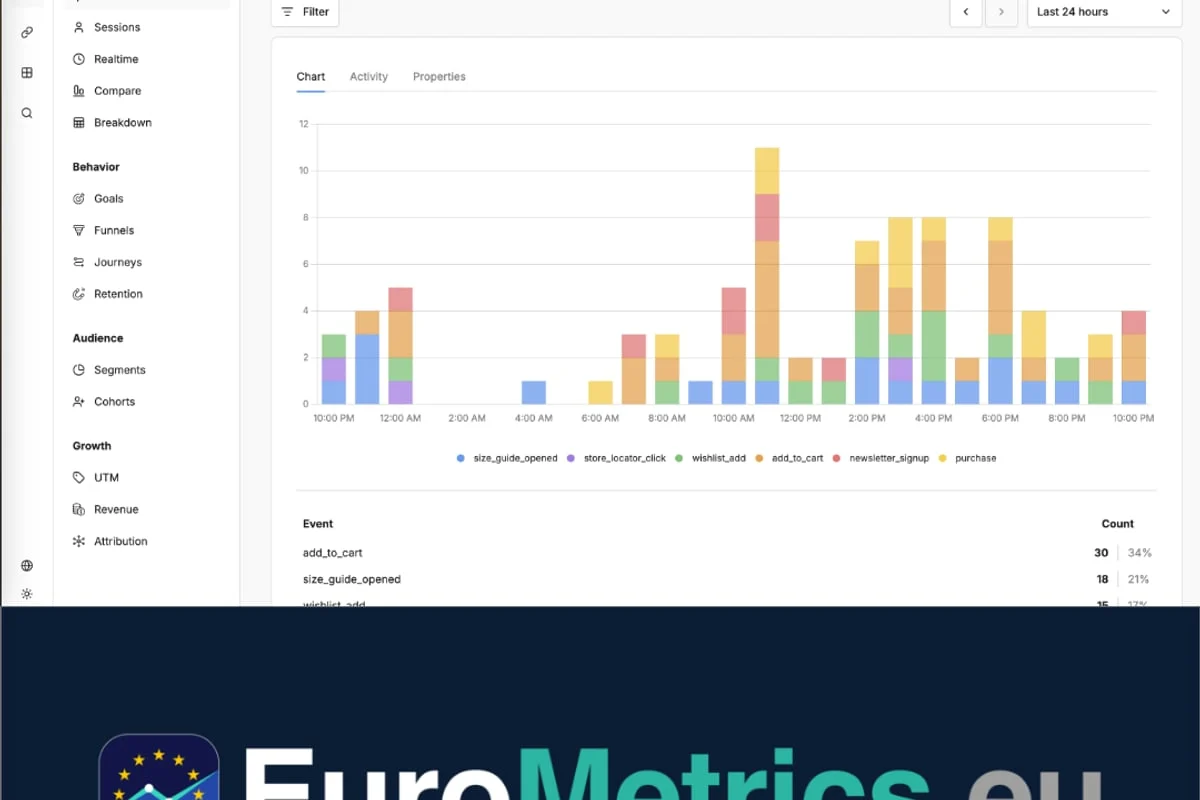
For organisations prioritising data protection and digital sovereignty, platforms like EuroMetrics offer cookieless tracking and European data hosting, ensuring complete GDPR compliance whilst keeping full analytics capabilities.
Customisation and Integration Limitations
Production analytics implementations typically include custom events, enhanced e-commerce tracking, CRM integrations, and marketing automation connections. The demo account provides standard e-commerce tracking but doesn't demonstrate advanced integration scenarios or custom implementation patterns.
Advanced Features Worth Exploring
Beyond standard reports, a demo Google Analytics account enables exploration of sophisticated analytical capabilities that differentiate proficient users from beginners.
Custom Segment Creation
Segments allow analysts to isolate specific user groups for detailed examination. The demo account provides excellent opportunities to practise segment building, comparing behaviour patterns between different audience subsets.
Effective segment examples include:
- High-value customers who made multiple purchases
- Mobile users who abandoned shopping carts
- Visitors from specific geographic regions or referral sources
- Users who engaged with particular product categories
- New versus returning visitor comparisons
Creating and applying segments reveals insights that aggregate data obscures, enabling targeted marketing strategies and personalised user experiences.
Multi-Channel Funnel Analysis
Understanding how different marketing channels work together proves essential for attribution modelling and budget optimisation. The demo account's multi-channel funnel reports show how touchpoints contribute to conversions throughout the customer journey.
These reports demonstrate assisted conversions, where channels like social media or display advertising influence purchases completed through other channels. This visibility prevents undervaluing awareness-building activities that don't directly generate immediate transactions.
The practical demos and tools from Google showcase additional analytical capabilities and implementation examples for advanced users.
Cohort Analysis and Retention
Cohort reports group users based on acquisition dates, enabling comparison of how different user groups behave over time. The demo account demonstrates retention patterns, showing whether users acquired during specific periods exhibit higher lifetime value or engagement levels.
This longitudinal perspective helps businesses understand the long-term impact of marketing campaigns and product changes, moving beyond immediate conversion metrics to sustained customer relationships.
Common Challenges and Limitations
Whilst demo Google Analytics accounts provide substantial value, users encounter certain limitations that affect their utility for specific purposes.
Read-Only Access Restrictions
Users cannot modify property settings, create new views, or implement custom tracking configurations. This restriction prevents learning certain administrative tasks and advanced setup procedures that require property-level permissions.
Actions unavailable in demo accounts:
- Modifying tracking code or measurement protocols
- Creating new properties or data streams
- Configuring cross-domain tracking
- Implementing enhanced e-commerce features
- Setting up Google Ads or Search Console integrations
For full platform mastery, users eventually need access to properties where they hold administrative permissions, either through their own websites or controlled test environments.
Data Context and Business Knowledge
Interpreting analytics data effectively requires understanding business context, marketing strategies, and operational decisions. The demo account lacks this contextual information, making it challenging to develop strategic recommendations or understand why certain patterns emerge.
Learning to ask relevant business questions and connect data insights to actionable strategies requires experience with actual business objectives and constraints.
Sampling in Large Datasets
When analysing large date ranges or applying complex segments, Google Analytics may apply sampling to reduce processing requirements. The demo account's substantial data volume means users frequently encounter sampled reports, which may not reflect experiences with smaller properties.
Understanding when sampling occurs and how it affects accuracy forms an important analytical skill that the demo environment helps develop.
Best Practices for Maximum Learning Value
Strategic approaches to using a demo Google Analytics account accelerate skill development and ensure users extract maximum educational value from the resource.
- Set specific learning objectives before each session rather than aimlessly exploring reports
- Compare multiple time periods to understand seasonal variations and trend analysis
- Create hypotheses about what data might reveal, then test those assumptions
- Document insights and questions that arise during exploration for further investigation
- Replicate analyses across different segments to understand how user groups differ
- Share discoveries with colleagues or study groups to reinforce learning
The essential reports guide identifies key analyses that every analyst should master using the demo environment.
Structuring Your Learning Path
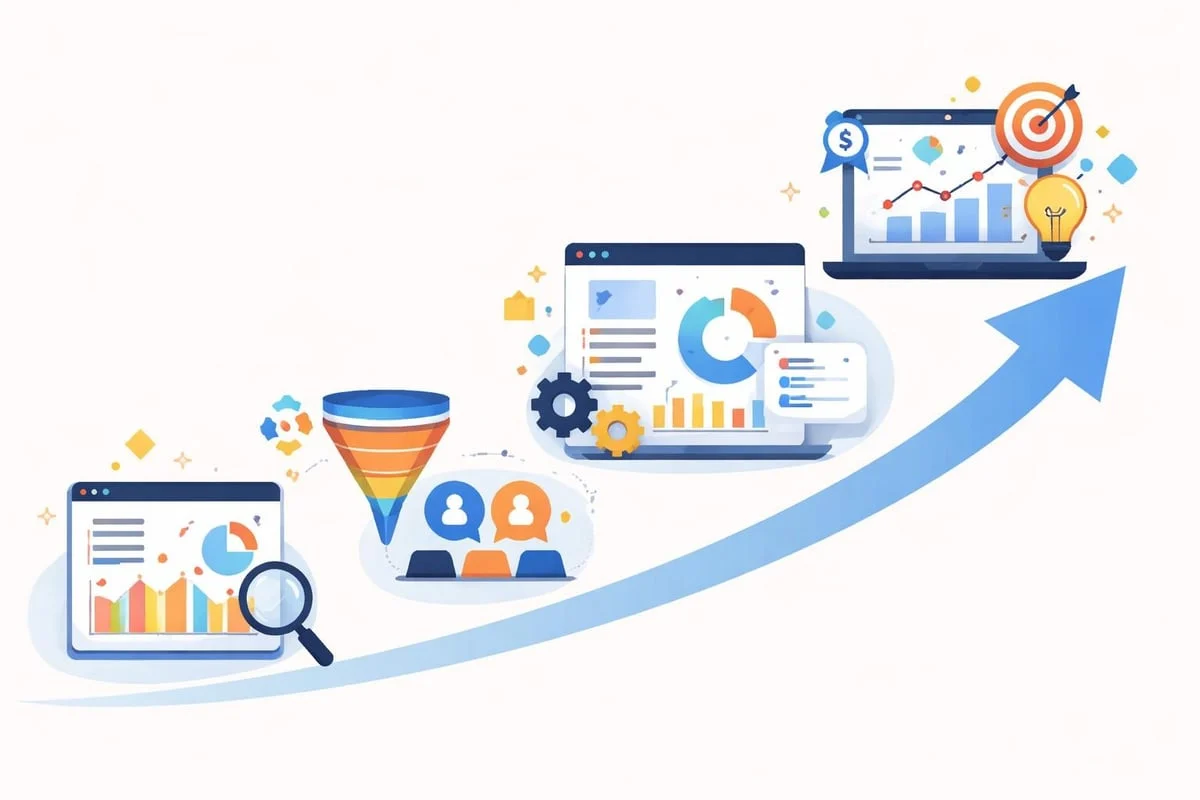
Progressive skill development follows a logical sequence from fundamental concepts to advanced techniques. Beginners should master standard reports before attempting custom segments or complex calculations.
Skill Level | Recommended Focus Areas | Approximate Time Investment |
|---|---|---|
Beginner | Standard reports, metric definitions, basic navigation | 4-6 hours |
Intermediate | Custom segments, dashboard creation, goal analysis | 8-12 hours |
Advanced | Calculated metrics, multi-channel attribution, cohort analysis | 15-20 hours |
Regular practice sessions of 30-60 minutes prove more effective than occasional marathon learning sessions, allowing time for concept absorption and application.
Alternative Learning Resources and Platforms
Whilst demo Google Analytics accounts provide valuable hands-on experience, complementary resources enhance understanding and accelerate skill development.
Official Documentation and Certification
Google offers extensive documentation, video tutorials, and certification programmes that structure learning paths systematically. The Analytics Academy provides free courses covering fundamental concepts through advanced implementation techniques.
Combining demo account practice with formal coursework reinforces theoretical knowledge through practical application, improving retention and comprehension.
Community Forums and User Groups
Analytics professionals share insights, troubleshooting advice, and best practices through online communities and local user groups. Participating in these discussions exposes users to diverse analytical challenges and creative solutions.
The detailed analysis from Practical Vision demonstrates how experienced practitioners approach demo account exploration and extract meaningful insights.
Privacy-Focused Alternatives
As European businesses increasingly prioritise data sovereignty and GDPR compliance, exploring analytics platforms built specifically for the European market provides valuable perspective. Understanding how different platforms approach privacy, cookie policies, and data ownership helps businesses select appropriate solutions for their specific requirements.
Resources like the EuroMetrics documentation explain how cookieless analytics and European data hosting deliver detailed insights whilst maintaining complete regulatory compliance.
Maximising ROI from Demo Account Practice
Time invested in demo Google Analytics account exploration should translate into practical skills applicable to real business scenarios. Strategic practice maximises return on learning investment.
Creating Personal Projects
Developing specific analytical projects using demo data simulates real-world scenarios. Examples include creating monthly executive dashboards, conducting campaign performance analyses, or identifying e-commerce optimisation opportunities.
These projects build portfolio pieces that demonstrate analytical capabilities to current or prospective employers, whilst developing practical skills in data storytelling and insight communication.
Benchmarking and Industry Comparison
The Google Merchandise Store data provides benchmarks for e-commerce performance metrics. Comparing these patterns to industry averages or specific business data helps contextualise performance and identify improvement opportunities.
Understanding typical conversion rates, average order values, and traffic source distributions for online retail establishes realistic expectations and performance targets.
Testing Reporting Tools and Integrations
Many third-party analytics tools, data visualisation platforms, and reporting solutions offer connectors for Google Analytics. Using the demo account enables testing these integrations without exposing confidential business data or consuming limited API quotas.
This exploration helps businesses evaluate potential tools and services before committing to subscriptions or implementation efforts, reducing vendor selection risks.
Mastering web analytics requires consistent practice with real data patterns, and a demo Google Analytics account provides exactly this opportunity without implementation complexity or data privacy concerns. Whether you're developing fundamental reporting skills or testing advanced analytical techniques, this resource accelerates learning and builds confidence in data-driven decision-making. For European businesses seeking analytics solutions that combine detailed insights with complete GDPR compliance and digital sovereignty, EuroMetrics delivers cookieless tracking and European data hosting through an intuitive dashboard that eliminates unnecessary complexity whilst maintaining analytical depth.
Article written using RankPill.