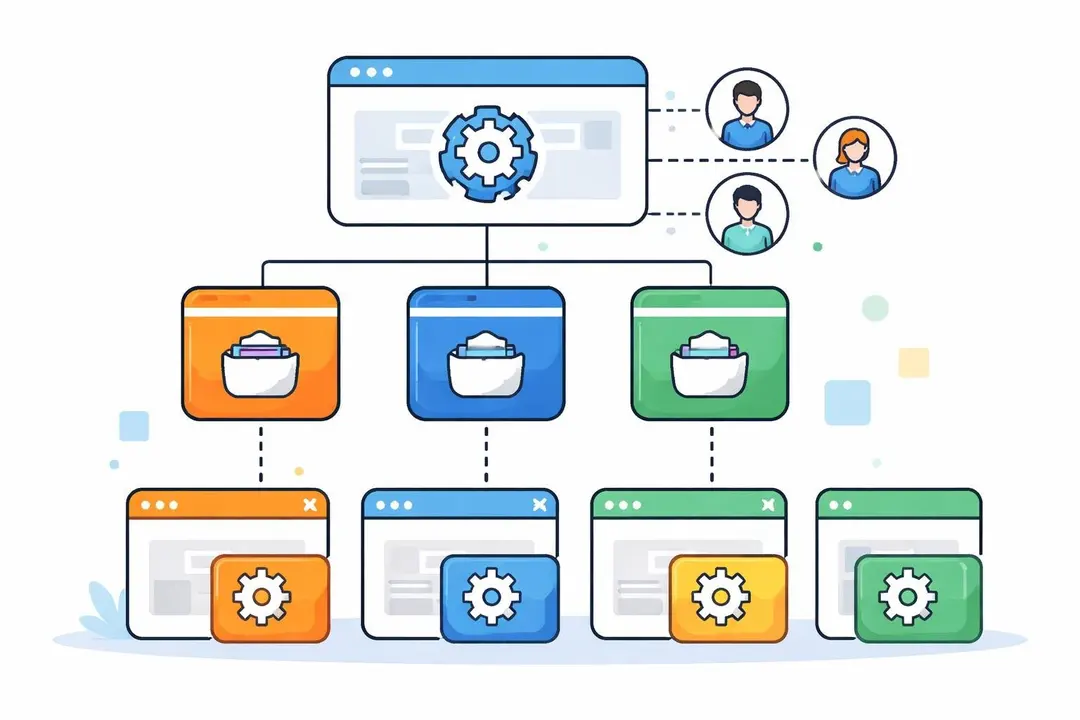
A tag manager account serves as the foundation for implementing tracking codes, marketing pixels, and analytics scripts across your digital properties without requiring direct code changes. For European businesses focused on data sovereignty and privacy-first tracking, understanding how to properly structure and manage your tag manager account becomes essential. Whether you’re migrating from traditional analytics tools or establishing a new tracking infrastructure, a well-organised account ensures accuracy, maintains compliance, and streamlines collaboration across teams.
Understanding Tag Manager Account Architecture
A tag manager account represents the highest organisational level in tag management systems. Within this structure, you’ll typically find containers, workspaces, and user permissions that dictate how tracking operates across your websites and applications.
The account level determines who has access to your tracking infrastructure and what they can modify. Unlike direct website implementation, a tag manager account creates a centralised hub where marketing managers, developers, and analysts can collaborate without constantly requesting code deployments.
The Container Hierarchy
Each tag manager account contains one or more containers. A container represents a specific website or mobile application where tracking codes will fire. Most organisations create separate containers for production and staging environments, ensuring changes are thoroughly tested before affecting live data collection.
Best practices for container structure:
- Create one container per website or major property
- Use dedicated containers for testing environments
- Implement clear naming conventions (e.g., “production-mainsite” or “staging-mobileapp”)
- Maintain separate containers for different brands within your organisation
European businesses often manage multiple containers across different country-specific websites. For example, you might have separate containers for your UK, German, and French properties, each with localised tracking requirements and privacy considerations designed for GDPR.
Setting Up Your Tag Manager Account Structure
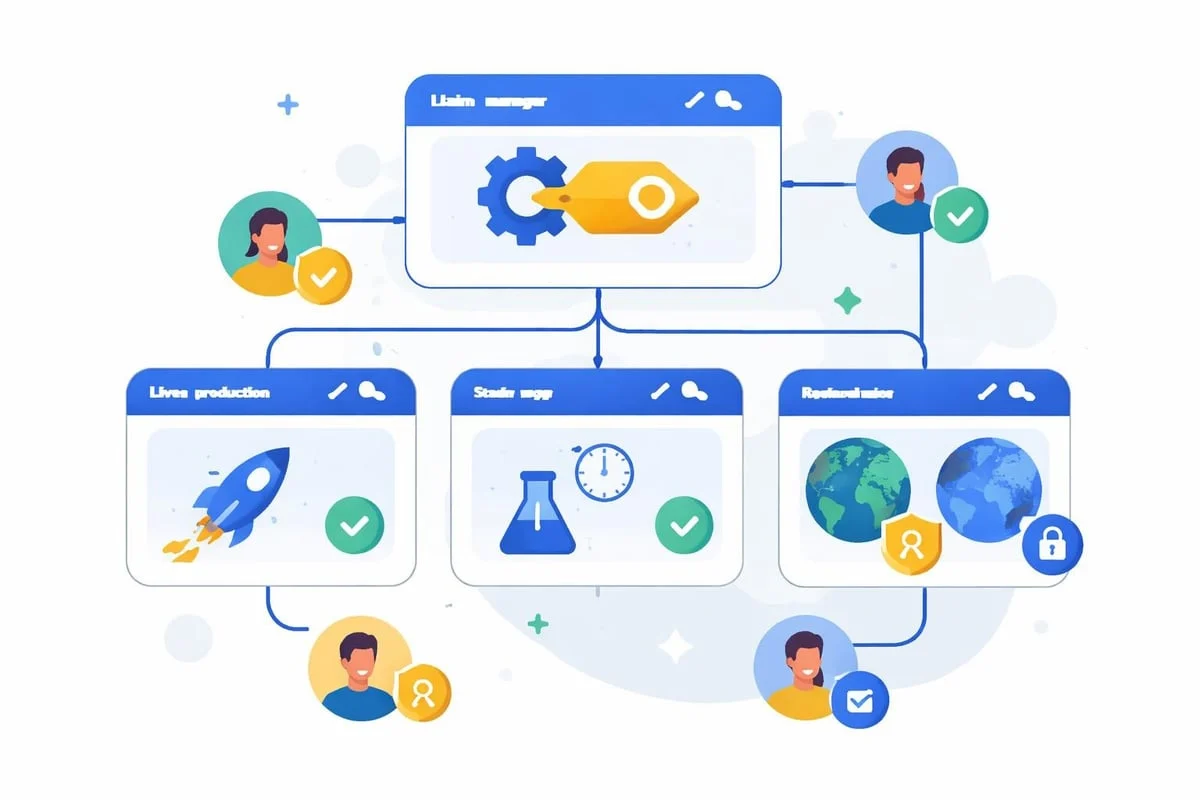
The initial setup of your tag manager account determines your long-term success with tag management. Start by defining clear ownership and access policies before adding any tags or configurations.
Access Management and User Roles
Tag manager accounts support multiple permission levels. Administrator access grants full control over account settings, user management, and all containers. Edit access allows users to create and modify tags within specific containers. Publish access enables users to push changes to live environments. Read access provides visibility without modification rights.
Permission Level | Account Settings | Create Tags | Publish Changes | View Only |
|---|---|---|---|---|
Administrator | ✓ | ✓ | ✓ | ✓ |
Edit | ✗ | ✓ | ✗ | ✓ |
Publish | ✗ | ✗ | ✓ | ✓ |
Read | ✗ | ✗ | ✗ | ✓ |
For European SMBs, limiting administrative access to senior marketing managers or technical leads prevents accidental misconfigurations that could compromise data collection. According to best practices for tag management, establishing clear governance reduces errors and maintains tracking consistency.
Workspace Organization
Workspaces within containers allow multiple team members to work on different tracking implementations simultaneously. Each workspace represents an independent draft of your container configuration.
When someone creates changes in a workspace, those modifications remain isolated until published. This prevents conflicts when your marketing team implements campaign tracking whilst your analytics team updates conversion pixels.
Effective workspace strategies:
- Create workspaces for specific projects or campaigns
- Name workspaces descriptively (e.g., “Q2-2026-Email-Campaign” or “Checkout-Flow-Update”)
- Delete completed workspaces to reduce clutter
- Establish a default workspace for minor ongoing changes
- Use workspace descriptions to document objectives
Implementing Privacy-First Tracking in Your Tag Manager Account
European businesses face unique requirements around data collection and user privacy. Your tag manager account configuration directly impacts compliance with privacy regulations and consumer trust.
Cookieless Tracking Configuration
Traditional tag implementations rely heavily on third-party cookies for user identification and attribution. However, modern privacy requirements and browser restrictions necessitate cookieless approaches. Your tag manager account should prioritise first-party data collection methods that respect user privacy whilst maintaining measurement accuracy.
When configuring tags within your account, evaluate whether each tracking pixel genuinely requires cookies. Many analytics implementations can function effectively using server-side processing and session-based identifiers instead of persistent cookies.
For businesses tracking users across multiple European markets, maintaining data residency becomes critical. Ensure your tag manager account routes data to servers located within the EU, preventing unintended data transfers to third countries. Solutions built with GDPR principles in mind, like EuroMetrics, eliminate these concerns entirely through 100% EU-hosted infrastructure.

Tag Firing Rules and Consent Management
Your tag manager account should incorporate consent-based firing rules. These rules determine which tags activate based on user preferences expressed through consent banners or privacy settings.
Common consent categories:
- Necessary: Essential website functionality (always allowed)
- Analytics: Measurement and performance tracking (requires consent)
- Marketing: Advertising pixels and retargeting (requires explicit consent)
- Personalisation: Content customisation features (requires consent)
Configure your tag manager account to check consent status before firing any non-essential tags. This approach ensures compliance whilst maintaining the flexibility to collect valuable data from users who grant permission.
Maintaining Tag Manager Account Hygiene
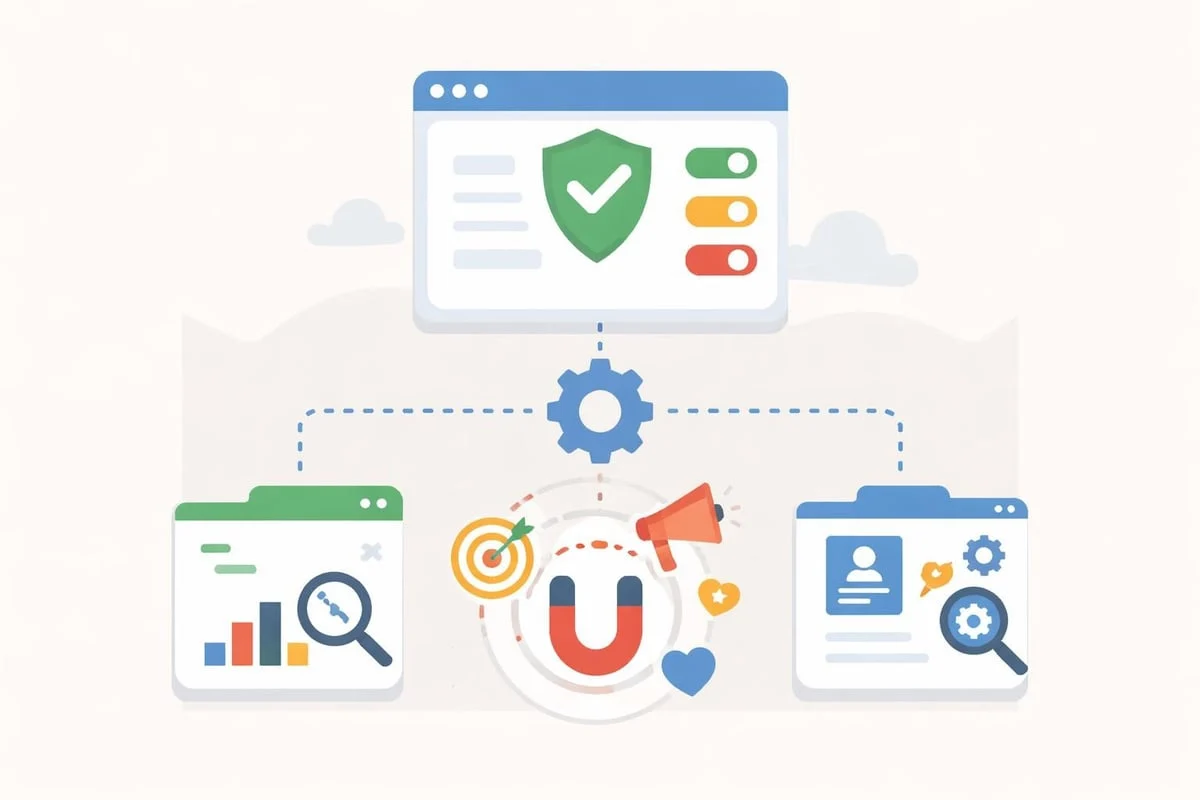
Over time, tag manager accounts accumulate outdated tags, unused triggers, and redundant variables. Regular maintenance ensures optimal performance and prevents tracking errors.
Audit Frequency and Methodology
Schedule quarterly audits of your tag manager account. During these reviews, identify tags that no longer serve business purposes, consolidate duplicate tracking implementations, and verify that all active tags fire correctly.
- Document all active tags with their business purpose and owner
- Test trigger conditions across different scenarios and user journeys
- Review variable configurations for accuracy and continued relevance
- Examine firing sequences to ensure proper data collection order
- Verify data layer implementations match current website structure
- Archive or delete unused tags rather than merely pausing them
European marketing teams often discover legacy tags from previous agency relationships or discontinued marketing platforms. These abandoned tags can slow page load times and create unnecessary privacy risks when scanned.
Version Control and Change Documentation
Every tag manager account maintains a version history showing all published changes. Use this feature by writing detailed version descriptions that explain what changed and why.
When publishing updates to your tag manager account, include information about:
- Which tags were added, modified, or removed
- The business reason for changes
- Expected impact on data collection
- Individuals who requested or approved modifications
According to guidance on tag manager best practices, thorough version control enables rapid rollback when problems occur and provides accountability for tracking changes.
Optimising Tag Manager Account Performance
The number and complexity of tags within your tag manager account directly affect website performance. Each tag represents additional code that browsers must download, parse, and execute.
Tag Load Prioritisation
Configure your tag manager account to prioritise essential tracking over supplementary pixels. Tags critical for conversion measurement should fire before marketing pixels used solely for audience building.
Priority Level | Tag Type | Firing Method | Performance Impact |
|---|---|---|---|
Critical | Revenue tracking | Immediate | Minimal |
High | Core analytics | Page load | Low |
Medium | Marketing pixels | DOM ready | Moderate |
Low | Auxiliary tools | User interaction | Variable |
Implement asynchronous loading for non-critical tags. This prevents slow-loading third-party scripts from blocking page rendering or delaying time to interactive metrics measured by performance testing tools.
Data Layer Implementation
A properly configured data layer reduces the number of tags required within your tag manager account. Instead of deploying separate tags to capture product names, prices, categories, and SKUs, a complete data layer makes this information available to all tags simultaneously.
Structure your data layer to include:
- Page information: Template type, category, author, publication date
- User attributes: Login status, membership level, segment
- Transaction details: Order value, product information, payment method
- Event data: Clicks, form submissions, video plays, scroll depth
The web.dev guide to tag best practices emphasises data layer implementation as fundamental to efficient tag management. A well-structured data layer also simplifies tag manager account migrations when switching between platforms.
Multi-Property Tag Manager Account Strategies
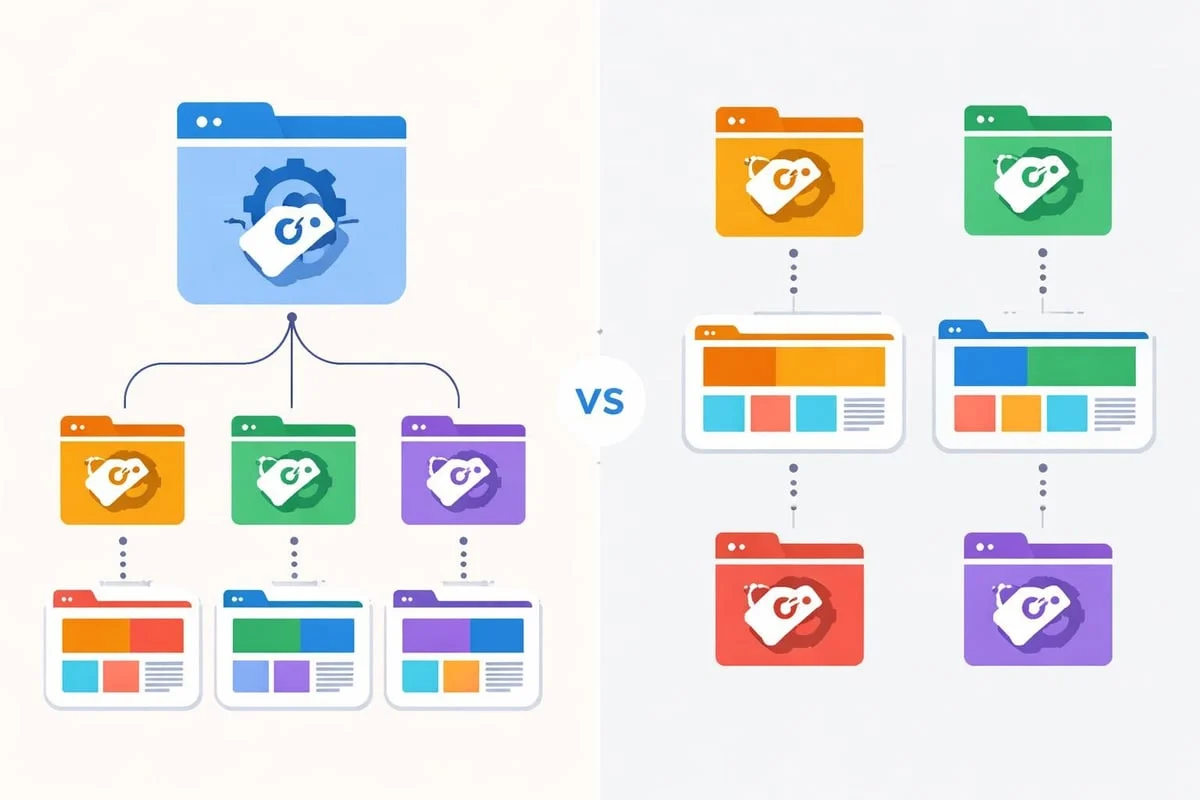
Organisations with multiple websites face decisions about tag manager account architecture. Should you create one account with multiple containers, or establish separate accounts for different properties?
Centralised vs Decentralised Approaches
A centralised tag manager account structure places all properties under single account governance. This approach simplifies user management and enables cross-property reporting but may create permission challenges when different teams manage separate websites.
Centralised account benefits:
- Unified user access management
- Consistent naming conventions across properties
- Simplified vendor relationship management
- Cross-domain tracking implementation ease
Decentralised account considerations:
- Independent team autonomy
- Reduced risk of cross-contamination between properties
- Simplified access control for external agencies
- Property-specific compliance requirements
For European businesses operating across multiple countries, consider the regional analytics needs documented in EuroMetrics’ learning centre. Different markets may require distinct tracking approaches based on local privacy regulations or consumer expectations.
Testing and Quality Assurance Protocols
Before publishing any changes from your tag manager account, implement rigorous testing procedures. Tag configuration errors can result in data loss, duplicate tracking, or privacy violations.
Preview Mode and Debugging
Tag manager platforms provide preview modes that show which tags fire on specific pages without affecting live data collection. Use preview mode extensively before publishing changes.
Testing checklist:
- Verify tags fire on intended pages only
- Confirm data layer variables populate correctly
- Check tag firing order matches dependencies
- Test across different browsers and devices
- Validate data appears in destination platforms
- Review network requests for unexpected third-party calls
The Beast BI guide to tag manager practices recommends creating standardised test cases that cover common user journeys. Document these scenarios within your tag manager account notes for team reference.
Staging Environment Integration
Configure your tag manager account to distinguish between production and staging environments. Use separate containers or environment-specific triggers to prevent test traffic from polluting production analytics.
Many European businesses discover tracking discrepancies only after implementation. Thorough pre-publication testing within your tag manager account prevents costly data gaps and ensures measurement accuracy from day one.
Advanced Tag Manager Account Features
Beyond basic tag deployment, sophisticated tag manager accounts use advanced features for enhanced tracking capabilities and operational efficiency.
Custom Templates and Community Gallery
Tag manager accounts support custom templates that standardise complex tag configurations. If your organisation frequently implements similar tracking patterns, create templates that team members can deploy with consistent settings.
Custom templates ensure compliance requirements remain embedded in standard implementations. For example, create templates that automatically respect consent preferences or route data exclusively to EU-based servers.
Server-Side Tagging Architecture
Modern tag manager accounts increasingly support server-side implementations. Rather than firing tags directly in user browsers, server-side tagging proxies requests through your infrastructure.
Server-side tagging advantages:
- Enhanced privacy through reduced client-side tracking
- Improved page performance by offloading processing
- Greater control over data sent to third parties
- Extended tracking lifespan as browsers restrict client-side capabilities
According to Analytify’s discussion of tag management practices, server-side configurations represent the future of privacy-conscious tracking, particularly for European markets where data sovereignty concerns remain paramount.
API Access and Automation
Tag manager accounts typically provide API access for programmatic management. Development teams can automate tag deployments, synchronise configurations across containers, or integrate tag management into CI/CD pipelines.
API automation proves valuable when managing numerous containers within your tag manager account. Rather than manually replicating tag configurations across properties, script the deployment process to ensure consistency whilst reducing human error.
Common Tag Manager Account Mistakes
Understanding frequent pitfalls helps you avoid complications that compromise tracking accuracy or create compliance risks.
Over-Tagging and Redundancy
Many tag manager accounts contain duplicate implementations of the same tracking functionality. Teams add new tags without verifying existing coverage, resulting in inflated metrics and wasted processing resources.
Audit your account regularly to identify:
- Multiple tags tracking identical events
- Overlapping conversion pixels from different platforms
- Deprecated tags that remain active alongside replacements
- Redundant variables capturing the same data layer information
Insufficient Documentation
Tag manager accounts often lack adequate documentation explaining tag purposes, trigger logic, or variable construction. When team members leave or agencies change, institutional knowledge disappears.
Document each tag’s:
- Business purpose: What decision does this tracking inform?
- Implementation date: When was this tag added?
- Owner: Who requested this tracking?
- Dependencies: What other tags or configurations does this require?
- Expected data: What values should this tag capture?
Ignoring Performance Impact
Each additional tag increases page weight and processing time. Tag manager accounts can inadvertently slow website performance when teams prioritise tracking over user experience.
Monitor your tag manager account’s impact on core web vitals. If tracking implementations significantly degrade performance metrics, prioritise optimisation through tag consolidation, asynchronous loading, or server-side migration.
Frequently Asked Questions
What is a tag manager account and why do I need one?
A tag manager account is a centralised platform for managing tracking codes, analytics tags, and marketing pixels across your website without editing source code. You need one to simplify tag deployment, reduce dependence on developers, enable faster marketing implementation, and maintain better control over data collection practices. For European businesses, tag manager accounts also facilitate privacy-compliant tracking by centralising consent management and data routing decisions.
How many containers should I create within my tag manager account?
Create one container per distinct website or application, plus additional containers for staging or development environments. Avoid placing multiple production websites in a single container, as this complicates permission management and increases misconfiguration risks. For organisations with numerous properties, consider whether centralised account management or separate accounts per division better suits your governance requirements and team structure.
Can I use multiple tag manager accounts simultaneously on one website?
Technically possible but strongly discouraged. Running multiple tag manager accounts on the same website creates conflicts, increases page load time, complicates debugging, and makes consent management nearly impossible. If you inherited a website with multiple implementations, consolidate into a single tag manager account. The only exception might be temporary parallel tracking during platform migrations, which should be minimised and carefully monitored.
How do I ensure my tag manager account remains GDPR-compliant?
Design your tag manager account with privacy principles embedded from the start. Implement consent-based firing rules that prevent non-essential tags from activating without user permission. Configure data routing to EU-based servers exclusively. Regularly audit your account for tags that set unnecessary cookies or transfer data to third countries. Document your data processing purposes and maintain records of tag implementations. Consider replacing traditional analytics tools with privacy-focused alternatives that eliminate cookie requirements entirely.
What happens if I accidentally publish incorrect tags from my tag manager account?
Tag manager accounts maintain complete version history, enabling immediate rollback to previous configurations. If you publish problematic changes, access your version history, identify the last working configuration, and republish that version. This restores your tracking to its previous state within minutes. To prevent such incidents, always use preview mode extensively, test in staging environments, and implement approval workflows for publishing permissions in production containers.
How often should I audit my tag manager account?
Conduct full tag manager account audits quarterly at minimum. These reviews should examine active tags, verify trigger accuracy, test data collection, remove deprecated implementations, and ensure documentation remains current. Additionally, perform targeted audits whenever you experience tracking discrepancies, complete major website redesigns, end relationships with marketing vendors, or modify consent management approaches. Regular audits prevent accumulation of technical debt and maintain measurement accuracy.
Proper tag manager account structure and governance separate successful data-driven organisations from those struggling with measurement accuracy and compliance concerns. By implementing clear permissions, maintaining thorough documentation, and prioritising privacy-first configurations, European businesses build tracking infrastructure that supports decision-making whilst respecting user rights. If you’re seeking cookieless analytics that eliminate tag complexity entirely whilst maintaining full data sovereignty, EuroMetrics offers a purpose-built solution with 100% EU hosting, real-time dashboards, and zero cookie consent requirements.