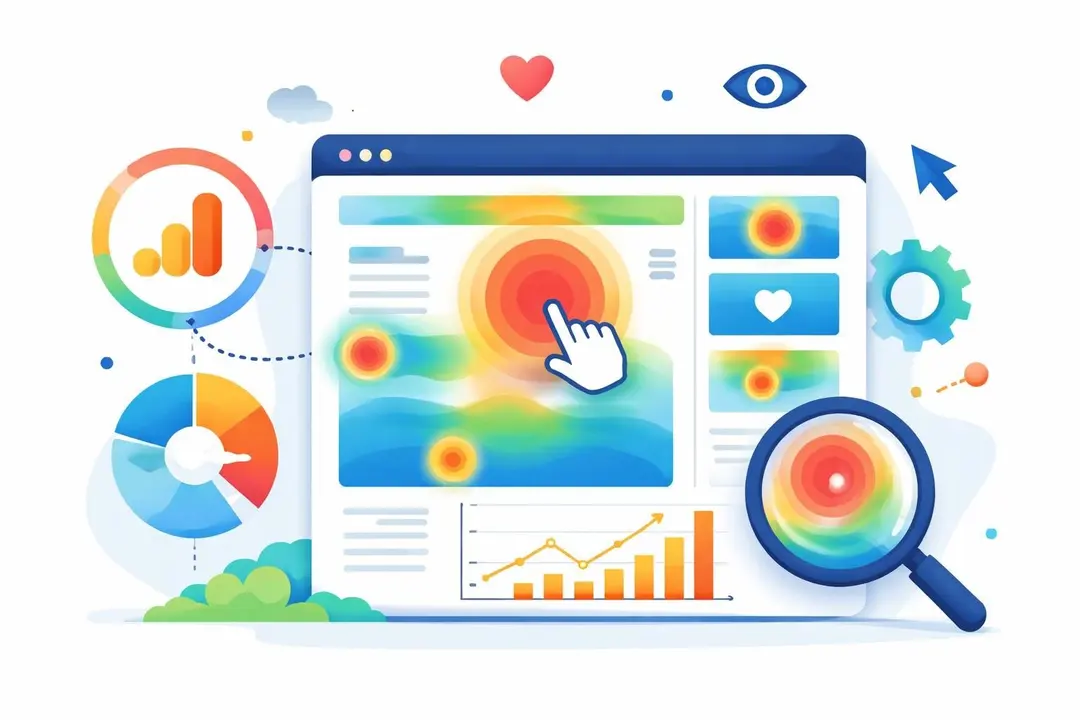
Understanding how visitors interact with your website is essential for optimising conversion rates and improving user experience. Many European businesses search for website heatmap Google Analytics solutions, expecting to find built-in heatmap functionality within their analytics platform. However, the reality of what Google Analytics 4 offers differs significantly from these expectations, and understanding the actual capabilities-alongside more effective alternatives-can save time and deliver better insights for your digital strategy.
What Is a Website Heatmap and Why It Matters
A website heatmap provides a visual representation of user behaviour on your web pages, showing where visitors click, how far they scroll, and which areas attract the most attention. Unlike standard analytics reports that present data in tables and charts, heatmaps use colour-coded overlays to display engagement patterns.
The value of heatmap data lies in its immediacy. When you see a red zone indicating high click activity on a non-clickable element, you immediately understand user confusion. When scroll depth data reveals that 80% of visitors never reach your call-to-action button, you know exactly what needs repositioning.
Three primary types of heatmaps serve different analytical purposes:
- Click heatmaps track where users click, tap, or interact with page elements
- Scroll heatmaps reveal how far down the page visitors scroll before leaving
- Movement heatmaps (also called hover maps) show where users move their cursor
Traditional analytics platforms provide quantitative data-page views, session duration, bounce rates-but heatmaps add the qualitative layer that explains the why behind the numbers.
Google Analytics 4 and Heatmap Functionality
The relationship between website heatmap Google Analytics capabilities has changed considerably with the transition from Universal Analytics to GA4. Google Analytics 4 lacks native heatmap features, which often surprises businesses migrating from other platforms or expecting comprehensive visualisation tools.
GA4 focuses on event-based tracking rather than visual representation of user interactions. Whilst you can track individual button clicks through enhanced measurement or custom events, the platform doesn’t transform this data into visual heatmaps automatically.
Alternative Approaches Within GA4
Despite the absence of built-in heatmaps, you can extract useful insights from GA4 reports that approximate some heatmap benefits:
- Enhanced Measurement tracking captures scroll depth automatically
- Event tracking records specific element interactions
- Engagement metrics show time spent on individual page sections
- User Explorer reports reveal individual user journeys
These reports require manual analysis and don’t provide the immediate visual understanding that true heatmaps deliver. A marketing manager reviewing dozens of pages needs more efficient methods than exporting event data to spreadsheets.

Browser Extensions and Third-Party Solutions
The most common workaround for creating a website heatmap Google Analytics visualisation involves browser extensions, particularly the Page Analytics Chrome extension. This extension overlays click data directly on your website, showing percentage-based metrics for each clickable element.
However, this approach comes with significant limitations that European businesses must consider carefully.
Feature | Page Analytics Extension | Dedicated Heatmap Tools | Modern Analytics Platforms |
|---|---|---|---|
Visual overlay | Yes (click data only) | Yes (all heatmap types) | Varies by platform |
Historical data | Limited | Extensive archives | Real-time + historical |
Session recordings | No | Yes | Sometimes |
Privacy compliance | Requires careful configuration | Depends on provider | EU-hosted options available |
Setup complexity | Low | Medium | Low to medium |
The extension only works for users who install it and can only display data for pages you visit whilst logged in. This makes it impractical for teams or agencies managing multiple client websites.
Privacy Considerations for European Businesses
Browser extensions that connect to traditional analytics platforms often transmit data through US-based servers, creating potential complications for businesses operating under European data protection regulations. The cookie scanner tool can help identify exactly what tracking technologies your current analytics setup deploys and whether they require consent banners.
Third-party heatmap services typically require additional JavaScript tracking codes, increasing page load times and potentially introducing new privacy obligations. Many popular heatmap providers store session recordings and user interaction data on servers outside the EU, which conflicts with data sovereignty principles.
Creating Custom Heatmap Visualisations
For businesses committed to using their existing analytics data, custom Google Sheet templates can transform GA4 data into heatmap-style visualisations. This method requires technical expertise but offers complete control over data processing and storage.
The process involves several distinct steps:
- Export relevant event data from GA4 using the API or manual export
- Structure the data in spreadsheet format with coordinates or element identifiers
- Apply conditional formatting to create colour-coded cells representing engagement levels
- Update the visualisation periodically as new data accumulates
Whilst this approach keeps data processing in-house, it demands ongoing maintenance and doesn’t provide real-time insights. A marketing team updating spreadsheets weekly will always work with outdated information, missing opportunities to respond quickly to user behaviour changes.
Understanding Data Discrepancies
When combining website heatmap Google Analytics data from different sources, expect numerical variations. Heatmap tools and GA4 often report different metrics because they use distinct data collection methods, session definitions, and attribution models.
GA4 uses a measurement protocol that samples data at high traffic volumes, whilst dedicated heatmap tools might record every interaction. Time zone differences, bot filtering, and tracking code placement all contribute to discrepancies between platforms.
Modern Analytics Approaches for European Businesses
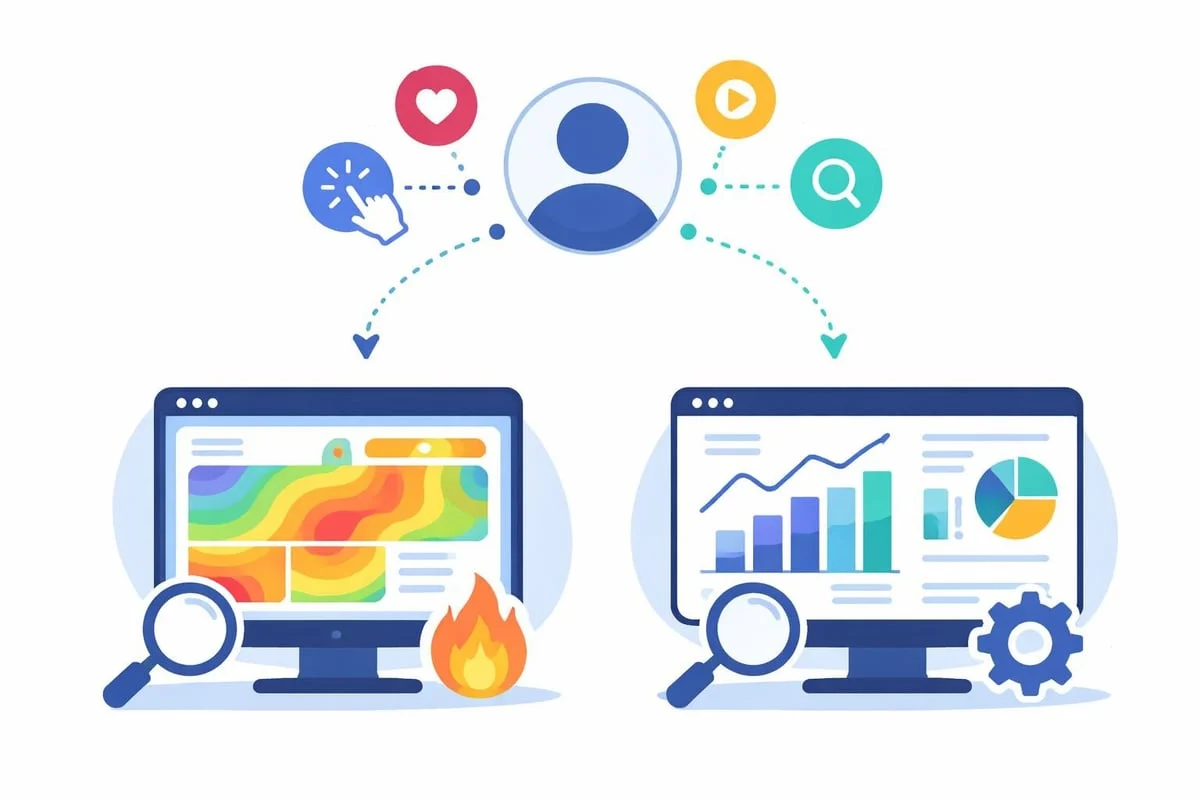
The limitations of trying to force website heatmap Google Analytics integration highlight a broader question: are you using the right tools for your actual needs? European businesses increasingly seek analytics solutions that provide actionable insights without the complexity, privacy concerns, or dependency on multiple disconnected tools.
For many SMBs and marketing teams, the combination of cookieless tracking, EU-hosted data storage, and simplified reporting delivers better outcomes than attempting to recreate enterprise-level analytics stacks. When your analytics platform is built with GDPR principles in mind and hosted exclusively within European data centres, you eliminate the consent banner requirements and data transfer complications that plague traditional analytics tools.
Key advantages of modern European analytics platforms include:
- No cookie consent requirements due to cookieless tracking technology
- Real-time dashboards without sampling or data delays
- Simplified reporting focused on actionable metrics rather than overwhelming data volumes
- Complete data sovereignty with 100% EU-hosted infrastructure
- Transparent pricing without hidden costs for additional features
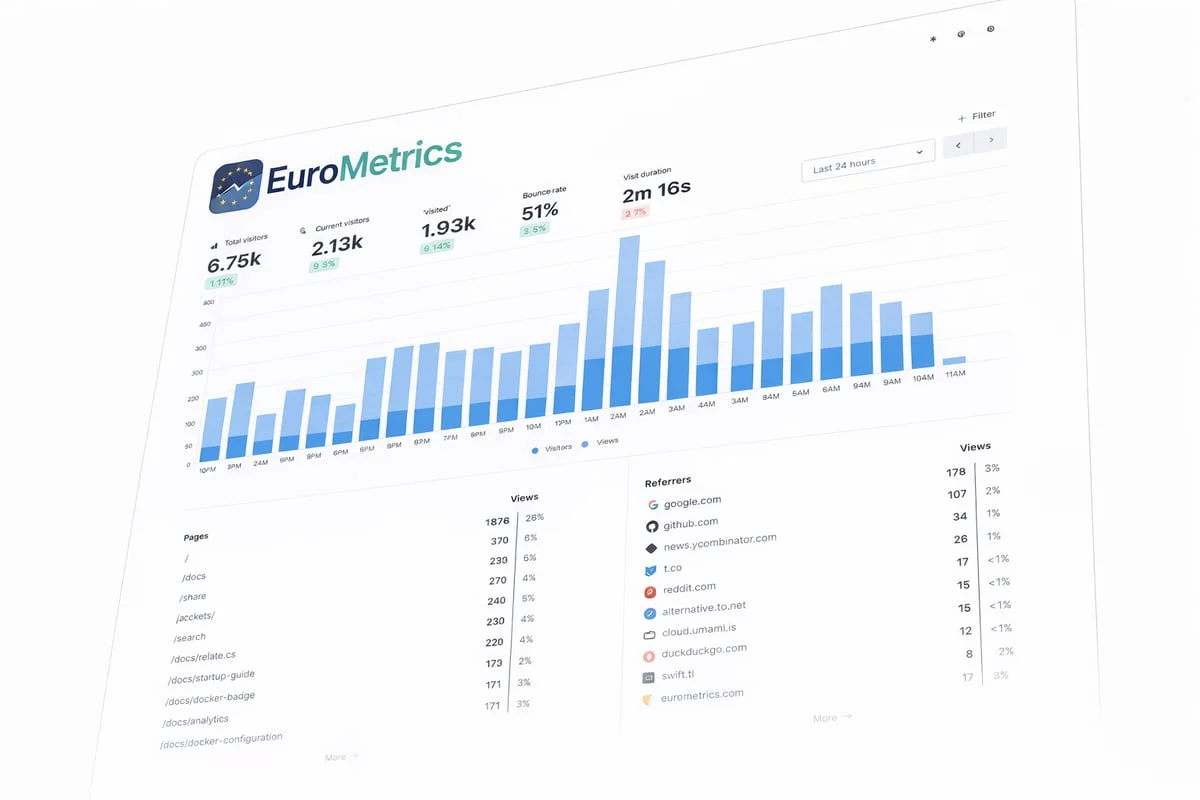
Rather than maintaining separate tools for analytics, heatmaps, session recordings, and conversion tracking, integrated platforms consolidate these functions whilst respecting visitor privacy and regulatory requirements.
Evaluating Your Analytics Stack
Before investing time in website heatmap Google Analytics workarounds, assess whether your current approach actually serves your business objectives. Many companies maintain complex analytics configurations primarily because “that’s how we’ve always done it” rather than because it delivers measurable value.
Questions to Guide Your Analytics Strategy
Do you actually review heatmap data regularly, or would it become another dashboard you ignore? Collecting data only matters if it informs decisions. If your team lacks capacity to act on insights, simpler metrics might prove more valuable.
What specific questions do you need heatmaps to answer? If you’re primarily interested in which blog posts attract readers or which product pages convert best, standard analytics metrics might suffice without visual overlays.
How much technical maintenance can your team realistically handle? Browser extensions, custom spreadsheets, and multiple integrated tools all require ongoing configuration, troubleshooting, and updates.
What are your actual privacy obligations? Understanding whether your business needs to minimise data collection, avoid US data transfers, or eliminate consent requirements shapes which tools you can legitimately deploy.
The free SEO audit tool can reveal whether your current analytics setup negatively impacts page load times, which directly affects both user experience and search rankings.
Practical Implementation Guide
If you’ve determined that heatmap data genuinely benefits your optimisation efforts, implementation requires careful planning to avoid common pitfalls that waste time and compromise data quality.
Setting Up Click Tracking
Whether using website heatmap Google Analytics integration attempts or dedicated tools, proper click tracking depends on consistent element identification:
- Add unique IDs or classes to important elements so tracking remains stable across design updates
- Test tracking implementation thoroughly before relying on the data for decisions
- Document what you’re tracking and why so team members understand the data context
- Set up alerts for tracking failures to catch implementation breaks quickly
Click tracking becomes significantly more valuable when combined with scroll depth data and conversion metrics, revealing not just where users click but whether those clicks lead to desired outcomes.
Scroll Depth Analysis
Understanding how far visitors scroll provides crucial context for content layout decisions:
Scroll Depth | Typical Interpretation | Action Items |
|---|---|---|
0-25% | Visitors leave immediately | Review page load speed, headline relevance, initial content quality |
25-50% | Moderate engagement | Strengthen mid-page content, add visual breaks, improve scannability |
50-75% | Good engagement | Ensure key conversion elements appear before this point |
75-100% | Excellent engagement | Consider adding related content links, longer-form material |
Scroll depth data from modern analytics platforms typically updates in real-time, allowing rapid testing of layout changes and content modifications.

Alternative Tools and Their Trade-offs
The market offers numerous dedicated heatmap solutions, each with distinct characteristics relevant to European businesses. Several platforms position themselves as analytics alternatives with expanded visualisation capabilities, though not all meet European data protection standards.
When evaluating options beyond website heatmap Google Analytics workarounds, consider these factors:
Data residency and processing locations determine whether you need consent banners and complex data processing agreements. Tools that store or process data through US-based servers create compliance complexity regardless of their marketed features.
Session recording capabilities provide deeper behaviour insights but raise significant privacy questions. Recording user sessions captures potentially sensitive information, requiring transparent disclosure and typically mandatory consent under European regulations.
Integration complexity affects both initial setup time and ongoing maintenance burden. Tools requiring custom code injection, tag manager configurations, or complex API connections demand technical expertise that many SMBs lack internally.
Pricing structures vary from simple per-site fees to complex usage-based models charging for page views, recorded sessions, or stored data. Understanding total cost of ownership-including potential overage charges-prevents budget surprises.
For businesses prioritising both functionality and regulatory compliance, platforms offering cookieless tracking with EU-exclusive hosting eliminate the consent banner requirements that reduce data quality and create user friction.
Measuring ROI from Heatmap Insights
Collecting heatmap data only justifies its cost-whether in subscription fees, implementation time, or analysis effort-when it drives measurable improvements. Establishing clear success metrics before deploying website heatmap Google Analytics solutions or alternatives ensures you can evaluate their actual business impact.
Conversion Rate Improvements
Track specific conversion metrics before and after implementing heatmap-informed changes:
- Newsletter signup rates after repositioning subscription forms based on attention data
- Product purchase completion after simplifying checkout flows revealed through click analysis
- Lead form submissions after removing fields that heatmaps showed users abandoning
- Content engagement duration after restructuring articles based on scroll depth patterns
Document baseline metrics, implement changes based on heatmap insights, then measure results over statistically significant time periods. A single week’s data rarely proves conclusive-seasonal variations, marketing campaigns, and external factors all influence conversion rates.
User Experience Metrics
Beyond direct conversion impacts, heatmap insights should improve broader experience indicators:
- Reduced confusion indicators such as clicks on non-clickable elements
- Improved navigation efficiency measured through decreased clicks to reach key pages
- Better content consumption reflected in increased average scroll depth
- Lower frustration signals like rapid clicking or erratic cursor movement
The site speed test tool helps verify that added tracking scripts don’t negatively impact page load times, which would undermine the experience improvements you’re working to achieve.
FAQ Section
Does Google Analytics 4 have built-in heatmap functionality?
No, Google Analytics 4 does not include native heatmap features. Whilst GA4 tracks events and user interactions, it doesn’t provide visual heatmap overlays showing where users click, scroll, or move their cursor. You’ll need to use browser extensions, third-party heatmap tools, or create custom visualisations from exported data to achieve heatmap-style analysis with GA4 information.
Can I create a website heatmap using only Google Analytics data?
You can create heatmap-style visualisations using Google Analytics data by exporting event tracking information and applying conditional formatting in spreadsheet applications. However, this approach requires technical expertise, provides delayed rather than real-time insights, and only approximates true heatmap functionality. The process involves significant manual work compared to dedicated heatmap solutions that automatically generate visual overlays.
Are browser extensions for Google Analytics heatmaps GDPR-compliant?
Browser extensions that connect to traditional analytics platforms may create GDPR compliance challenges for European businesses. Many extensions transmit data through US-based servers, potentially requiring data transfer impact assessments and additional consent mechanisms. The compliance status depends on the specific extension, your data processing agreements, and how you’ve configured your analytics implementation. Businesses concerned about data sovereignty should consider EU-hosted alternatives instead.
What’s the difference between click maps and scroll maps?
Click maps visualise where users click, tap, or interact with specific page elements, using colour intensity to show high-engagement areas. Scroll maps reveal how far down the page visitors scroll before leaving, typically displaying the percentage of users who reach each page section. Both provide valuable but different insights: click maps identify navigation patterns and user intent, whilst scroll maps inform content layout and call-to-action placement decisions.
Do I need heatmaps if I already have Google Analytics?
Whether you need heatmaps depends on your specific optimisation goals and team capacity. Standard analytics platforms excel at quantitative metrics-traffic sources, page views, conversion rates-whilst heatmaps add qualitative insights about user behaviour patterns. If your team actively uses data to test layout changes, optimise conversion paths, or improve content structure, heatmaps provide value. However, if you lack time to act on insights, simpler analytics metrics might prove more practical.
How do cookieless analytics platforms handle user tracking without heatmaps?
Modern cookieless analytics platforms track user behaviour through privacy-respecting methods that don’t require individual user identification or consent banners. These platforms collect aggregated interaction data-page views, click events, navigation patterns-without storing personal information or creating persistent user profiles. Whilst they may not generate traditional cursor-movement heatmaps, they provide actionable insights about content performance, conversion paths, and user engagement without the privacy complications of cookie-based tracking systems.
Understanding the actual capabilities and limitations of website heatmap Google Analytics integration helps European businesses make informed decisions about their analytics strategy. Rather than forcing complex workarounds or maintaining multiple disconnected tools, modern platforms designed specifically for European businesses offer streamlined insights with built-in privacy protection. If you’re ready to simplify your analytics whilst maintaining complete data sovereignty, EuroMetrics provides cookieless tracking, real-time dashboards, and 100% EU-hosted infrastructure designed with GDPR principles in mind-delivering the actionable insights you need without the complexity or compliance concerns of traditional analytics platforms.