What Is the Email Health Check?
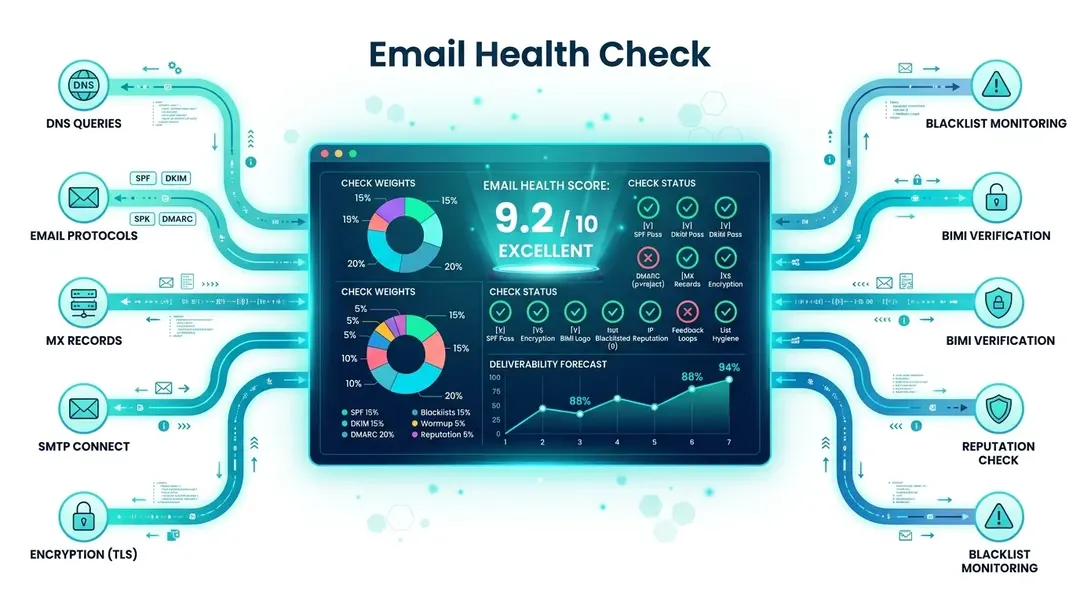
The Email Health Check verifies your domain’s email infrastructure by performing 10 DNS-based checks. It tells you whether your emails are likely to reach inboxes or end up in spam, without sending a single email.
Running a Check
Go to Tools in the sidebar and open Email Health Check. Enter your domain name (e.g., yourcompany.com) and click Check.
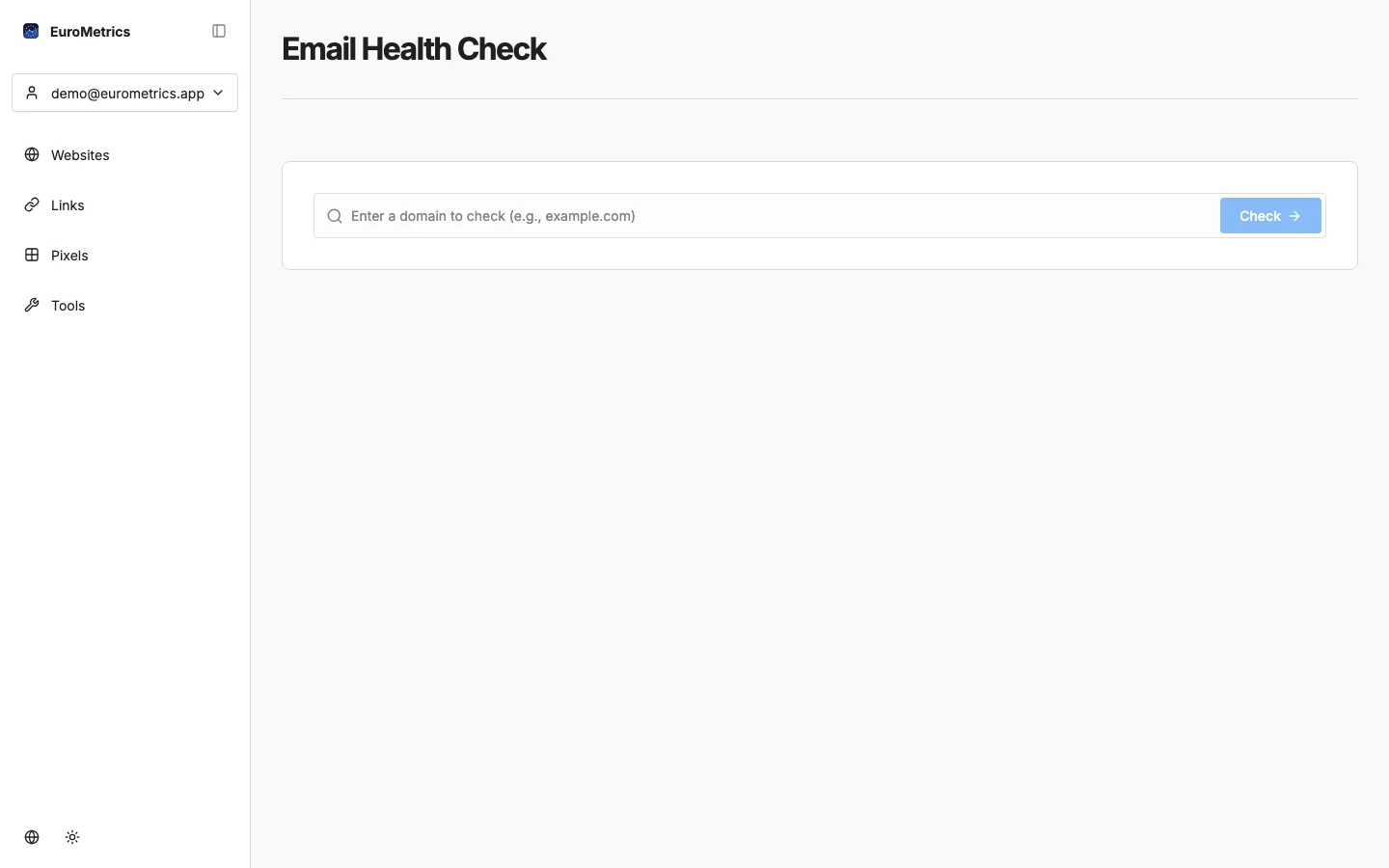
Results appear in seconds since all checks are DNS-based.
Understanding Your Score
Your domain receives a score from 0 to 10:
Score | Rating | Meaning |
|---|---|---|
9.0–10.0 | Excellent | Email infrastructure is well-configured |
7.0–8.9 | Good | Solid setup with minor improvements possible |
4.0–6.9 | Needs Work | Significant issues that may affect deliverability |
0–3.9 | Critical | Major problems: emails likely going to spam |
The 10 Checks
Check | Weight | What It Verifies |
|---|---|---|
MX Records | 15% | Your domain has valid mail exchange servers configured |
SPF | 20% | Sender Policy Framework: which servers are authorized to send email for your domain |
DKIM | 20% | DomainKeys Identified Mail: checks 24 common selectors for email signing |
DMARC | 20% | Domain-based Message Authentication: policy for handling failed SPF/DKIM checks |
Blacklists | 15% | Checks your IP against 24 major DNS blacklists |
Reverse DNS | 5% | PTR records: server IP resolves back to a hostname |
BIMI | 2% | Brand Indicators for Message Identification: your logo in email clients |
MTA-STS | 2% | Mail Transfer Agent Strict Transport Security: enforces TLS for incoming mail |
TLS-RPT | 0.5% | TLS Reporting: receive reports about TLS failures |
DANE | 0.5% | DNS-based Authentication: additional certificate verification |
The Big Four: SPF, DKIM, DMARC, and MX
These four checks make up 75% of your score and are the most critical for email deliverability:
SPF (Sender Policy Framework)
Tells receiving servers which IP addresses are allowed to send email from your domain. Without SPF, anyone can send emails pretending to be you.
DKIM (DomainKeys Identified Mail)
Adds a digital signature to your emails, proving they haven’t been tampered with in transit. The checker tests 24 common selectors used by major email providers.
DMARC (Domain-based Message Authentication)
Tells receiving servers what to do when SPF or DKIM checks fail (quarantine, reject, or do nothing). A strong DMARC policy (p=reject) is the gold standard.
MX Records
The foundational DNS records that tell the world where to deliver email for your domain.
Sharing and History
- Share: Generate a public link to your results (valid for 30 days)
- History: Your last 20 checks are saved for reference
What’s Next?
Need help? Reach out to us at support@eurometrics.eu.