What Are Email Reports?
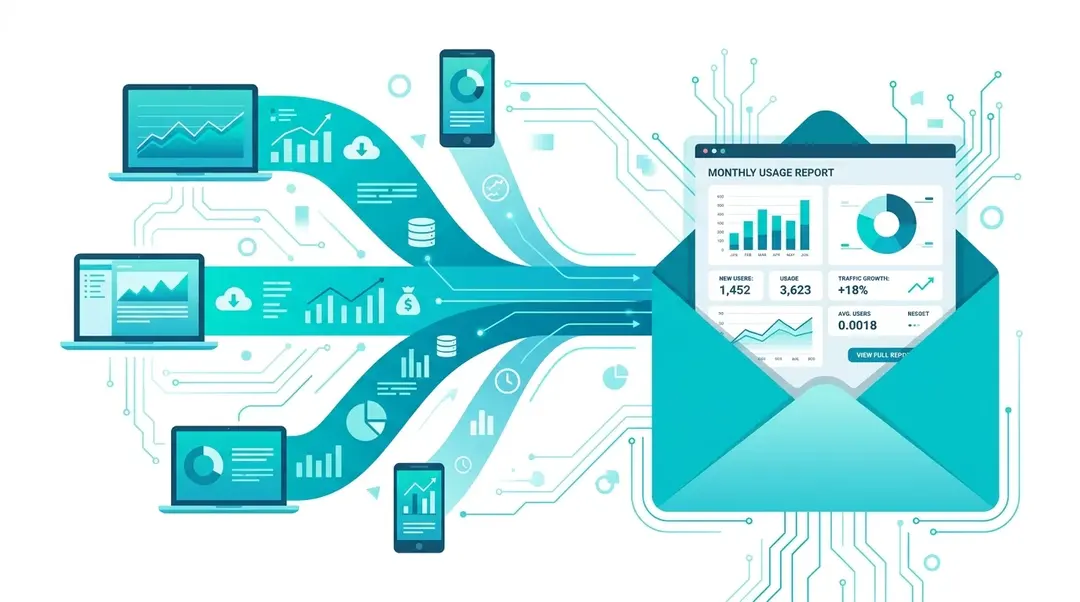
EuroMetrics can send automated analytics digests straight to your inbox: daily, weekly, or monthly. No need to log in to check your numbers. Each report type provides different levels of detail suited to different cadences.
Setting Up Email Reports
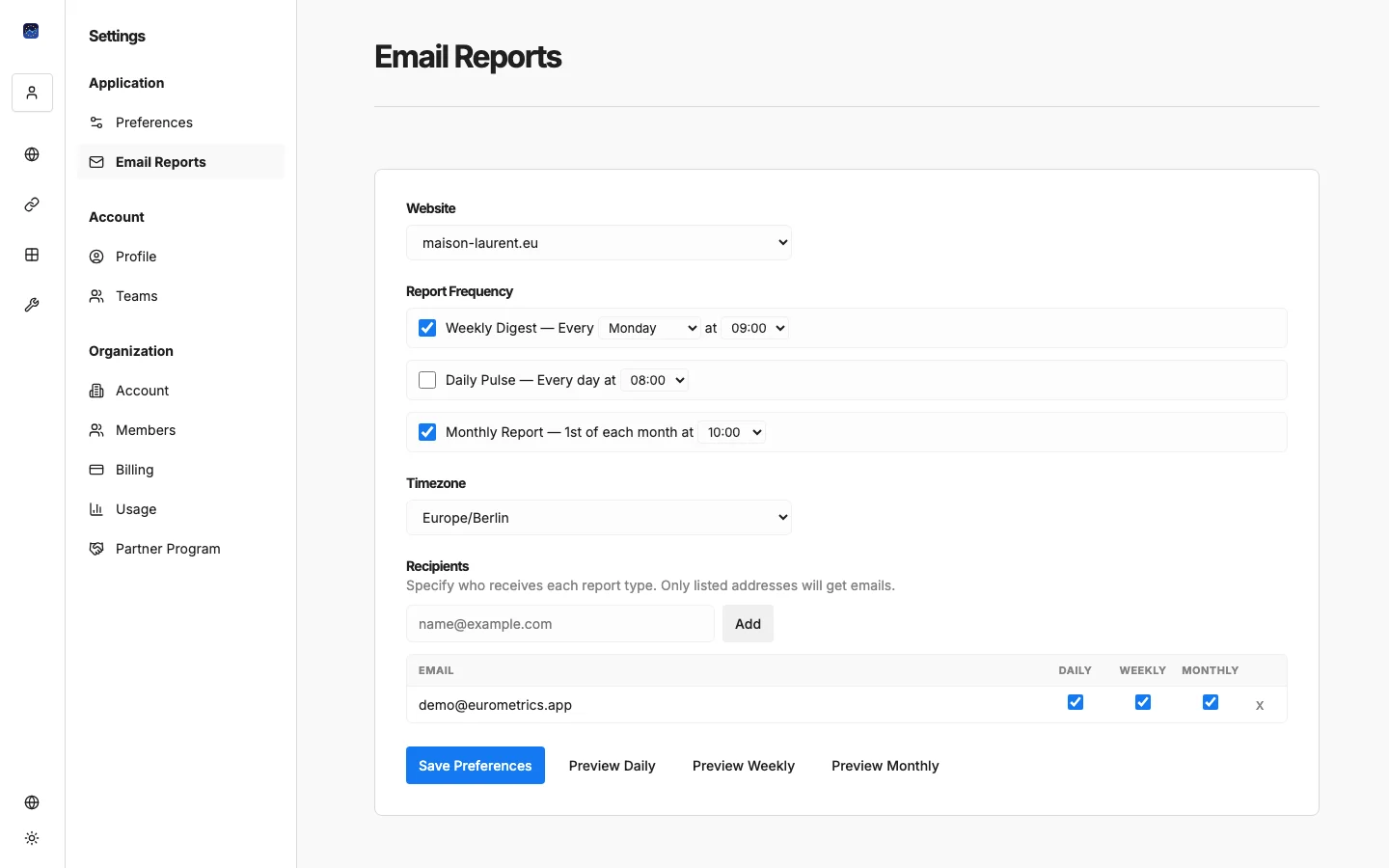
Go to Settings → Email Reports in the sidebar.
Step 1: Select Your Website
If you have multiple websites, choose which one to configure from the dropdown at the top.
Step 2: Choose Report Types
Enable the reports you want to receive:
Report | Frequency | What’s Included |
|---|---|---|
Daily Pulse | Every day | Yesterday’s key metrics: visitors, views, top pages, top sources. Quick snapshot to start your day. |
Weekly Digest | Every week | Full week’s performance: trends, comparisons to previous week, channel breakdown, top content. |
Monthly Report | 1st of each month | Full monthly review: month-over-month trends, geographic breakdown, detailed source analysis. |
Step 3: Set Your Schedule
For each report type, choose when you want it delivered:
- Daily: Pick the hour (e.g., 08:00)
- Weekly: Pick the day of the week and hour (e.g., Monday at 09:00)
- Monthly: Reports are sent on the 1st; pick the hour (e.g., 10:00)
Step 4: Set Your Timezone
Select your timezone from the dropdown (24 timezones available). This ensures reports arrive at the right local time and cover the correct date boundaries.
Step 5: Add Recipients
Add email addresses for people who should receive the reports. For each recipient, you can toggle which report types they receive:
This means your CEO might get only the monthly report, your marketing manager gets weekly, and you get all three.
Previewing Reports
Before saving, click the Preview buttons to see exactly what each report looks like. A new tab opens with the rendered report using your website’s actual data.
Default Settings
When you add a new website, email reports are enabled automatically with these defaults:
- Daily Pulse at 08:00
- Weekly Digest on Monday at 09:00
- Monthly Report on the 1st at 10:00
- Timezone: Europe/Berlin
- Recipient: your account email
You can adjust or disable any of these at any time.
What’s Next?
Need help? Reach out to us at support@eurometrics.eu.