Personal Profile vs. Organization Account
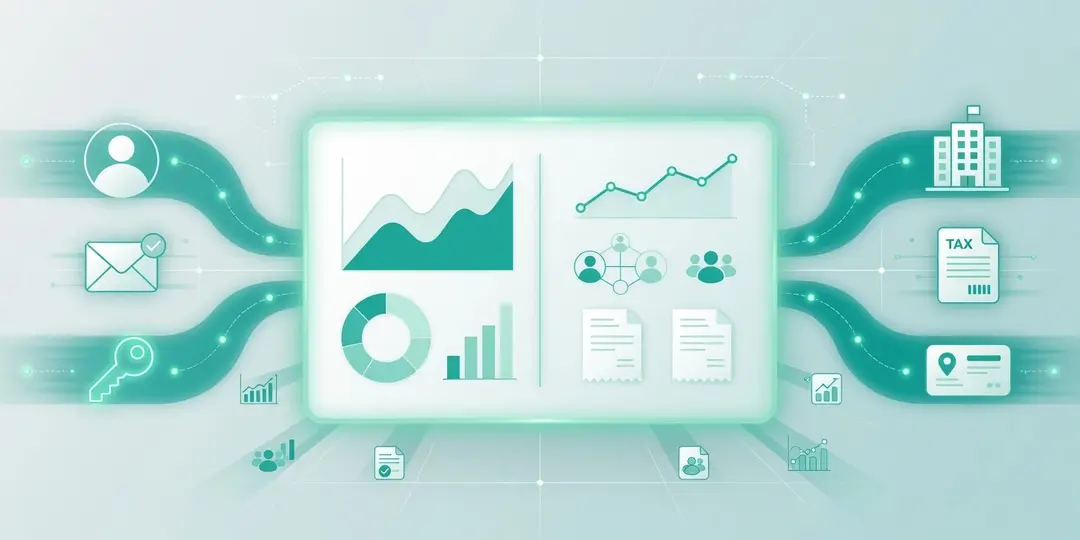
EuroMetrics separates two kinds of settings:
- Profile: your personal user: name, email, password, and preferences.
- Account: your organization: company details, tax ID, billing address, members, and plan.
Profile Settings
Open Settings → Profile to manage your personal user:
- Name and email: how you appear and where login links and notifications are sent.
- Password: set or change a password. If you normally sign in with a magic link, you can still add a password here and use “sign in with password” on the login screen. See Registration and First Login.
Preferences
Under Settings → Preferences you can adjust interface options such as language and theme. These affect only how the dashboard looks for you and do not change any tracking.
Organization Account
Under Settings → Account you manage details for the legal entity that owns the data: company name, tax ID, and address. These details are used on invoices and in your data processing agreement, so keep them accurate.
Related Settings
- Team Management: invite colleagues and set roles.
- Pricing Plans and Limits: change your plan.
- Usage and Quotas: see how much of your plan you use.
Need help? Reach out to us at support@eurometrics.eu.