What Are Custom Events?
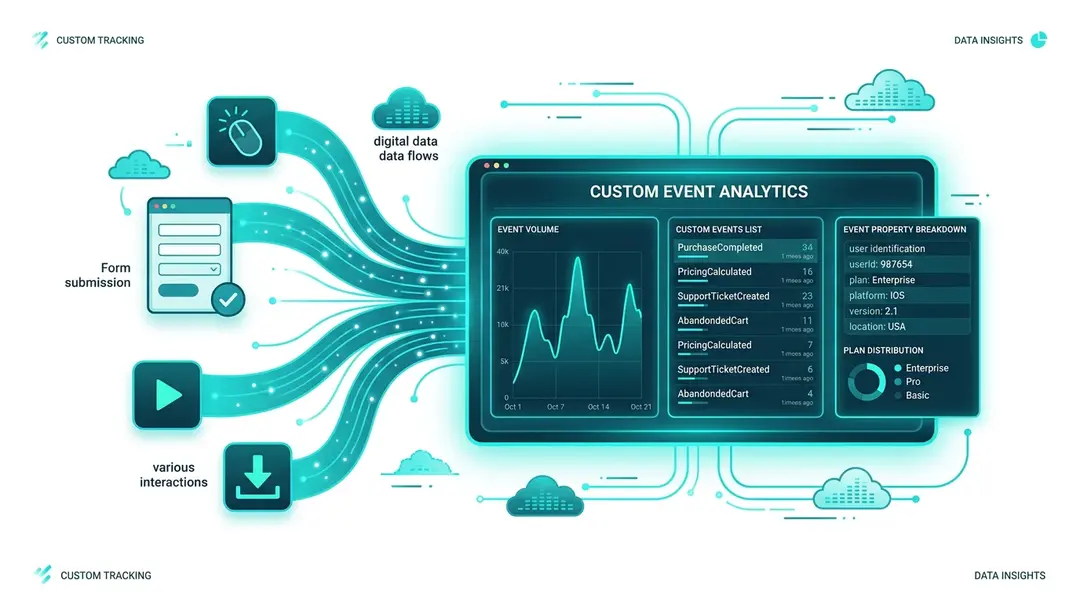
Page views happen automatically, but many important actions don’t involve loading a new page: clicking a button, submitting a form, playing a video, downloading a file. Custom events let you track these interactions.
Tracking Events with JavaScript
Use the umami.track() function anywhere in your website’s JavaScript:
// Basic event — just a name
umami.track('signup-click');

// Event with custom data
umami.track('download', {
  fileName: 'whitepaper-2026.pdf',
  category: 'resources'
});

// Event with multiple properties
umami.track('video-play', {
  title: 'Product Demo',
  duration: 120,
  autoplay: false
});
Tracking Events with HTML Attributes
For simple click tracking, you don’t need to write any JavaScript. Just add a data-umami-event attribute to any HTML element:
<!-- Basic click event -->
<button data-umami-event="signup-click">Sign Up</button>

<!-- Event with extra data -->
<a href="/pricing"
   data-umami-event="cta-click"
   data-umami-event-location="header">
  View Pricing
</a>

<!-- Download tracking -->
<a href="/files/report.pdf"
   data-umami-event="download"
   data-umami-event-file="report.pdf">
  Download Report
</a>
Any data-umami-event-* attributes become custom properties on the event.
Viewing Event Data
Navigate to Events in the sidebar under Traffic.
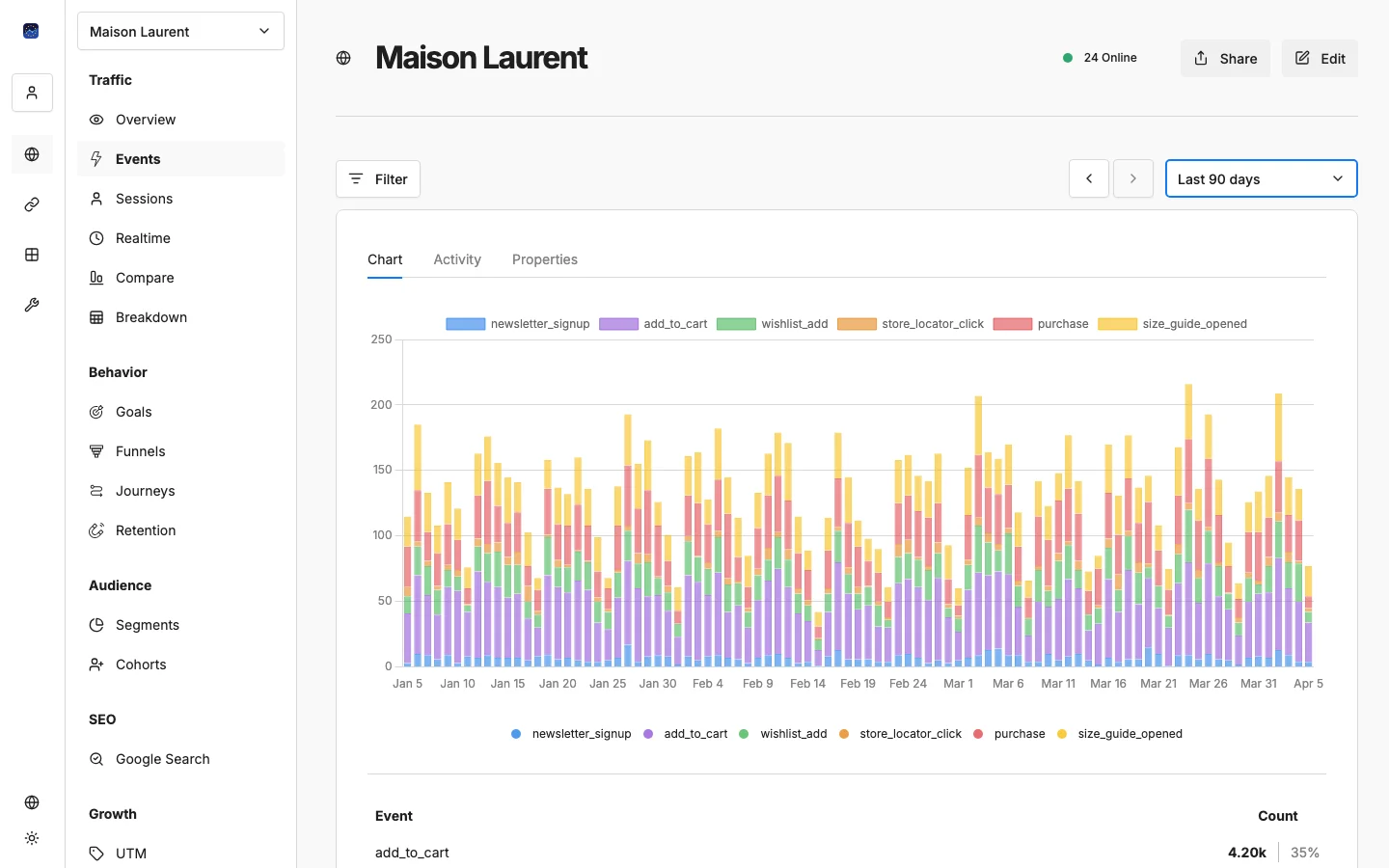
You’ll see:
- Event timeline: A chart showing event occurrences over time
- Event list: All tracked events with their counts
- Event properties: Click an event to see its custom data breakdown
User Identification
You can also identify visitors with custom properties using umami.identify():
umami.identify({
  userId: 'user-123',
  plan: 'pro',
  company: 'Acme Corp'
});
This attaches custom data to the visitor’s session, which you can then use for filtering and segmentation.
Common Event Tracking Patterns
Action | Event Name | Useful Properties |
|---|---|---|
Form submission |
| formName, formId |
Button click |
| location, variant |
File download |
| fileName, fileType, fileSize |
Video play |
| title, duration |
Search |
| query, resultsCount |
Add to cart |
| productId, price, quantity |
Scroll depth |
| depth (25, 50, 75, 100) |
Error |
| message, page, code |
Best Practices
- Use descriptive, consistent names.
add-to-cartis better thanclick1. - Keep property values clean. Avoid dynamic values that create too many unique entries (e.g., timestamps).
- Track the outcome, not the click. Track
form-submit, notsubmit-button-click. - Don’t over-track. Focus on events that give actionable insights.
What’s Next?
- → Tracking Conversion Goals: use events as conversion goals
- → Setting Up Conversion Funnels: build funnels from events
- → Revenue Tracking: add revenue data to events
Need help? Reach out to us at support@eurometrics.eu.