How Search Console data fits with your analytics
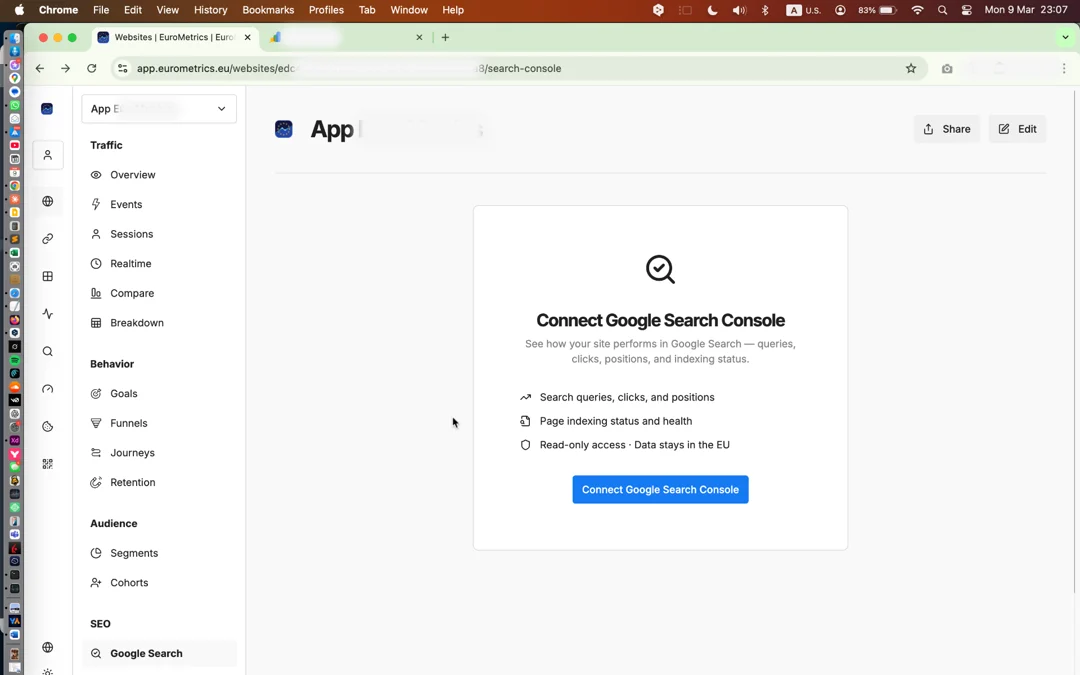
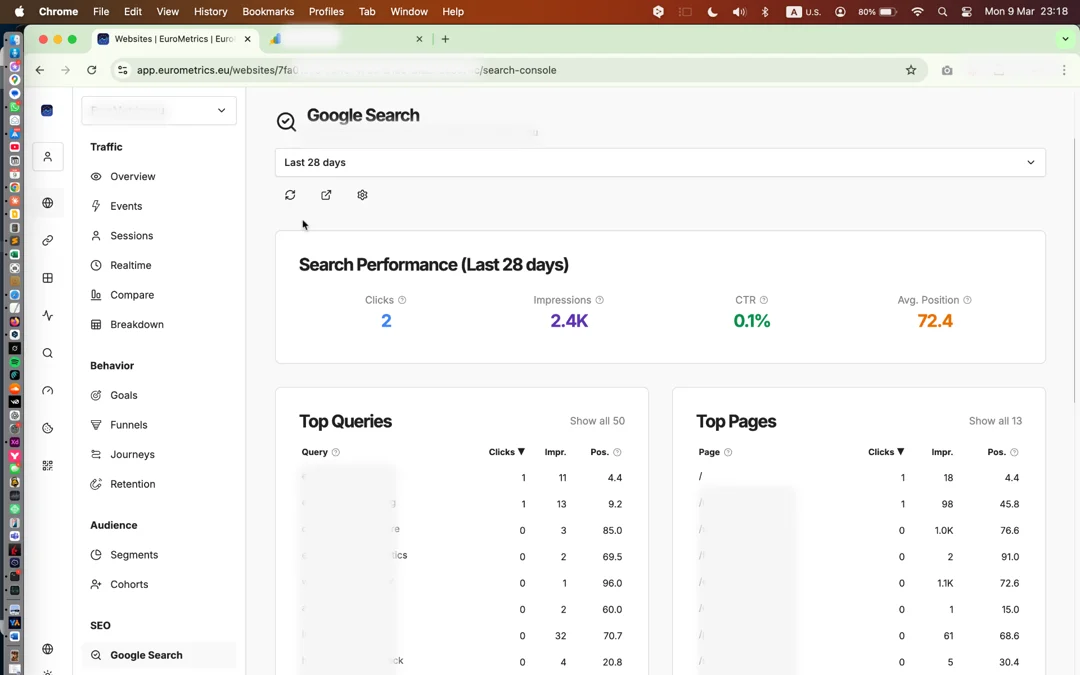
Search Console and web analytics measure two different moments. Search Console reports what happened on Google's results page: how often a page was shown, how often it was clicked, and at what average position. Your analytics reports what happened after the click: which page the visitor landed on, how long they stayed, and whether they converted. Putting both in one dashboard lets you follow a query all the way from impression to goal, but the two numbers will not match exactly and should not be expected to. Google counts clicks, the tracker counts visits that loaded the page, and each side has cases the other never sees.
Mind the delay. Google usually publishes search data two to three days late, so the most recent days look low in any Search Console view. When you compare periods, end both of them at least three days ago; otherwise every week looks like a drop. Analytics data has no such delay, which is another reason to read the two side by side rather than dividing one by the other for yesterday.
The most useful routine is short. Once a week, sort top pages by impressions and look for pages with many impressions and a low CTR: the page already ranks, but the title or description does not earn the click. Then open the same page in your analytics to see whether the visitors who do arrive stay and convert. A page that ranks, gets clicked and then loses visitors needs better content, not a better title.
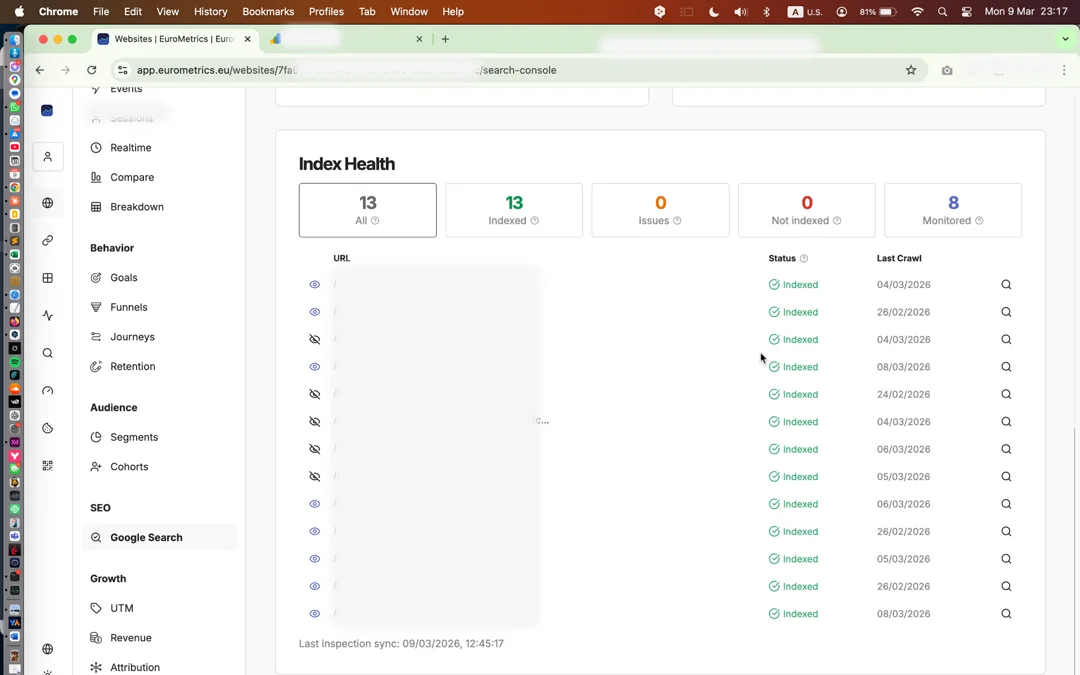
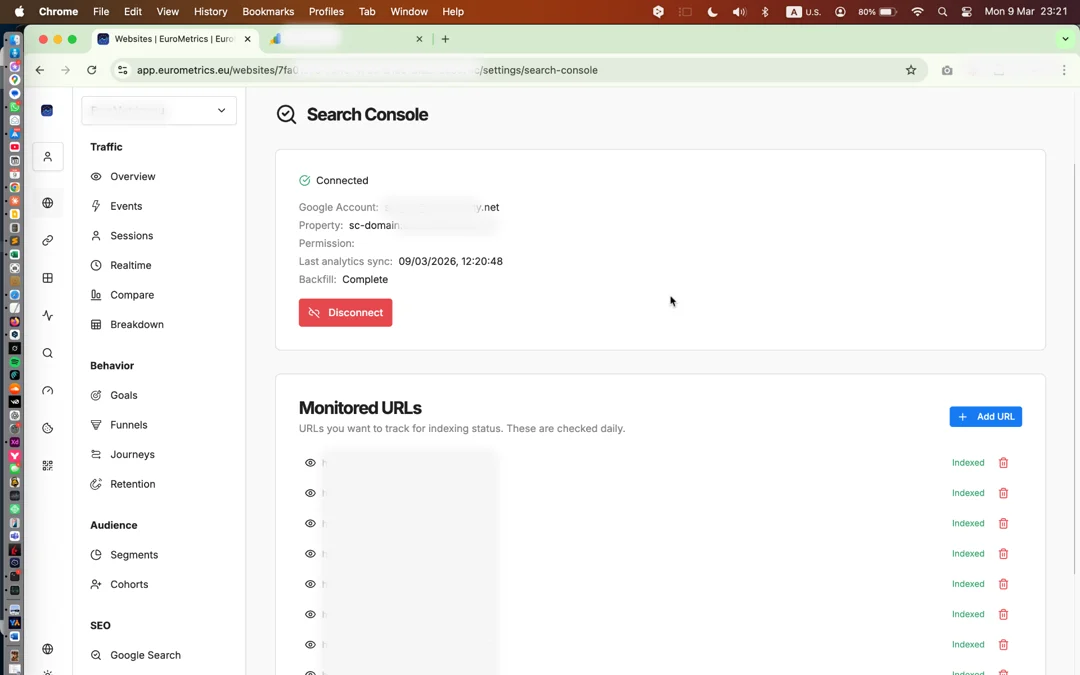
Here is a worked example. A pricing page shows thousands of impressions for a query at position eight with a CTR under one percent. Rewrite its title to answer that query directly, add the page to monitored URLs so you learn at once if it drops out of the index, and check again two weeks later, once the delayed data has caught up. If clicks rise and the analytics side shows the new visitors reaching your signup goal, keep the change; if clicks rise but visitors leave, the problem is on the page.