Why Connect Google Search Console?
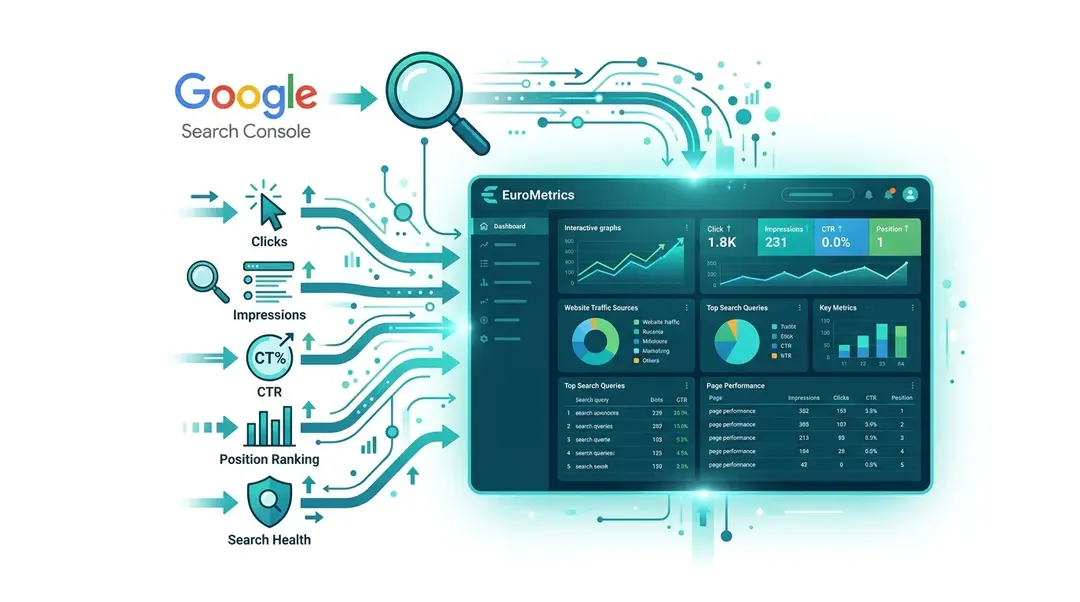
Google Search Console (GSC) shows you how your website appears in Google search results: which queries bring visitors, which pages rank, and how your indexation health looks. By connecting GSC to EuroMetrics, you get this SEO data right alongside your traffic analytics.
Connecting Google Search Console
- Navigate to your website and go to Settings
- Click Search Console in the settings panel
- Click Connect Google Account
- Sign in with the Google account that has access to your Search Console property
- Grant the required permissions (read-only access to your search data)
- Select the GSC property that matches your website
Viewing Search Console Data
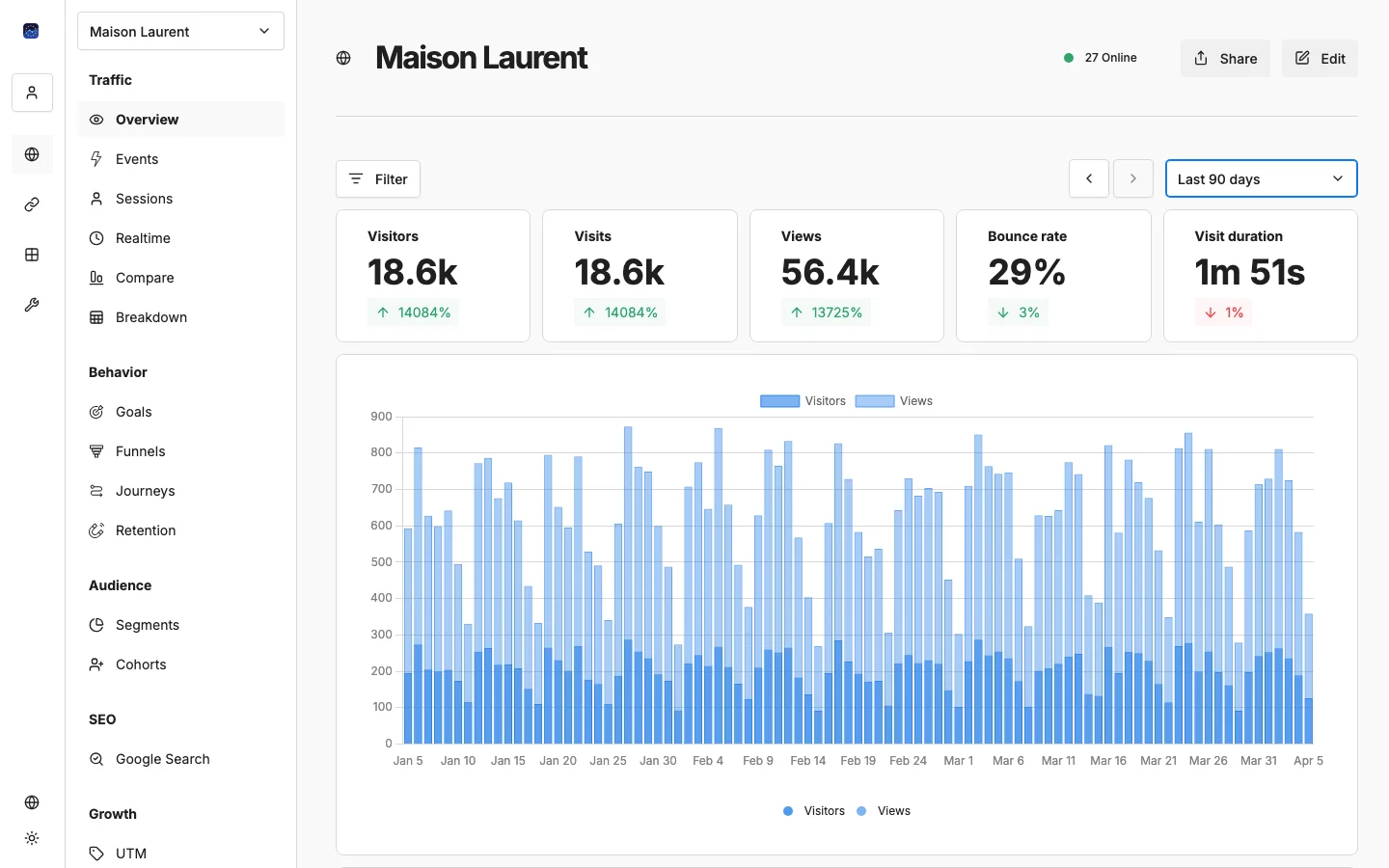
Once connected, you’ll find Google Search Console in the sidebar under SEO.
The GSC section shows:
Search Queries
The keywords people use to find your site in Google:
- Query: The search term
- Clicks: How many times people clicked through to your site
- Impressions: How many times your site appeared in results
- CTR: Click-through rate (clicks ÷ impressions)
- Position: Average ranking position in Google
Top Pages
Your best-performing pages in search results, with the same metrics.
Index Health
An overview of your site’s indexation status: how many pages Google has indexed and any issues detected.
Recommendations
Actionable suggestions for improving your search performance.
How to Use GSC Data
- Find quick wins: Look for queries where you rank on page 2 (positions 11–20) with high impressions but low clicks. A small improvement in content could push you to page 1.
- Spot declining keywords: Compare periods to find queries losing impressions or positions. These need attention before they drop further.
- Optimize CTR: Pages with high impressions but low CTR might need better title tags and meta descriptions.
- Combine with analytics: Cross-reference your top search queries with actual on-site behavior. Are organic visitors engaging with your content?
Data Sync
GSC data syncs automatically. Note that Google typically provides data with a 2–3 day delay, so the most recent days may not have data yet.
What’s Next?
Need help? Reach out to us at support@eurometrics.eu.