What Are UTM Parameters?
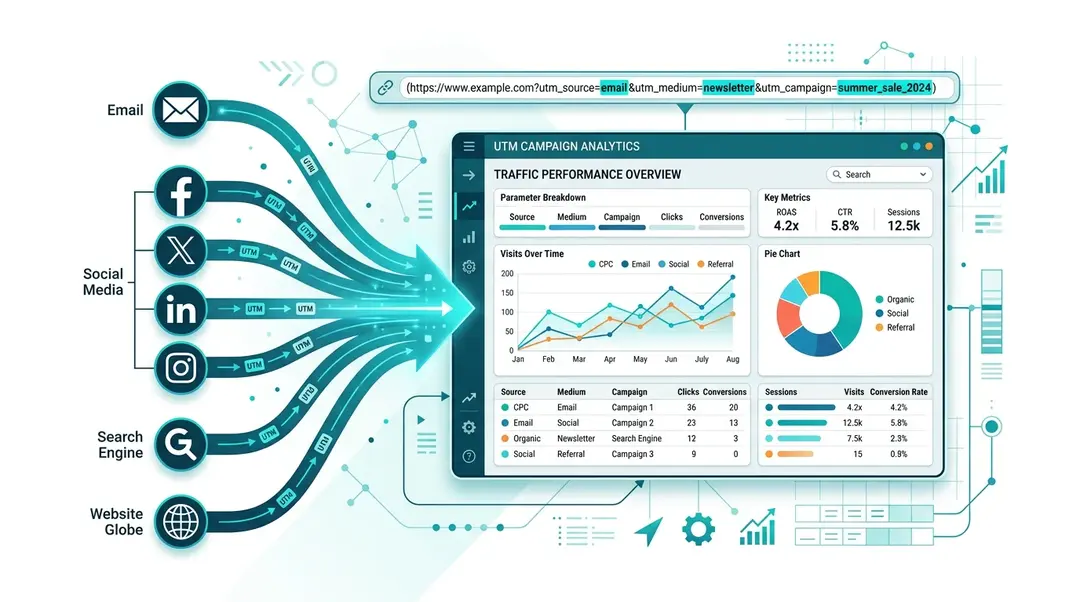
UTM parameters are tags you add to your URLs to track where traffic comes from. When someone clicks a link with UTM parameters, EuroMetrics automatically captures and categorizes the data.
For example:
https://yoursite.com/pricing?utm_source=newsletter&utm_medium=email&utm_campaign=spring-saleThis tells you the visitor came from your newsletter, via email, as part of your spring sale campaign.
The Five UTM Parameters
Parameter | Purpose | Example |
|---|---|---|
| Where the traffic comes from | google, facebook, newsletter |
| The marketing channel | cpc, email, social, banner |
| The specific campaign name | spring-sale, product-launch |
| Differentiates similar links (A/B tests) | header-link, footer-link |
| The paid search keyword | analytics+tool, web+metrics |
Viewing UTM Data
Navigate to UTM in the sidebar under Growth.
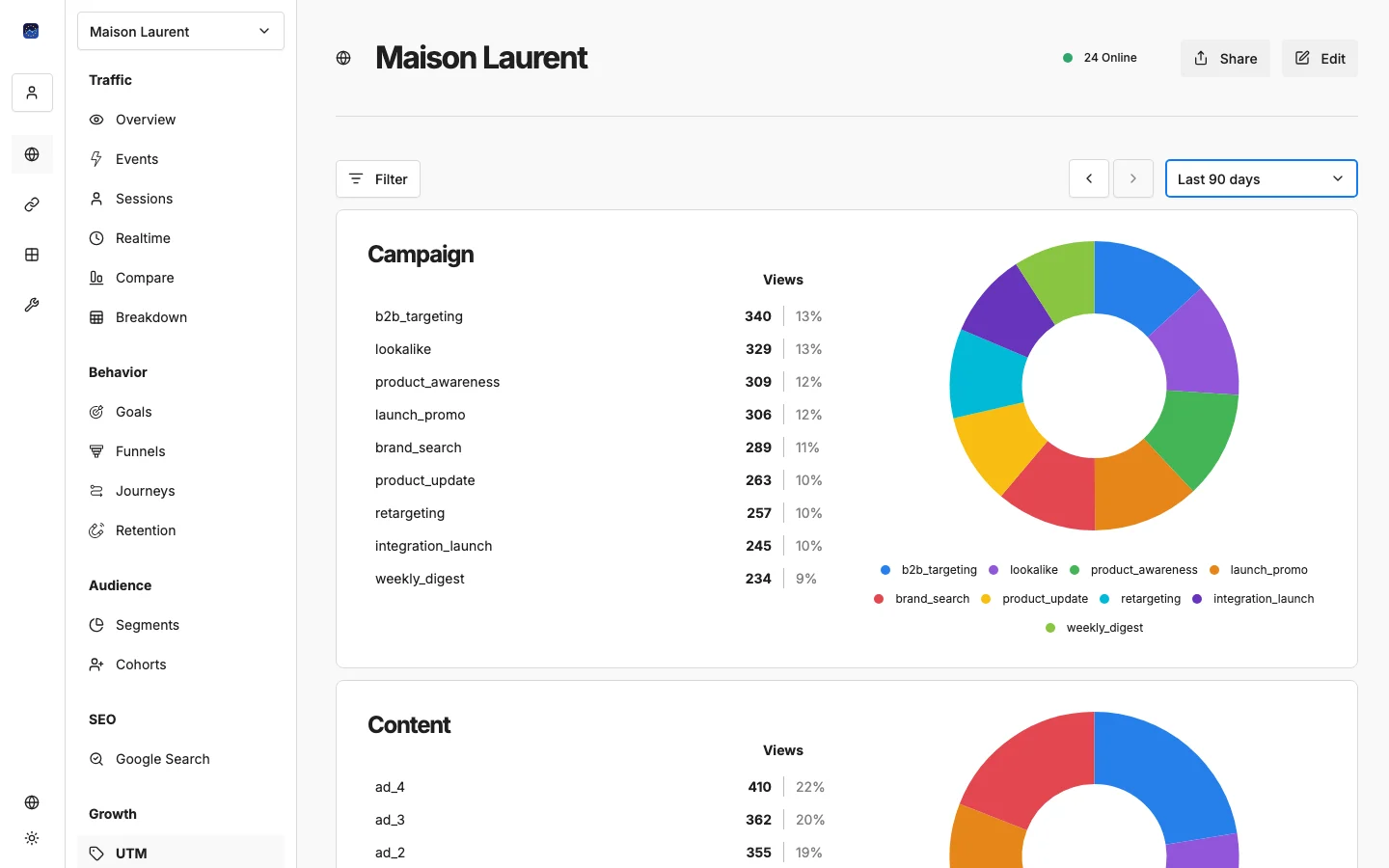
The UTM report automatically shows five panels, one for each parameter. Each panel displays:
- A table with all tracked values and their visitor counts
- A pie chart showing the distribution
- Percentages for each value
No configuration needed: EuroMetrics detects and categorizes UTM parameters automatically from incoming traffic.
Building UTM Links
You can build UTM-tagged URLs directly in EuroMetrics using the Campaign URL Builder tool:
- Go to Tools in the sidebar
- Open Campaign URL Builder
- Enter your destination URL and fill in the UTM parameters
- Copy the generated link
UTM Best Practices
- Be consistent. Use lowercase and hyphens:
spring-sale, notSpring_SaleorSpringSale. Inconsistent naming creates duplicate entries in your reports. - Always use source + medium + campaign. These three are the minimum for useful tracking. Content and term are optional.
- Name campaigns descriptively. Future you will thank present you when reading reports.
2026-q2-email-promois much better thancampaign1. - Don’t UTM internal links. UTM parameters are for external traffic sources. Using them on internal links will overwrite the original source data.
- Document your naming conventions. Share a spreadsheet with your team so everyone tags links the same way.
Common UTM Templates
Channel | Source | Medium | Campaign |
|---|---|---|---|
Google Ads | cpc | brand-awareness | |
Facebook Ads | paid-social | retargeting-q2 | |
Email newsletter | newsletter | weekly-digest | |
Partner referral | partner-name | referral | co-marketing |
LinkedIn post | social | product-launch |
What’s Next?
- → Attribution Modeling: See which sources actually drive conversions
- → Revenue Tracking: Connect UTM data to revenue
Need help? Reach out to us at support@eurometrics.eu.