Why a Goal Stays at 0%
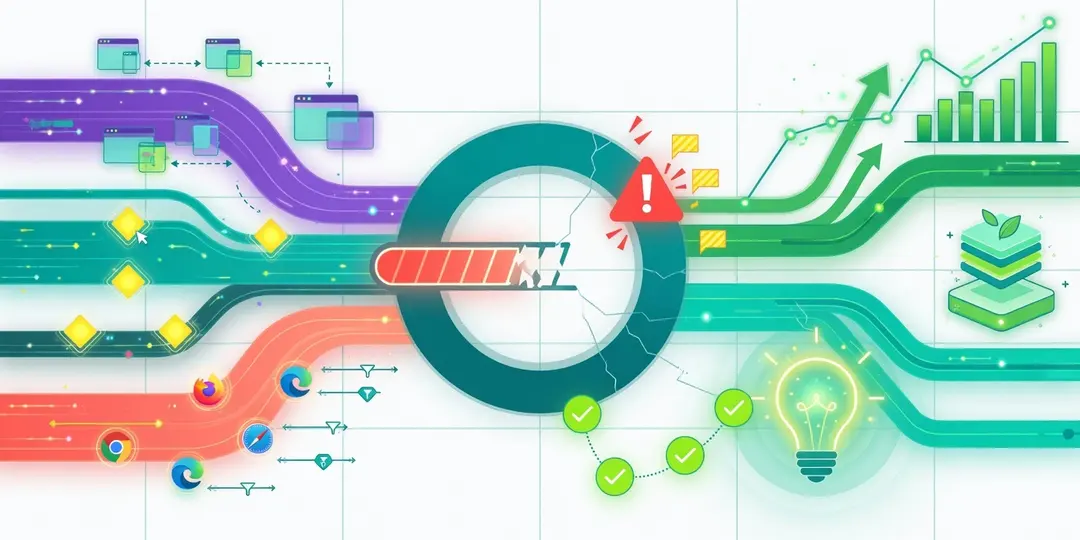
A goal at 0% means EuroMetrics is not finding a single match. The cause is almost always a mismatch between the goal’s value and what is actually recorded. Matching is exact and case-sensitive. Diagnose by goal type.
First: Which Type Is the Goal?
Open the goal and check whether its action is Page view or Event: the checks differ.
Page View Goals
The path must match exactly, including case. Check:
Check | Detail |
|---|---|
Starts with a slash |
|
No domain |
|
Case matches |
|
Trailing slash |
|
The page is actually visited | Open it yourself and check Realtime |
Tip: open the page in question and look at how it appears in your pages report, then put exactly that value in the goal.
Event Goals
The event name must match exactly, including case. Work through the chain:
- Is the event arriving at all? Open the Events report and perform the action on your site. If the event does not appear, the problem is on the site side. Set up the event first. See Tracking Custom Events.
- Does the name match character-for-character? Compare the event name in the Events report with the goal’s value. A different case or a typo (
Signupvssignup) is the usual culprit. - Does it fire at the right moment? A
data-umami-eventattribute fires on click; if the action happens without a click, use the JavaScript API instead.
Causes for Both Types
Cause | Fix |
|---|---|
Too little time has passed | Let data accumulate; goals count visits in the selected range |
Date range too narrow | Widen the range at the top of the page |
Your traffic is filtered | If you are testing yourself and your IP is excluded, nothing is counted; check Traffic filters |
Tracker not installed | Verify collection (see Data Not Showing Up) |
A Quick Test
- Open your site in a clean browser (no blockers, your IP not filtered).
- Perform the goal action: visit the page or click the element.
- Check Realtime and the Events report.
- If the action shows there but the goal does not, it is a value mismatch, so compare character-for-character.
What’s Next?
Need help? Reach out to us at support@eurometrics.eu.