Start Here
If your reports are empty or show fewer visits than expected, work down this list from the top. In almost every case the cause is one of the first three checks.
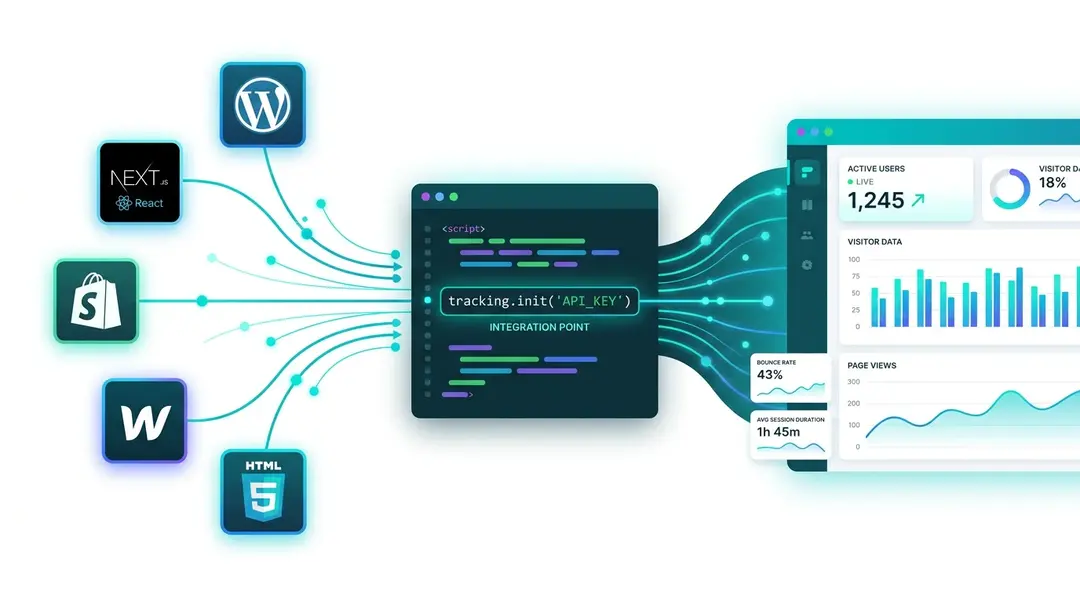
1. Is the Tracking Script Installed?
Open your site, press F12 → Network, reload the page, and look for script.js loading from app.eurometrics.eu (or from your own domain if you use first-party tracking):
- No
script.jsrequest → the snippet is missing on this page. Copy it again from Website Settings → Tracking code and paste it into the<head>. See the Installation Guide. script.jsloads with status 200 → go to step 2.
2. Is Data Being Sent?
In the same Network tab, navigate around your site. You should see requests to /api/send:
- No
/api/sendrequests → check thatdata-website-idin the snippet exactly matches the website ID in your account. - In the Console tab, type
window.umami: it should return an object. If it isundefined, a browser extension is likely blocking the script.
3. Is Your Traffic Filtered?
If you added traffic filters or clicked “Exclude my IP”, your own visits are intentionally not collected. Review the rules under Website Settings → Traffic filters.
4. Ad-Blockers and Privacy Settings
- Ad-blocking extensions can block any analytics script. Test in a clean browser profile. To reduce this permanently, serve the tracker from your own domain.
- If you enabled “Do Not Track” handling, visitors with that browser setting are not counted.
5. Right Website and Date Range
- Make sure you are viewing the correct website if you track several.
- Check the date range at the top of the report. The data may exist in a different range.
6. Site Cache
If you use a caching plugin or CDN, clear the cache after adding the snippet, otherwise visitors keep receiving the old page without the tracker.
Quick Reference
Symptom | Likely cause | Fix |
|---|---|---|
No | Snippet not installed | |
| Wrong | Re-copy snippet from settings |
| Blocker / script missing | Test in a clean browser |
Data exists but not my visits | Traffic filter active | Check Traffic filters |
Empty for today | Wrong range/website | Adjust date range, confirm website |
If none of this helps, email us the site domain and a screenshot of the Network tab.
What’s Next?
Need help? Reach out to us at support@eurometrics.eu.