
What Is Realtime?
The Realtime view shows you exactly who is on your website right now. Watch visitors arrive, navigate between pages, and trigger events, all updating live.
Accessing Realtime
Click on any website and select Realtime from the sidebar under Traffic.
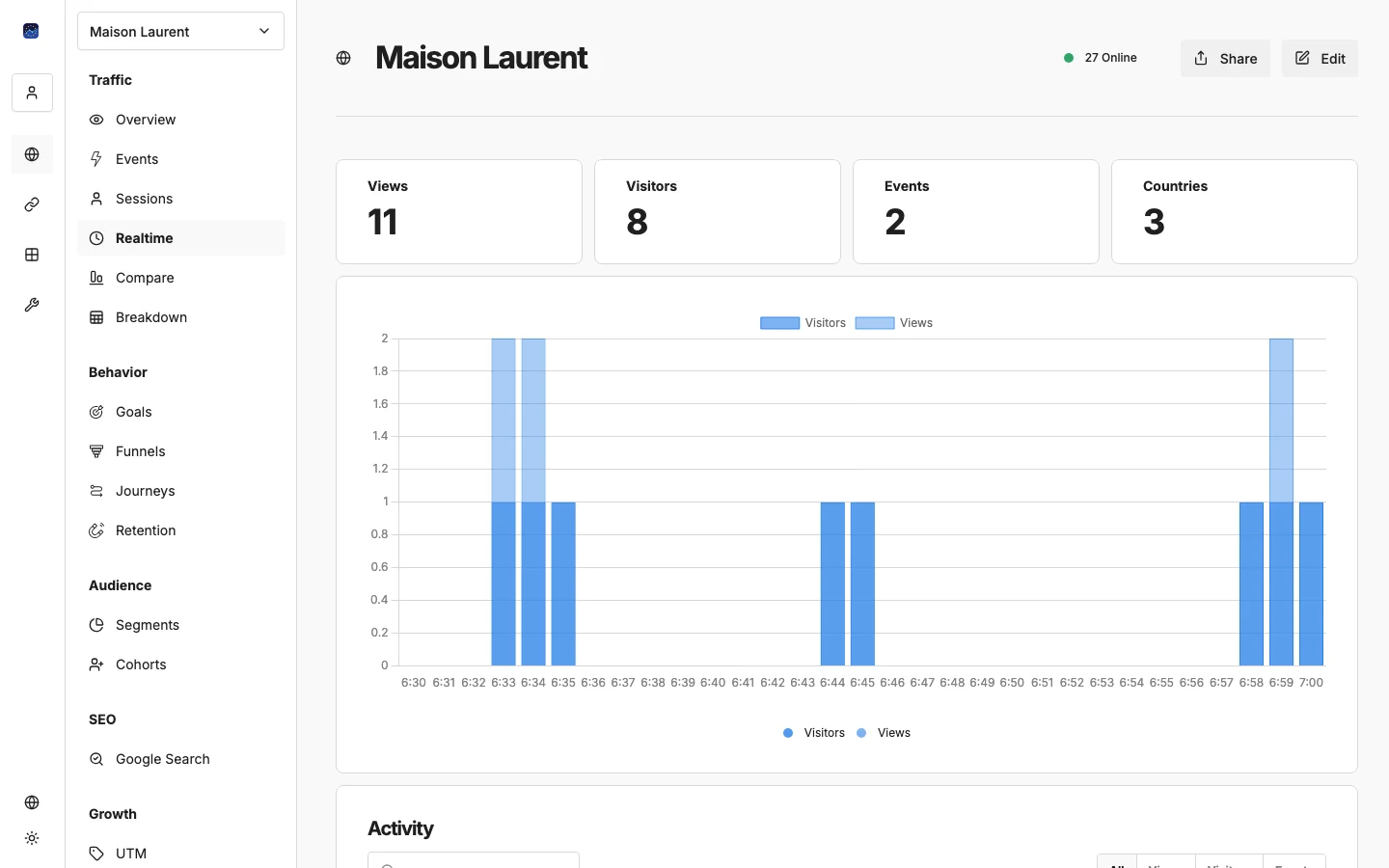
What You See
Live Activity Feed
A streaming list of events as they happen:
- Page views with URL paths
- Custom events with names
- Visitor information (country, browser, device)
- Timestamps for each action
Active Visitors Count
The total number of visitors currently active on your site, updated every 60 seconds. This same counter appears in the website header across all views.
When to Use Realtime
- Campaign launches: watch traffic spike in real time when you send an email blast or launch an ad campaign
- Content publishing: see immediate engagement when you publish a new blog post or social media update
- Debugging: verify that your tracking code is working by visiting your site and checking if events appear
- Live events: monitor traffic during webinars, product launches, or sales events
- Presentations: show real-time analytics on screen during team meetings or client presentations
What’s Next?
Need help? Reach out to us at support@eurometrics.eu.