What Is the UI/UX Analyzer?
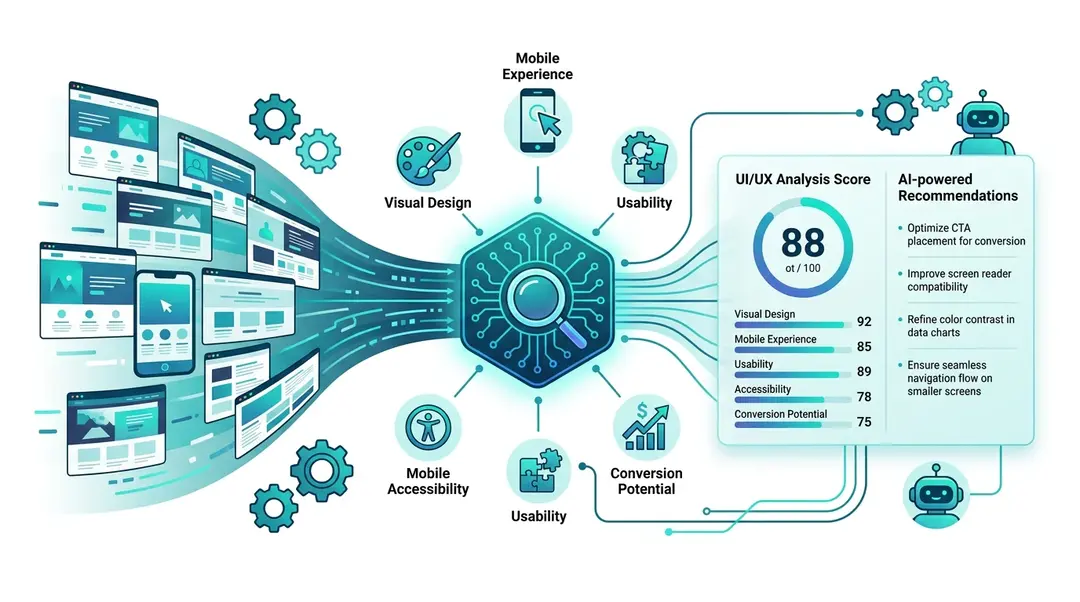
The UI/UX Analyzer is an AI-powered design audit that evaluates your website’s visual design, mobile experience, usability, accessibility, and conversion potential. It combines automated checks with Claude AI vision analysis to give you actionable design recommendations.
Running a UI/UX Analysis
Go to Tools in the sidebar and open UI/UX Analyzer. Enter the URL and click Analyze.
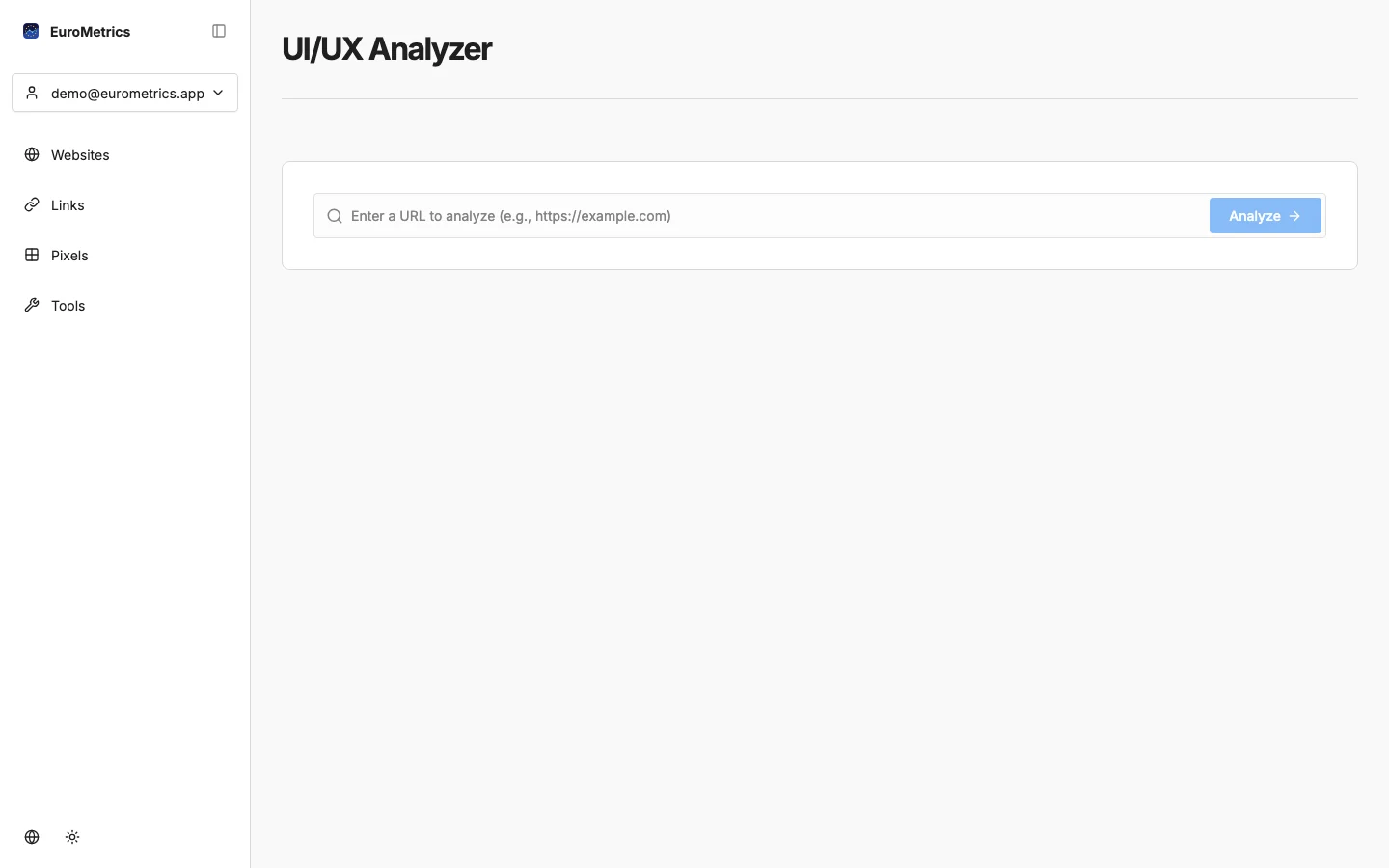
The analysis takes 30–60 seconds as it:
- Captures 4 screenshots (desktop + mobile, above-fold + full-page)
- Extracts 40+ page metadata (typography, colors, contrast, touch targets, etc.)
- Runs 16 programmatic accessibility and mobile checks
- Sends screenshots to Claude AI for 18 visual design assessments
Understanding Your Score
Your overall score (0–100) combines five categories:
Category | Weight | What It Evaluates |
|---|---|---|
Visual Design | 25% | Color harmony, typography, spacing, layout consistency, imagery quality |
Mobile | 20% | Responsive layout, touch targets, font sizes, horizontal scroll |
Usability | 20% | Navigation, headings structure, forms, footer |
Accessibility | 20% | Color contrast, alt text, keyboard navigation, ARIA labels, focus indicators |
Conversion | 15% | CTA visibility, value proposition clarity, trust signals, form design |
Rating scale:
- Excellent (80+): Industry-leading design
- Good (60–79): Solid design with room for improvement
- Needs Work (40–59): Significant issues that affect user experience
- Poor (below 40): Major redesign recommended
AI-Powered Insights
The AI analysis provides:
- Summary: A natural language overview of your site’s design strengths and weaknesses
- Top Improvements: The most impactful changes you can make, prioritized by effort vs. impact
- Detailed Assessments: 18 individual AI evaluations covering visual design, mobile experience, and conversion optimization
Programmatic Checks
Alongside the AI analysis, 16 automated checks verify technical standards:
Accessibility (8 checks)
Color contrast ratios, image alt text, keyboard navigation, form labels, landmark elements, language attribute, focus indicators, touch target sizes.
Mobile (4 checks)
Viewport meta tag, touch target spacing, font size minimums, horizontal scroll prevention.
Usability (4 checks)
Heading hierarchy, footer presence, form usability, navigation structure.
Each check is marked with a gear icon (⚙️ programmatic) or robot icon (🤖 AI) so you can see which assessments are automated and which are AI-generated.
Exporting Results
- PDF: Print-ready report via your browser’s print function
- Markdown: Download a .md file for AI agents, documentation, or sharing with developers
History and Re-runs
Your last 20 analyses are saved. View your history to:
- Track design improvements over time
- Re-run a check on a previously analyzed URL
- Compare scores before and after a redesign
What’s Next?
Need help? Reach out to us at support@eurometrics.eu.