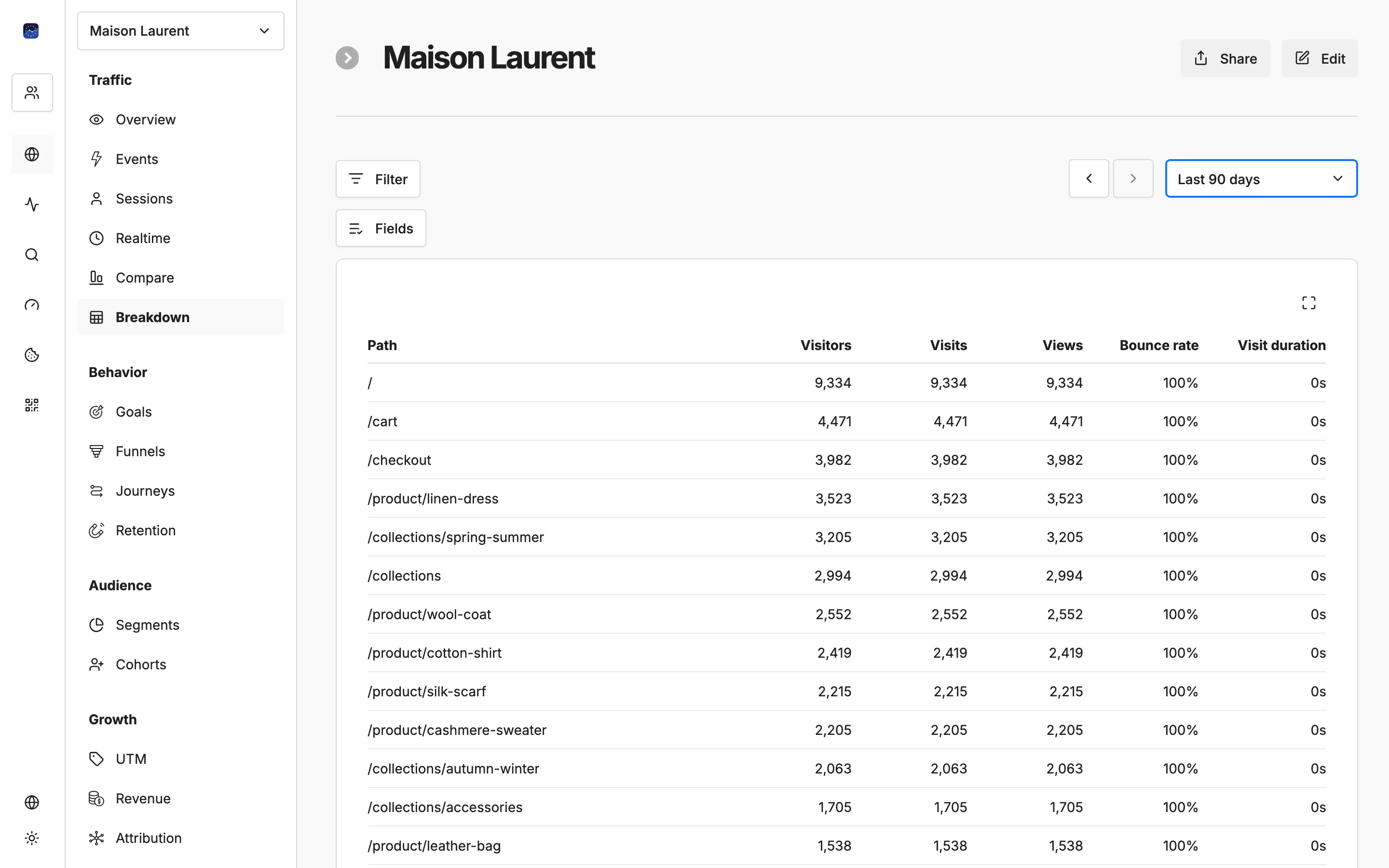
Know exactly where your visitors come from

Organic, paid, social, referral, direct — every traffic source tracked with full UTM parameter support.

Free forever planNo credit card required100% EU-hosted
Know exactly where your visitors come from

Key capabilities

Source breakdown

See all traffic sources in one view: organic search, paid ads, social media, referrals, email, and direct visits.

Full UTM support

Track utm_source, utm_medium, utm_campaign, utm_term, and utm_content parameters for granular campaign attribution.

Referrer details

See exactly which websites, social platforms, and search engines send visitors to your site.

Campaign performance

Measure how each marketing campaign performs — visitors, bounce rate, and conversions by UTM parameters.

Source trends over time

Track how each traffic source grows or declines over days, weeks, and months with trend charts.

How it works

1

Tag your campaigns

Use the Campaign URL Builder to add UTM parameters to your marketing links.

2

Traffic is automatically categorized

EuroMetrics sorts all incoming traffic into organic, paid, social, referral, email, and direct.

3

Compare sources and optimize

See which channels drive the most valuable traffic and reallocate your marketing budget accordingly.

Your data stays in Europe

All analytics data is processed and stored in EU data centres. No transatlantic transfers of your analytics data.

How to read traffic sources and which ones to trust

Trust tagged traffic most, referrer traffic next, and treat direct traffic as a catch-all rather than a channel. A visit tagged with UTM parameters carries its own label, so it lands in the right bucket every time. A visit without tags is sorted by the referrer the browser sends, which works well for search engines and most websites. When a browser sends no referrer at all, the visit is counted as direct, even if the person actually clicked a link in an app, a PDF or a chat message.

That is why a sudden jump in direct traffic after a campaign usually means untagged links, not a surge of people typing your address. The fix is to tag every link you control: newsletters, social posts, partner placements and ads. Pick one naming scheme and keep it. Use lowercase, write utm_medium as the channel type (email, social, cpc) and utm_source as the specific sender (newsletter, linkedin, a partner's name). Mixed spellings such as Newsletter and newsletter split one campaign into two rows and make trend charts misleading.

A worked example. You run a spring promotion in your newsletter and on LinkedIn. Build both links in the Campaign URL Builder with utm_campaign=spring-sale, utm_source=newsletter or linkedin, and utm_medium=email or social. In the report, filter by the campaign and compare the two sources side by side on visitors, bounce rate and conversions. If LinkedIn brings more visitors but the newsletter brings more conversions, the newsletter audience is the one worth growing, and the LinkedIn post may need a clearer landing page.

Referrer details deserve a periodic look for two reasons. First, they show the specific pages that link to you, which tells you which articles or listings earn attention and where it is worth building a relationship. Second, they expose junk. If an unknown domain sends visits that all bounce, you can block it with a referrer traffic filter in website settings so it stops distorting your numbers. Keep in mind that filtered visits are never recorded, so check the pattern for a few days before you exclude a source.

Frequently asked questions

What traffic sources does EuroMetrics track?▼
EuroMetrics tracks organic search, paid search, social media, referral links, email campaigns, direct visits, and any custom UTM-tagged sources.
Do UTM parameters work with EuroMetrics?▼
Yes. Full UTM support is built in — utm_source, utm_medium, utm_campaign, utm_term, and utm_content are all tracked and displayed.
Can I see which specific websites refer traffic?▼
Yes. The referrer report shows the exact domains and URLs that send visitors to your site, along with visit counts and engagement metrics.
How does source attribution work without cookies?▼
EuroMetrics reads referrer headers and UTM parameters from the URL to attribute traffic sources. No cookies are needed for accurate source tracking.
Can I track traffic from email newsletters?▼
Yes. Add UTM parameters to your newsletter links using our Campaign URL Builder, then see the results in your traffic sources report.

Understand where your traffic comes from

Full UTM support, detailed referrer tracking, and source breakdowns — all without cookies.

Free plan available. No credit card required.