Segments: Custom Audience Filters
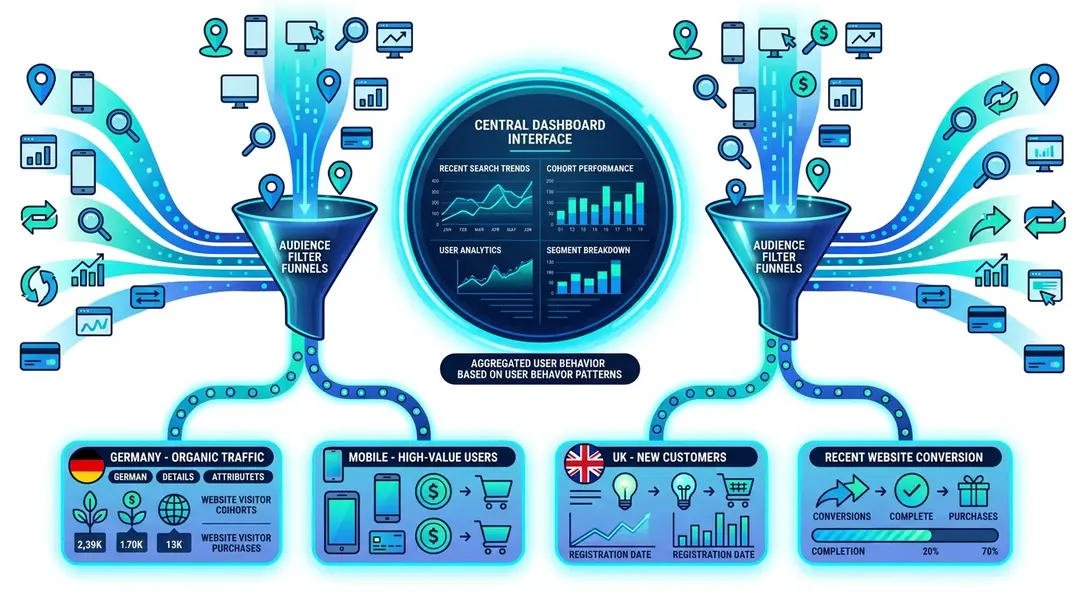
Segments let you define a specific slice of your audience and apply it across your analytics. Instead of filtering manually every time, save your filter combination as a segment and reuse it with one click.
Creating a Segment
- Open any website dashboard
- Click the filter icon in the controls bar
- Add one or more filters (e.g., Country = Germany, Device = Mobile)
- Once your filters are applied, click Save Segment
- Give your segment a name (e.g., “German Mobile Users”)
Using Segments
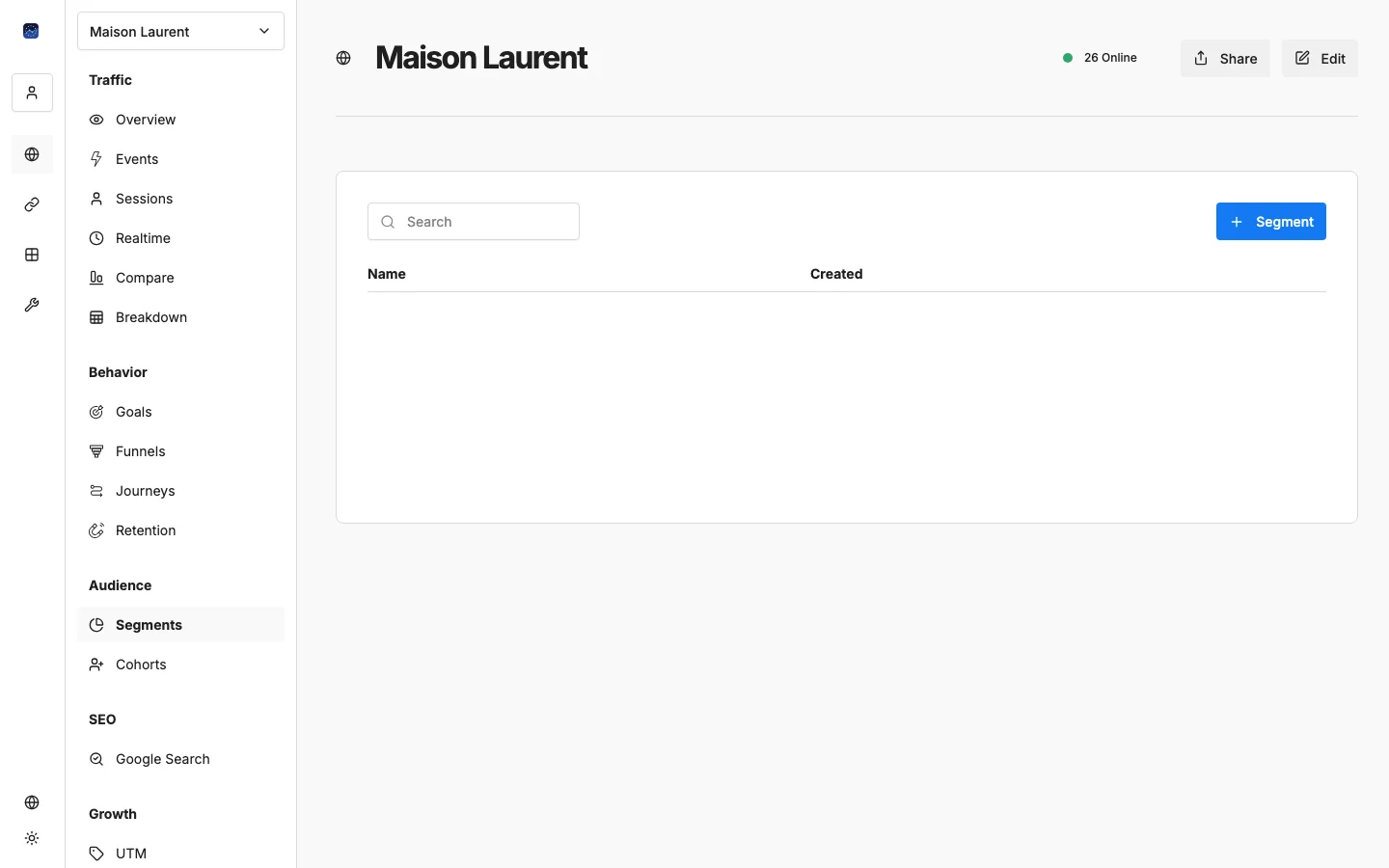
Navigate to Segments in the sidebar under Audience. You’ll see all your saved segments listed. Click any segment to apply it instantly, and all your dashboard data, charts, and reports will update to show only the matching visitors.
Segment Ideas
Segment Name | Filters | Use Case |
|---|---|---|
Mobile Germany | Device = Mobile, Country = Germany | Optimize mobile experience for key market |
Organic Traffic | Channel = Organic Search | Measure SEO performance |
Blog Readers | Path starts with /blog | Understand content audience |
High Intent | Path contains /pricing OR /demo | Track potential buyers |
Returning Visitors | Visits > 1 | Analyze loyal audience |
Cohorts: Grouping by Behavior
While segments filter by attributes (what someone is), cohorts group visitors by shared behavior or timing (what they did and when).
Navigate to Cohorts in the sidebar under Audience.
Cohorts help you answer questions like:
- Do visitors who arrived from a specific campaign behave differently?
- Are visitors from one month more engaged than another?
- Do visitors who performed a specific action on their first visit return more often?
Segments vs. Cohorts vs. Retention
Feature | Purpose | Example |
|---|---|---|
Segments | Filter by attributes (who they are) | “Show me mobile users from France” |
Cohorts | Group by shared behavior (what they did) | “Group visitors by first-visit month” |
Retention | Measure return rates over time | “Of March visitors, how many came back?” |
Use them together: apply a segment to a retention report to see if mobile users retain better than desktop users.
What’s Next?
Need help? Reach out to us at support@eurometrics.eu.