What Is the Cookie Scanner?
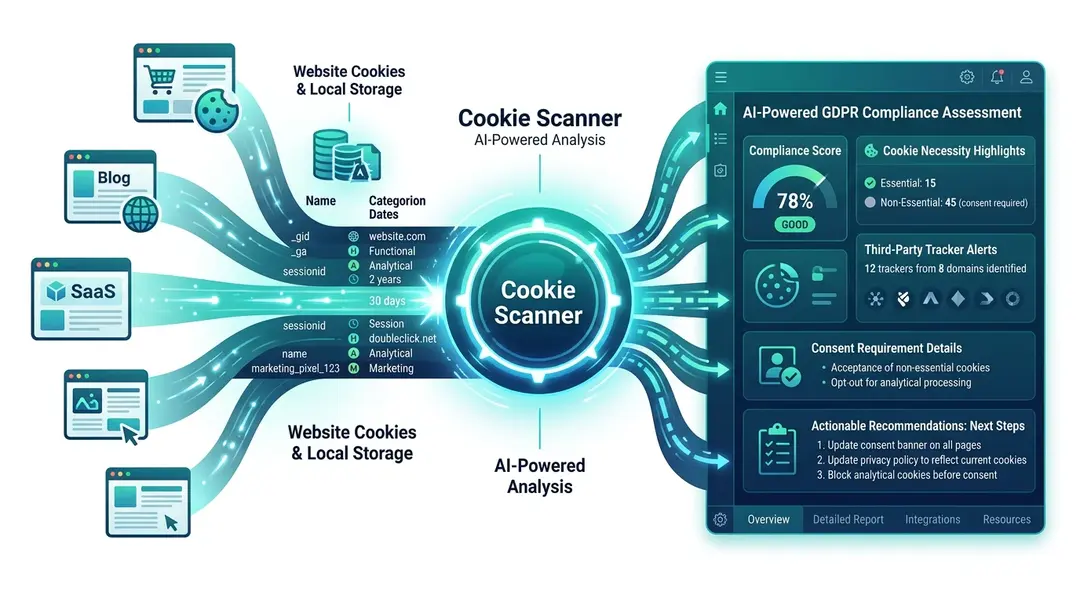
The Cookie Scanner analyzes any website to detect all cookies and local storage items, categorizes them, and provides an AI-powered GDPR compliance assessment. It’s essential for understanding your website’s data collection footprint and ensuring privacy compliance.
Running a Cookie Scan
Go to Tools in the sidebar and open Cookie Scanner. Enter the URL and click Scan.
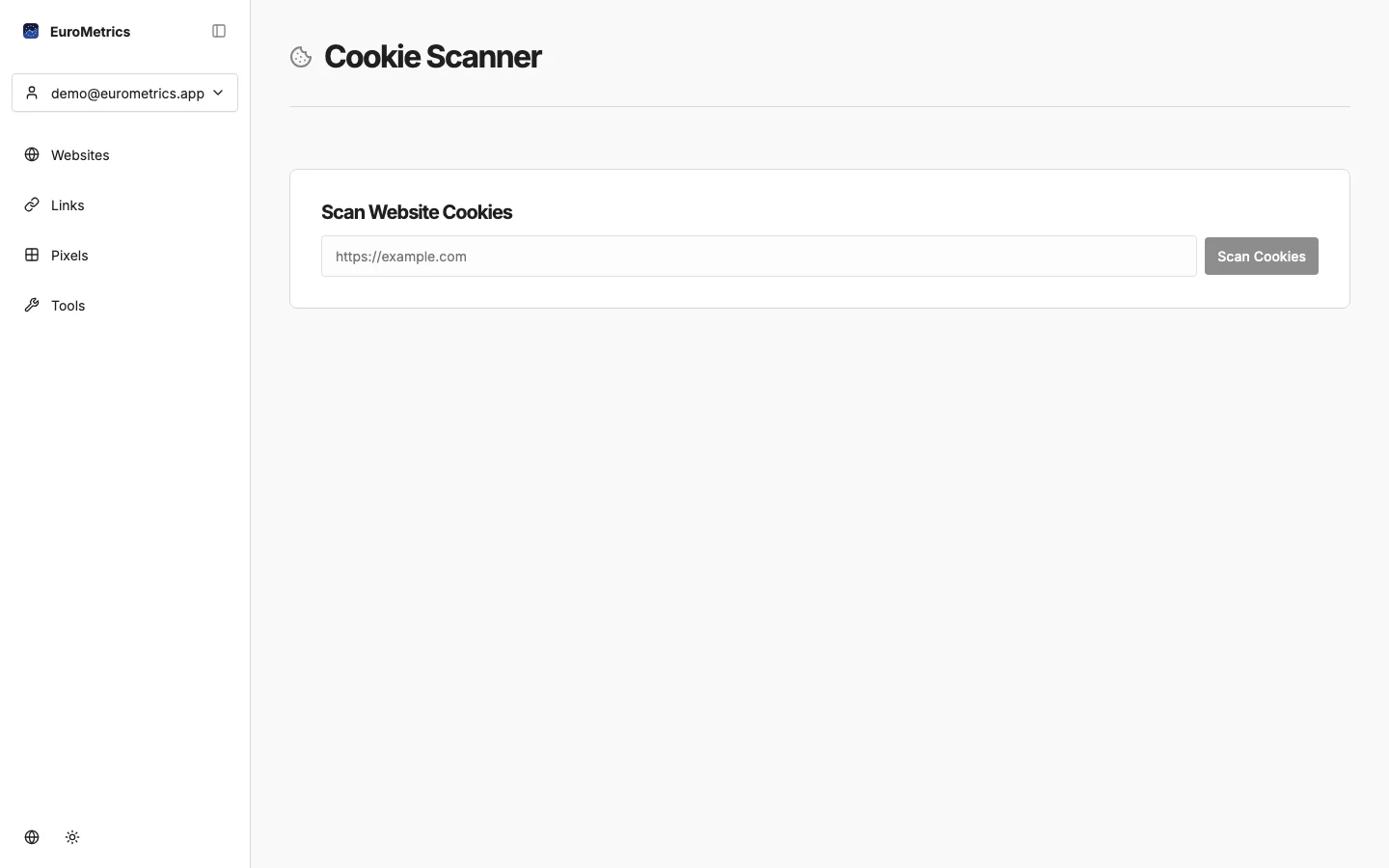
The scan opens your page in a real browser, navigates through it, and captures all cookies and storage items set during the visit.
Understanding the Results
The scan reveals:
Cookie Categories
- Functional: Essential cookies for site operation (login sessions, language preferences)
- Analytical: Tracking and analytics cookies (Google Analytics, etc.)
- Marketing: Advertising and retargeting cookies (Facebook Pixel, Google Ads, etc.)
For each cookie, you’ll see:
- Name: The cookie identifier
- Domain: Where it comes from (first-party vs. third-party)
- Expiration: How long it persists
- Category: Functional, analytical, or marketing
Local Storage & Session Storage
The scan also detects data stored in your browser’s localStorage and sessionStorage: data that persists between visits and doesn’t appear in traditional cookie audits.
AI Compliance Analysis
Click Analyze to get an AI-powered assessment of your cookie compliance:
The AI evaluates:
- Compliance Score: Overall GDPR readiness rating
- Cookie necessity: Are all cookies justified?
- Third-party trackers: Which external services are collecting data?
- Consent requirements: What needs to be in your cookie banner?
- Recommendations: Specific steps to improve compliance
Why This Matters
Under GDPR and ePrivacy regulations, European websites must:
- Inform users about all non-essential cookies before setting them
- Get explicit consent for analytical and marketing cookies
- Provide a way to reject non-essential cookies
- Document what cookies your site uses
The Cookie Scanner helps you identify exactly what your site collects — often revealing third-party trackers you didn’t know about.
EuroMetrics: Cookie-Free Analytics
Note that EuroMetrics itself doesn’t use cookies for tracking. Your analytics data is collected without any cookies, which means:
- No cookie consent banner needed for EuroMetrics tracking
- Full GDPR compliance out of the box
- No impact on your cookie audit results
What’s Next?
Need help? Reach out to us at support@eurometrics.eu.