What Is Revenue Tracking?
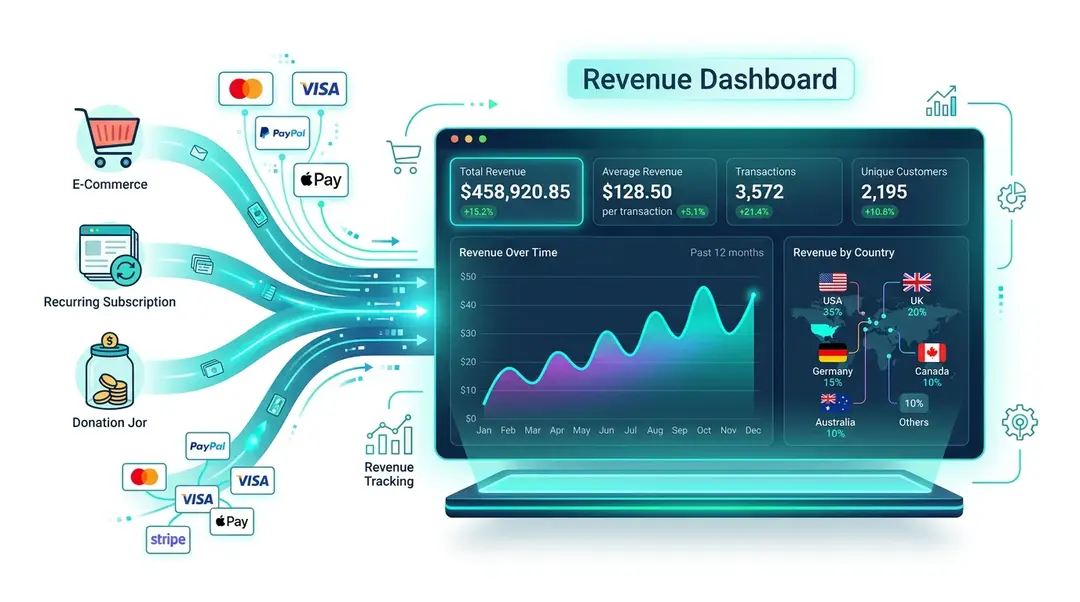
Revenue tracking connects your analytics data with actual money. See how much revenue your website generates, which products sell best, which countries spend the most, and how revenue trends over time.
Setting Up Revenue Tracking
Revenue data is collected through custom events with revenue properties. You’ll need to fire a tracking event when a purchase is completed:
// Track a purchase event with revenue data
umami.track('purchase', {
  revenue: 49.99,
  currency: 'EUR',
  productId: 'SKU-123',
  productName: 'Premium Plan'
});
The key fields:
revenue: The transaction amount (number)currency: ISO currency code (EUR, USD, GBP, etc.)- Any additional properties you want to track (product ID, name, category, etc.)
Viewing Revenue Data
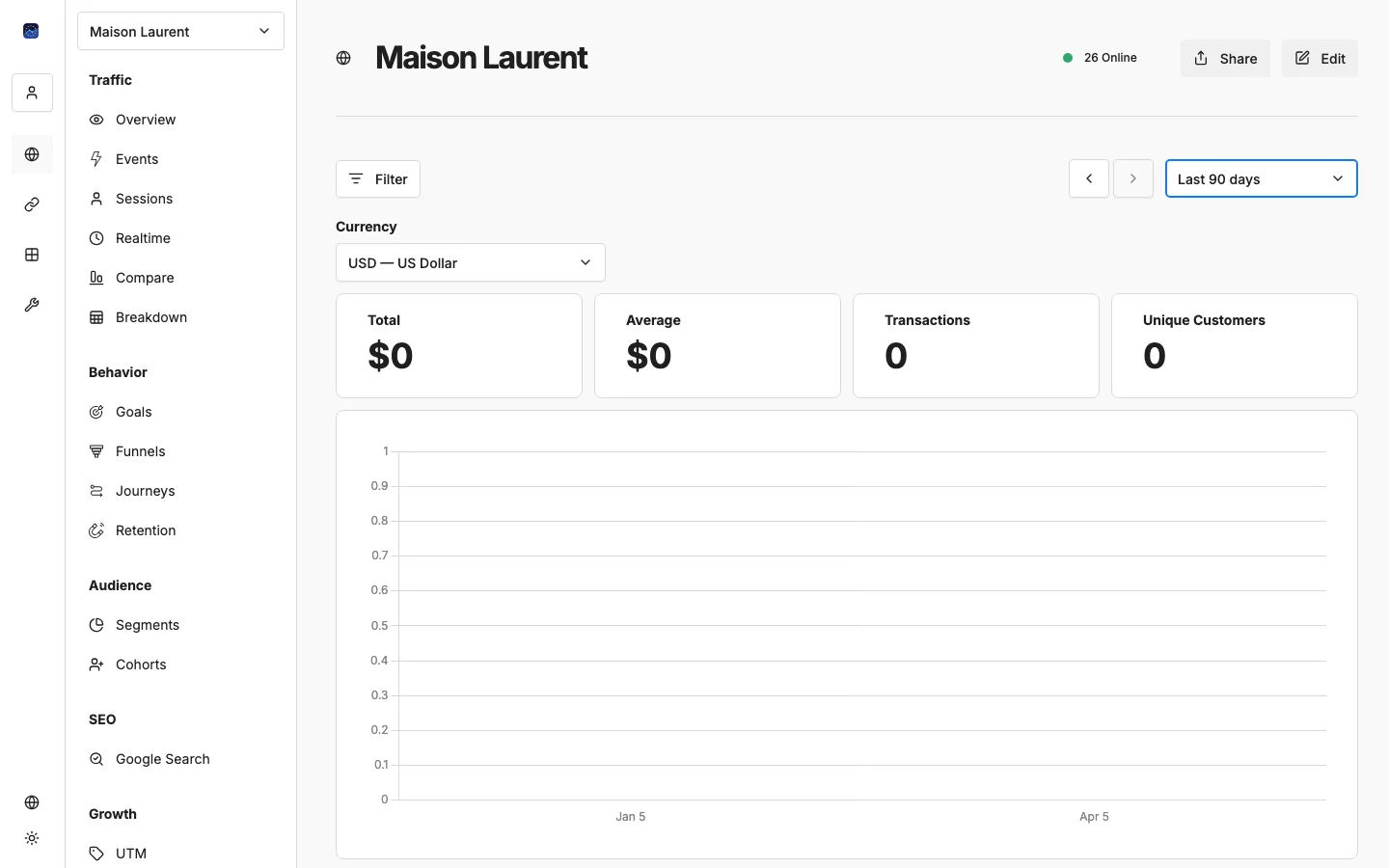
Navigate to Revenue in the sidebar under Growth.
Metric Cards
At the top, four cards give you the big picture:
- Total Revenue: Sum of all transactions in the selected period
- Average Revenue: Average transaction value
- Transactions: Total number of purchases
- Unique Customers: Number of unique visitors who made a purchase
Revenue Chart
A line chart shows revenue over time, broken down by event name. You can view it by day, week, or month. If you track multiple revenue events (e.g., subscriptions and one-time purchases), each appears as a separate line.
Country Breakdown
A table shows revenue by country, complete with country flags, revenue amounts, and percentage of total. This helps you understand which markets generate the most value.
Currency Selection
Use the currency dropdown to change the display currency. EuroMetrics supports all major currencies including EUR, USD, GBP, CHF, and more.
Revenue Event Examples
// E-commerce purchase
umami.track('purchase', {
  revenue: 129.99,
  currency: 'EUR',
  orderId: 'ORD-456',
  items: 3
});

// Subscription payment
umami.track('subscription', {
  revenue: 29.00,
  currency: 'EUR',
  plan: 'pro',
  interval: 'monthly'
});

// Donation
umami.track('donation', {
  revenue: 50.00,
  currency: 'USD'
});
What’s Next?
- → Attribution Modeling: connect revenue to traffic sources
- → Tracking Custom Events: go deeper with event tracking
Need help? Reach out to us at support@eurometrics.eu.