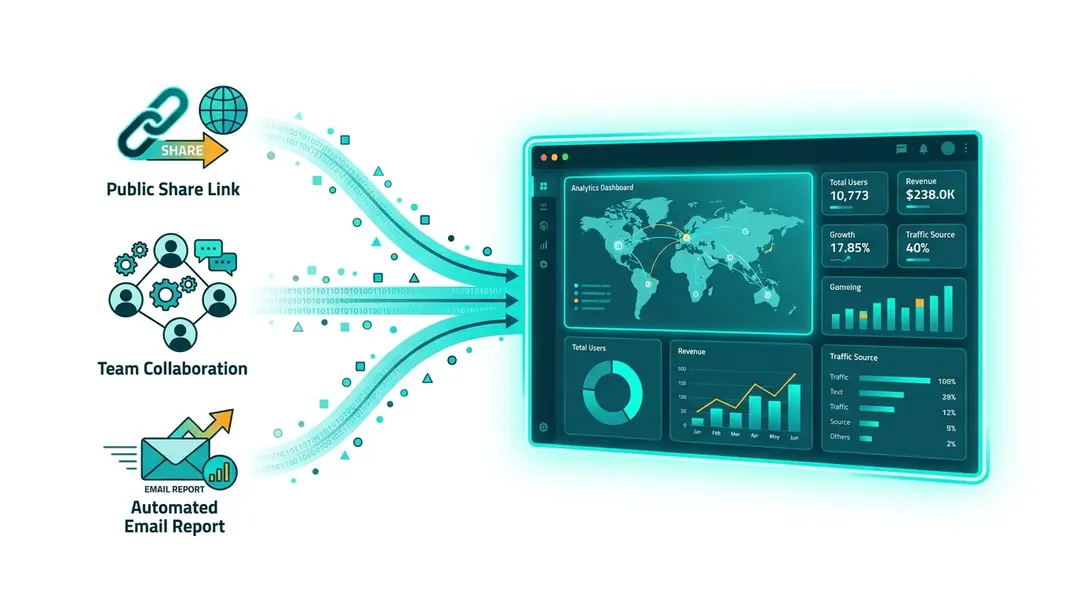
Sharing Your Analytics
EuroMetrics offers several ways to share your analytics data with others, from public dashboard links to team collaboration and automated email reports.
Public Share Links
Share a read-only version of your analytics dashboard with anyone, no login required.
Enabling a Share Link
- Go to your website’s Settings
- Find the Share URL section
- Toggle sharing on
- Copy the generated share URL
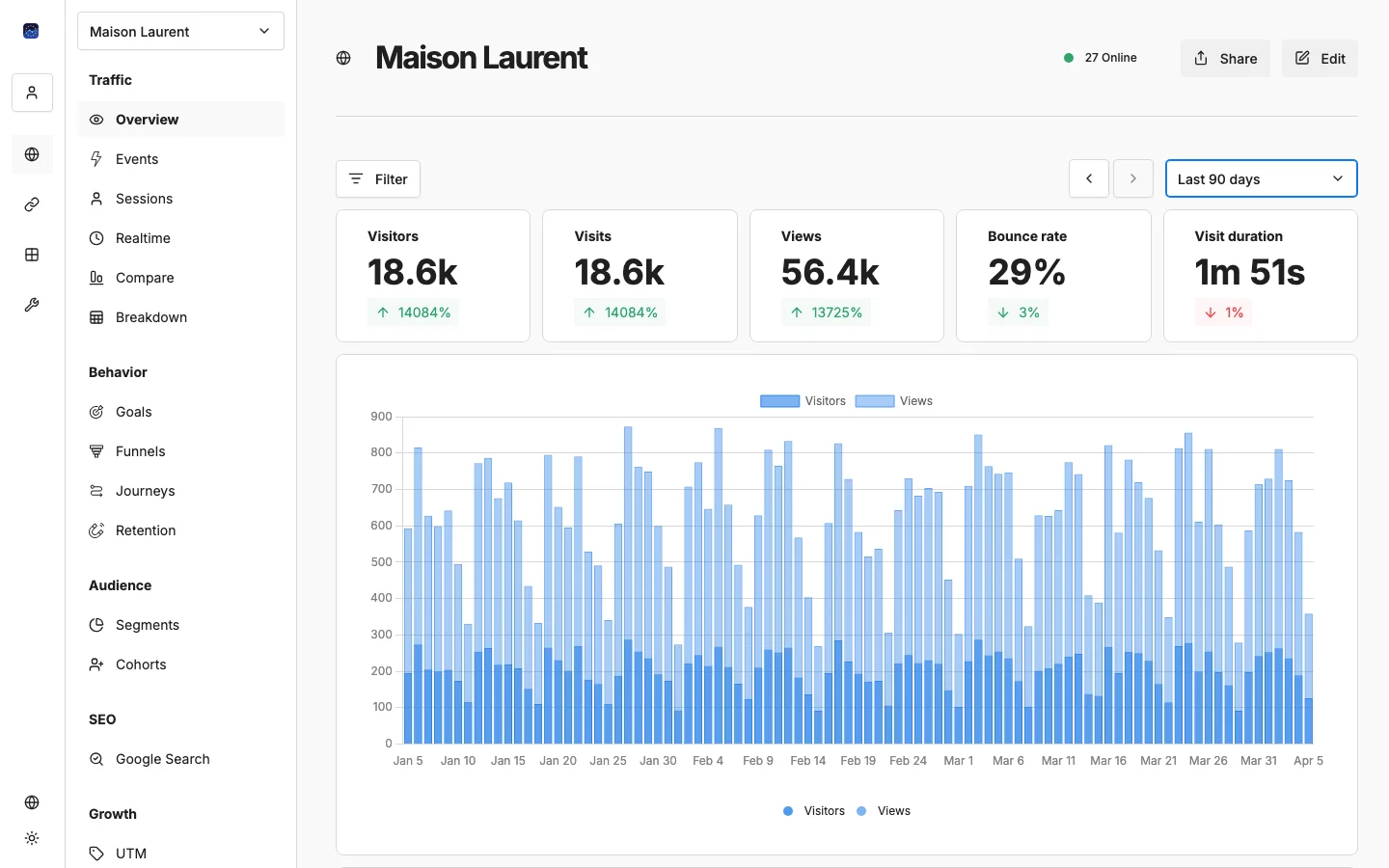
Anyone with the link can view your analytics dashboard. They’ll see the same Overview (metrics, charts, panels, and map) but can’t access settings, reports, or any other features.
Regenerating the Link
If you want to revoke access to a shared link, click Regenerate. This creates a new URL and invalidates the old one.
Team Sharing
For ongoing collaboration, create a team and invite members with appropriate roles. This gives them full access to the analytics UI with their own login, so there are no shared passwords.
Email Reports
Send automated analytics summaries to anyone’s inbox: daily, weekly, or monthly. Recipients don’t need an EuroMetrics account. See Email Report Automation for details.
Exporting Data
Most reports support exporting:
- PDF: Professional reports for clients or management
- Markdown: Machine-readable format for AI tools and documentation
API Access
For programmatic access to your data, use the EuroMetrics API with your API key. This is ideal for:
- Building custom dashboards
- Integrating analytics into other tools
- Automated reporting workflows
What’s Next?
Need help? Reach out to us at support@eurometrics.eu.