What Is the URL Shortener?
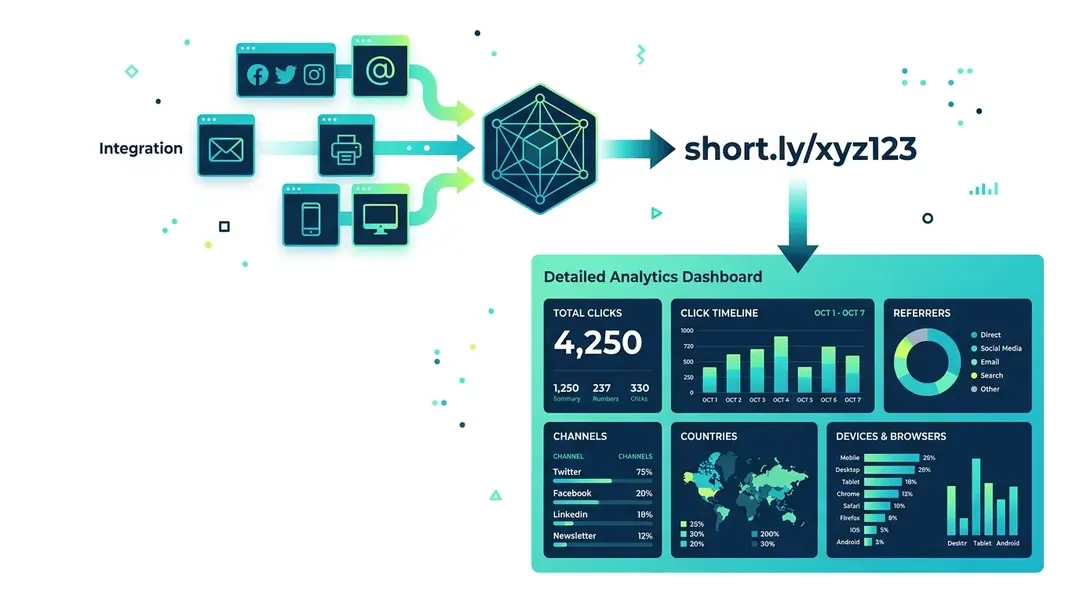
EuroMetrics Links lets you create short, branded URLs with full click analytics built in. Every click on a short link is tracked, so you can see where clicks come from, what devices people use, and which countries generate the most engagement.
Creating a Short Link
Go to Links in the sidebar and click Create Link.
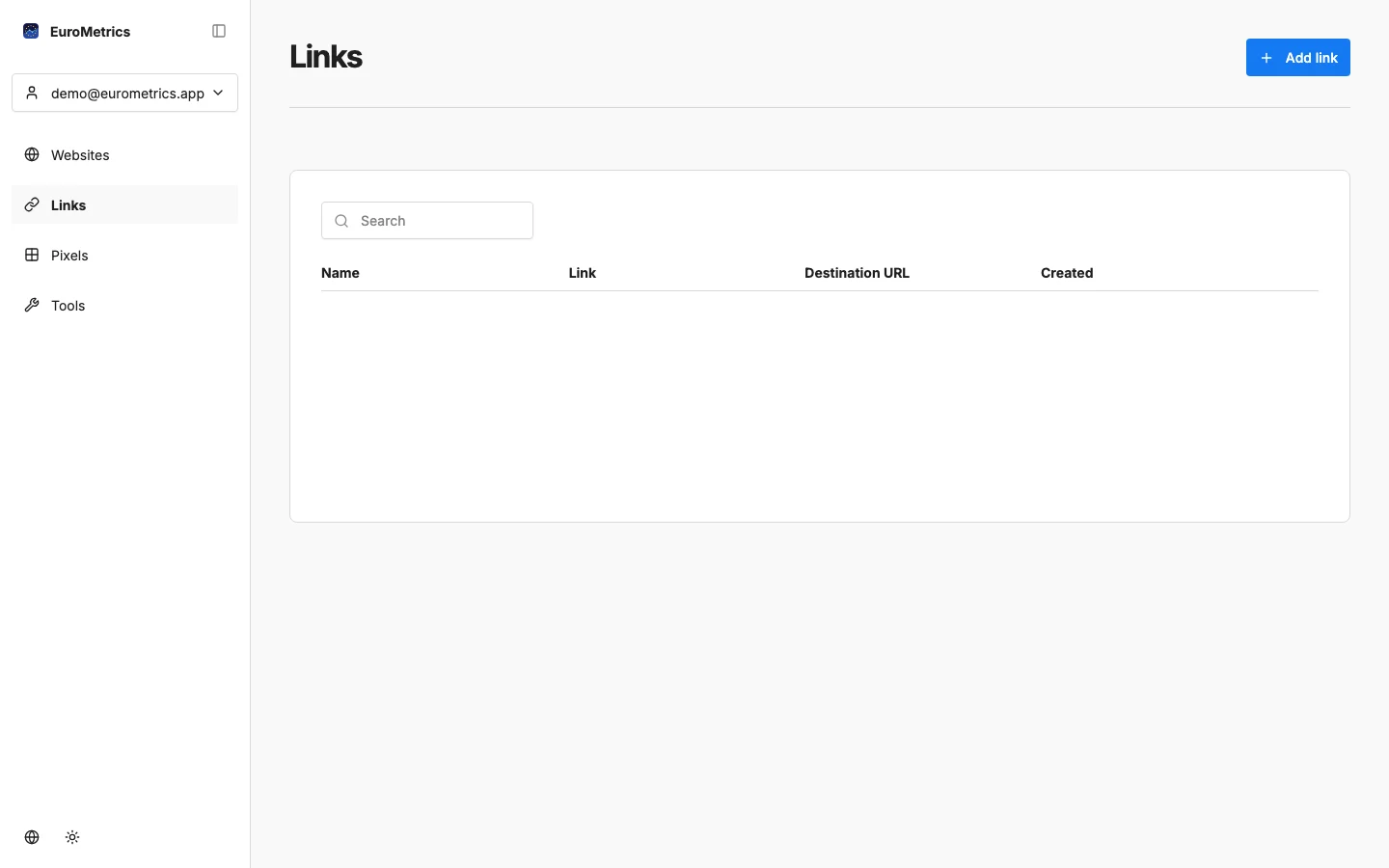
Fill in:
- Destination URL: The full URL you want to shorten
- Name: A friendly label for your reference
- Custom slug (optional): Choose your own short path instead of a random one
Link Analytics
Click on any link to see its detailed analytics:
- Total clicks: How many times the link was clicked
- Click timeline: Chart showing clicks over time
- Referrers: Where the clicks came from
- Channels: Traffic source breakdown
- Countries: Geographic distribution of clicks
- Devices & Browsers: What technology clickers use
Use Cases
- Social media posts: Track which platforms drive the most clicks
- Email campaigns: See click-through rates per link
- Print materials: Short links are easier to type from flyers and business cards
- A/B testing: Create two links to the same page with different slugs, share them in different channels, and compare performance
Combine with QR Codes
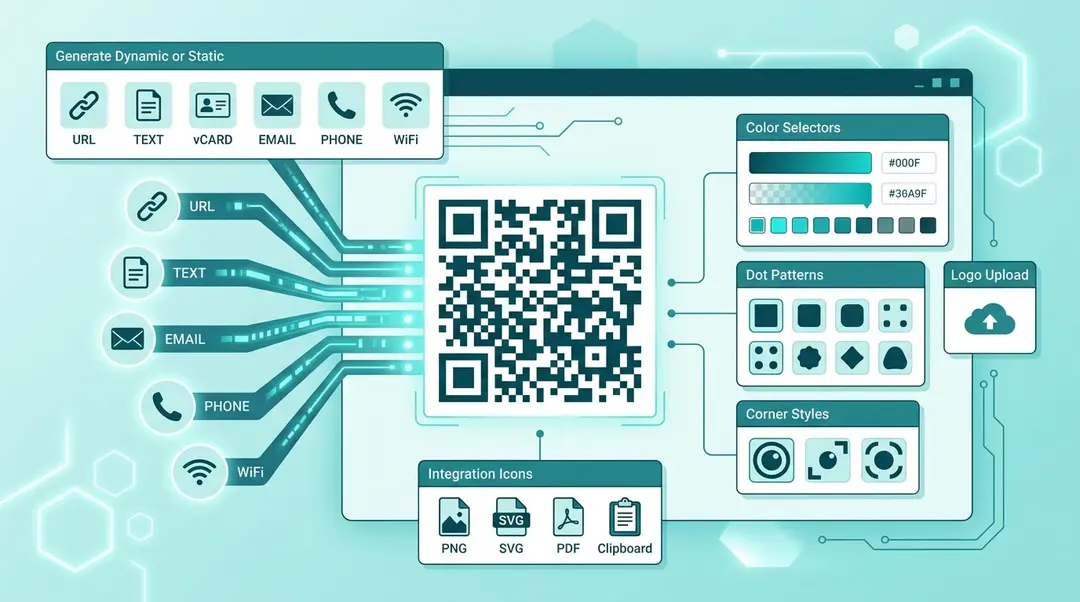
Create a short link, then use the QR Code Generator to create a scannable code for it. This gives you both a memorable short URL for digital use and a scannable code for physical materials, both tracked through the same analytics.
What’s Next?
Need help? Reach out to us at support@eurometrics.eu.