What Is the Speed Test Tool?
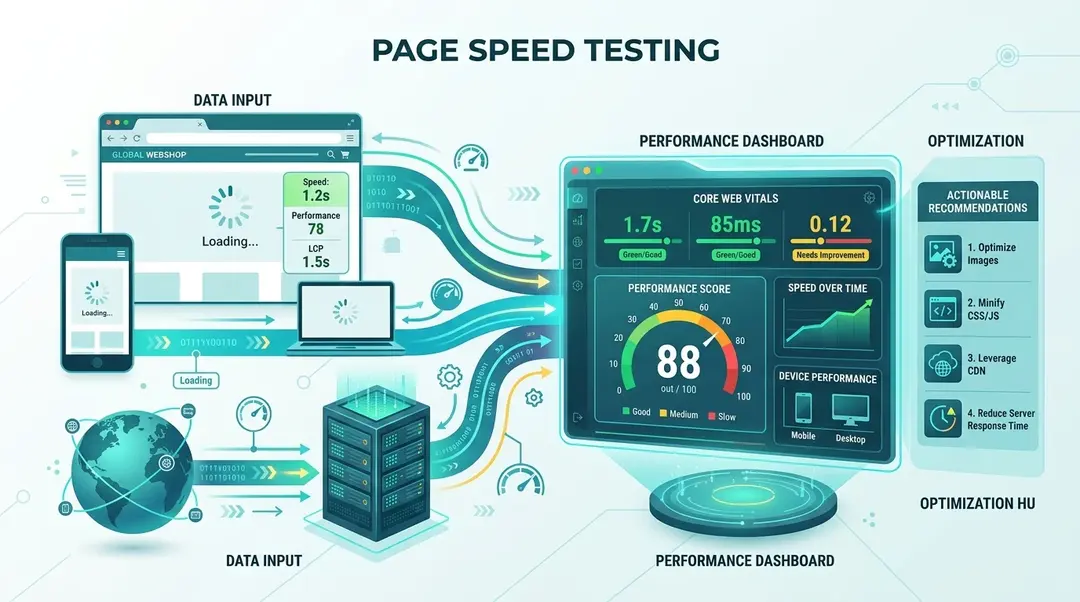
Page speed directly affects user experience and search rankings. The EuroMetrics Speed Test uses Google Lighthouse under the hood to measure your page’s performance and give you actionable recommendations.
Running a Speed Test
Go to Tools in the sidebar and open Speed Test. Enter the URL to test and click Run Test.
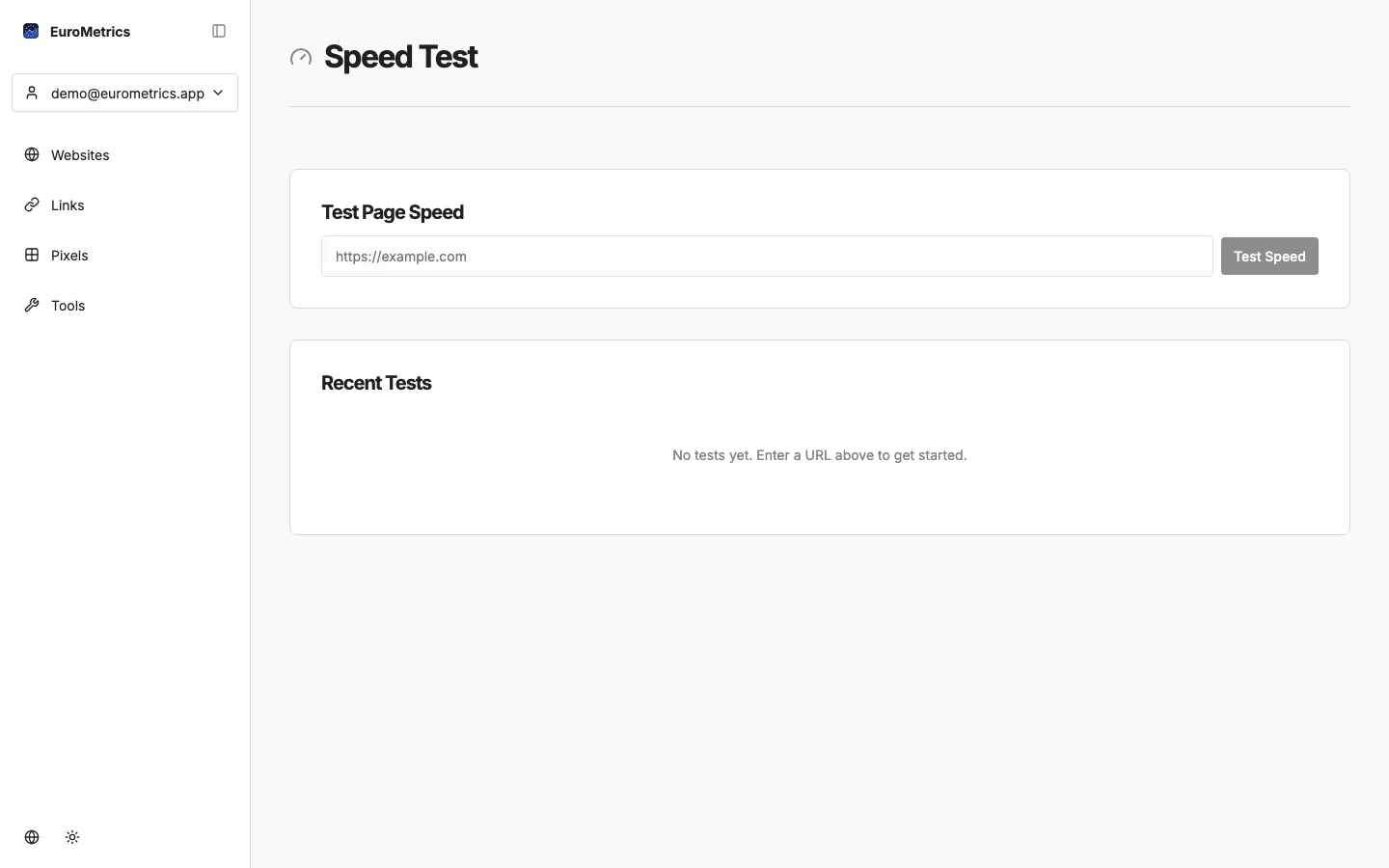
The test takes 30–60 seconds as it loads your page in a real browser and measures everything.
Understanding Your Results
Core Web Vitals
These are the metrics Google uses to evaluate page experience:
Metric | What It Measures | Good | Needs Work | Poor |
|---|---|---|---|---|
LCP (Largest Contentful Paint) | Loading speed: when the main content becomes visible | ≤2.5s | 2.5–4s | >4s |
FID (First Input Delay) | Interactivity: how fast the page responds to first interaction | ≤100ms | 100–300ms | >300ms |
CLS (Cumulative Layout Shift) | Visual stability: how much the layout moves during loading | ≤0.1 | 0.1–0.25 | >0.25 |
Performance Score
An overall 0–100 score based on multiple timing metrics. Scores above 90 are considered fast.
Scheduled Monitoring
Don’t just test once. Set up regular monitoring to catch performance regressions early.
- In the Speed Test results, click Schedule
- Choose a monitoring frequency
- EuroMetrics will automatically test your page on schedule
Viewing Trends
Navigate to the Trends section to see how your page speed changes over time. This is invaluable for:
- Detecting performance regressions after deployments
- Tracking the impact of optimization efforts
- Setting performance budgets and monitoring compliance
Common Speed Issues and Fixes
Issue | Impact | Fix |
|---|---|---|
Large images | Slow LCP | Compress images, use WebP/AVIF format, add width/height attributes |
Render-blocking JS | Slow FID | Defer non-critical scripts, use async loading |
No caching headers | Slow repeat visits | Set Cache-Control headers for static assets |
Layout shifts | High CLS | Set explicit dimensions on images/ads, avoid dynamic content injection above the fold |
Large JS bundles | Slow everything | Code-split, tree-shake, lazy-load non-critical modules |
What’s Next?
Need help? Reach out to us at support@eurometrics.eu.