Welcome to EuroMetrics
EuroMetrics is a privacy-first web analytics platform built for European businesses. No cookies, full GDPR compliance, and useful insights, all in one place.
In this guide, we’ll walk you through creating your account and logging in for the first time. It takes less than two minutes.
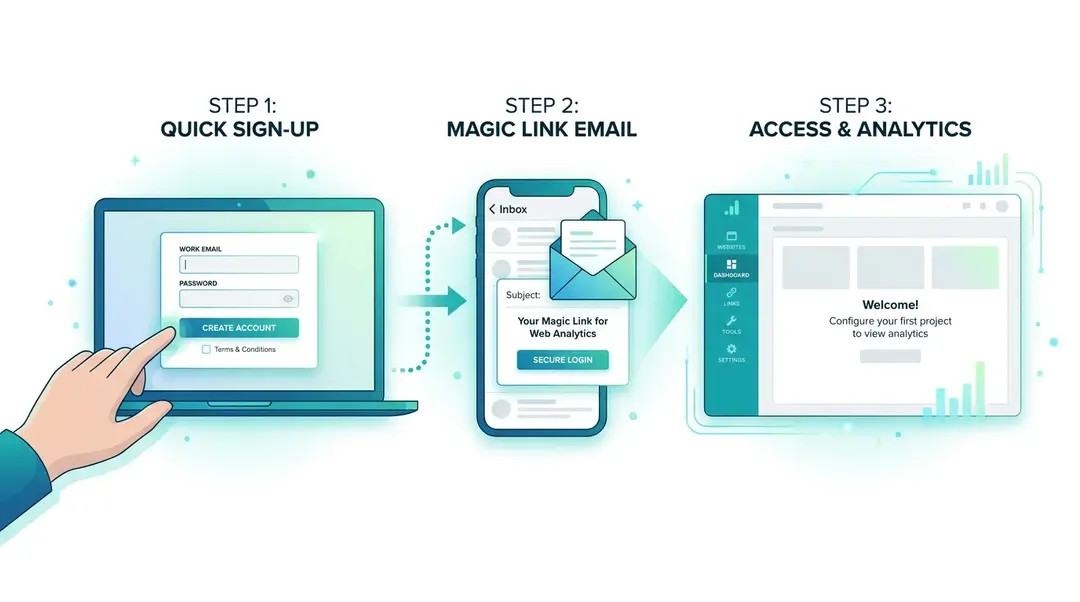
Step 1: Create Your Account
Head over to my.eurometrics.eu and click the Sign Up tab.
You’ll need to fill in just two fields:
- Company Name: Your business or project name. This becomes your workspace name and can be changed later.
- Email: Your work email address. This is how you’ll log in.
Check both the Terms of Service and Privacy Policy boxes, complete the quick verification, and hit Sign Up.
That’s it: no credit card, no lengthy forms.
Have a Referral Code?
If someone shared a referral code with you, click I have a referral code to expand the field and enter it. Depending on the partner’s offer, you might get a free plan upgrade or a discount applied automatically.
Step 2: Check Your Email
After signing up, you’ll receive a magic link email. No passwords to remember. Just click the link in the email to activate your account.
Tip: The magic link expires after 24 hours. If you don’t see the email, check your spam folder or request a new one from the login page.
Step 3: Your First Login
Once you click the magic link, you’re logged in automatically and land on the Websites page. This is your home base, where you’ll see all your tracked websites at a glance.
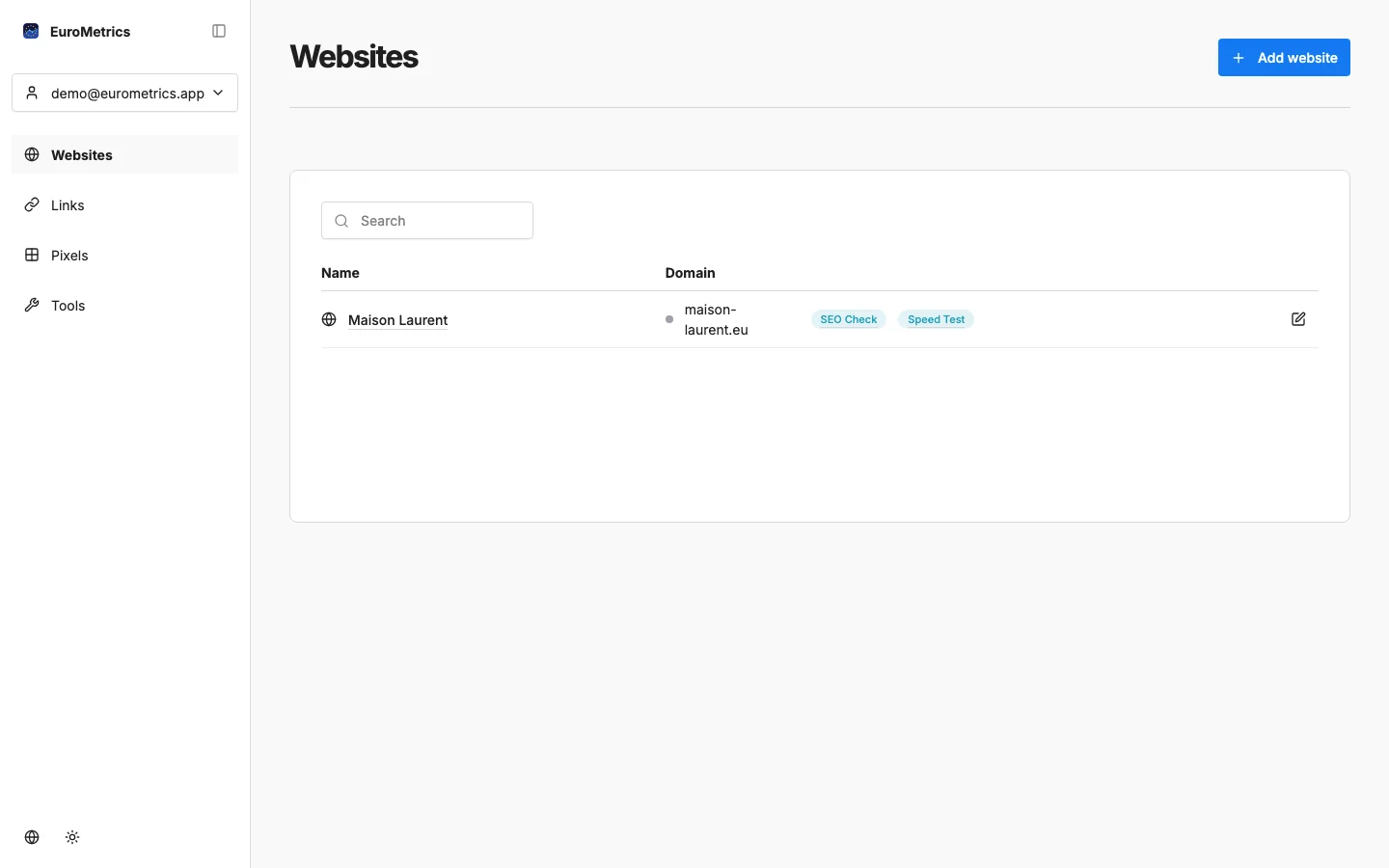
Since this is your first time, the page will be empty. Don’t worry: in the next guide, we’ll add your first website and start collecting data.
Understanding the Interface
Let’s take a quick look around:
The Sidebar
On the left side, you’ll find the main navigation:
- Dashboard: Your overview with all websites at a glance
- Websites: Manage your tracked sites
- Links: URL shortener with click analytics
- Tools: SEO checker, speed test, QR codes, and more
- Settings: Profile, team, billing, and report preferences
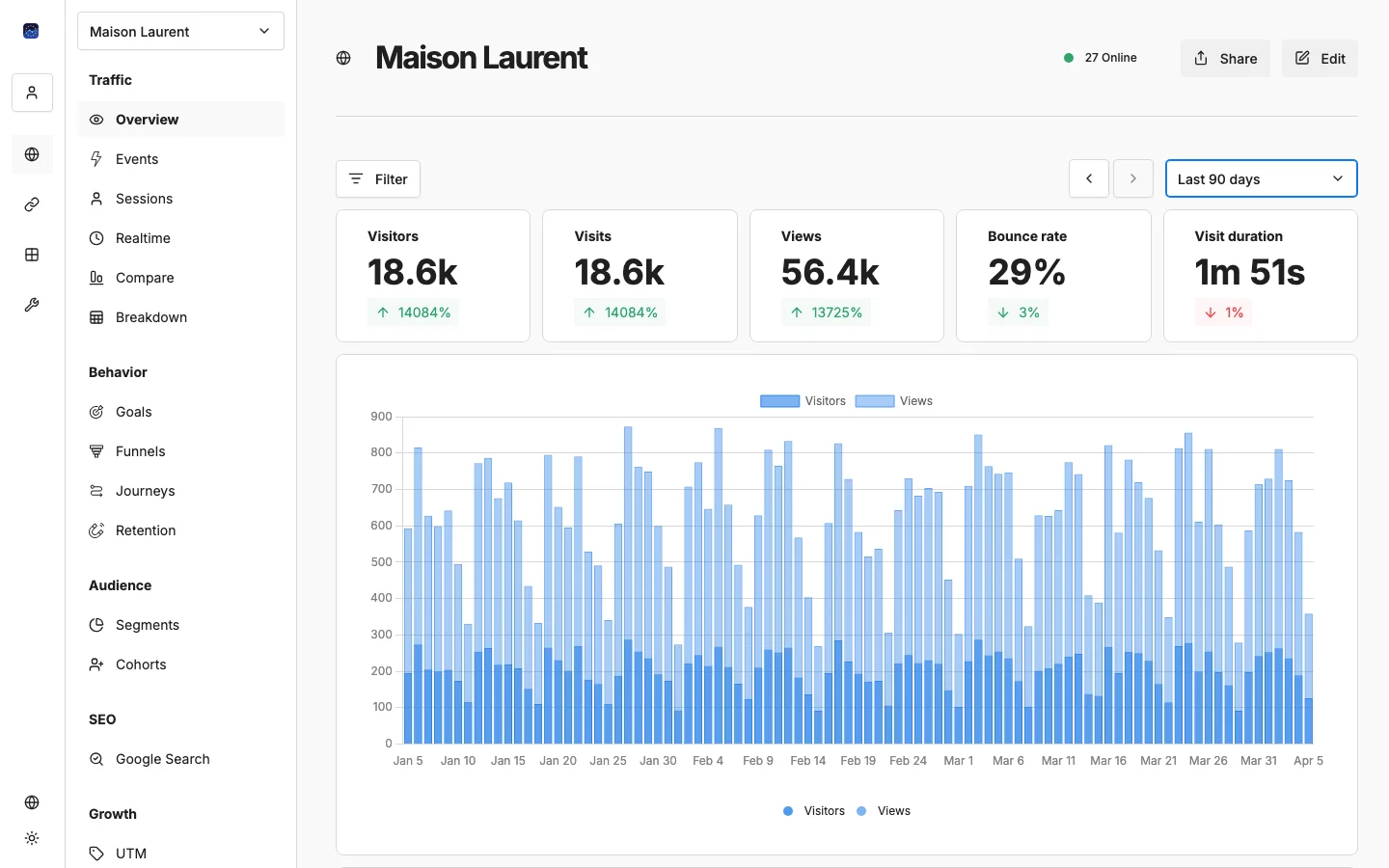
Your Account
Click your avatar in the bottom-left corner to access:
- Profile settings
- Theme toggle (light/dark mode)
- Language selection
- Logout
Your Plan
Every new account starts on the Hobby plan. It’s free and includes everything you need to get started. As your needs grow, you can upgrade anytime from Settings → Billing.
What’s Next?
Now that your account is ready, let’s add your first website and start tracking visitors:
→ Adding a Website and Installing the Tracker
Need help? Reach out to us at support@eurometrics.eu.