What Are Goals?
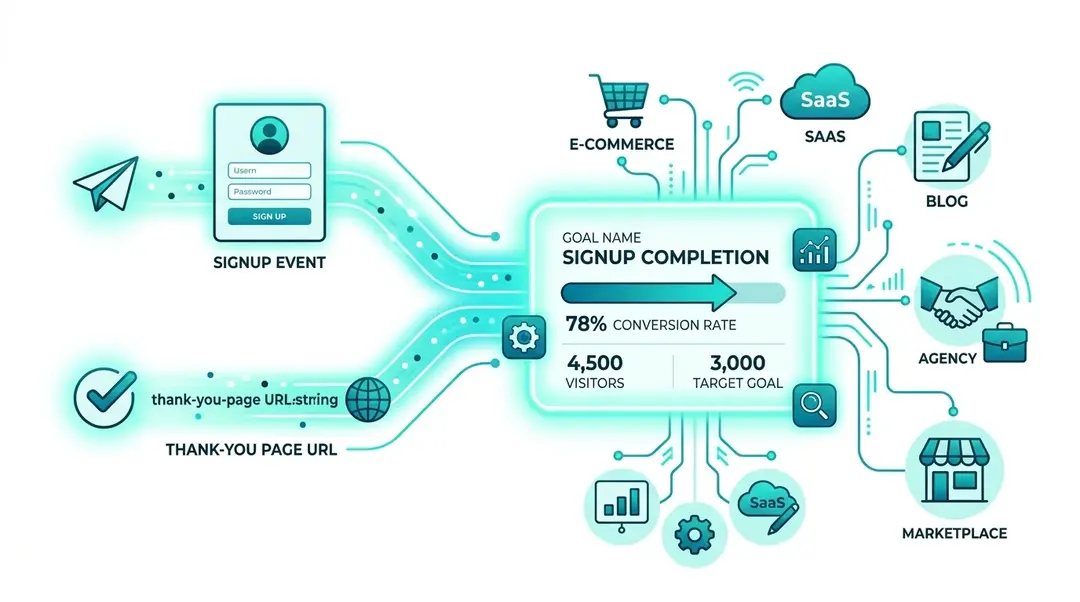
Goals let you track a single conversion action, like visiting a thank-you page or triggering a signup event. Unlike funnels (which track multi-step sequences), goals measure one specific outcome and show you what percentage of your visitors complete it.
Creating a Goal
Go to Goals in the sidebar under Behavior, then click Create Report.
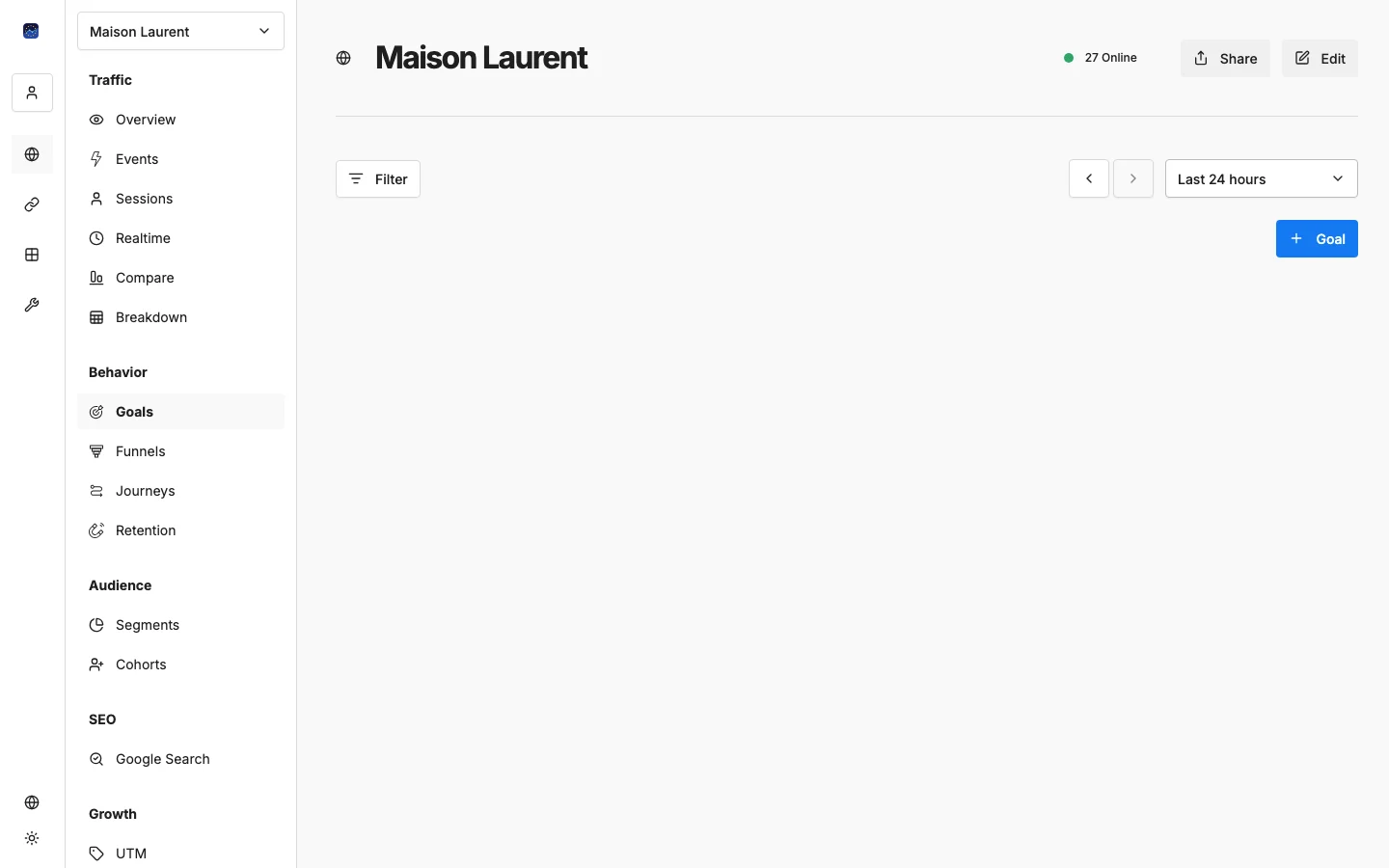
You’ll configure two things:
- Name: a descriptive label (e.g., “Newsletter Signup” or “Pricing Page Visit”)
- Action: what counts as a conversion:
- Page view: a visitor loads a specific URL (e.g.,
/thank-you) - Event: a visitor triggers a custom event (e.g.,
form-submit)
- Page view: a visitor loads a specific URL (e.g.,
Reading Goal Results
Goals are displayed as cards in a grid layout:
Each card shows:
- Goal name as the title
- Progress bar: visually shows what fraction of visitors converted
- Conversion percentage: e.g., “4.2%”
- Visitor counts: e.g., “1,234 / 29,000 visitors”
Goal Ideas by Industry
Business Type | Goal | Type | Value |
|---|---|---|---|
E-commerce | Purchase complete | Page view |
|
SaaS | Free trial signup | Event |
|
Blog | Newsletter signup | Event |
|
Agency | Contact form sent | Page view |
|
Marketplace | Listing created | Event |
|
Goals vs. Funnels
Feature | Goals | Funnels |
|---|---|---|
Steps | Single action | 2–8 sequential steps |
Shows | Overall conversion rate | Drop-off at each step |
Best for | Measuring outcomes | Diagnosing where people leave |
Use goals to track whether people convert. Use funnels to understand why they don’t.
What’s Next?
Need help? Reach out to us at support@eurometrics.eu.