What Is the SEO Audit Tool?
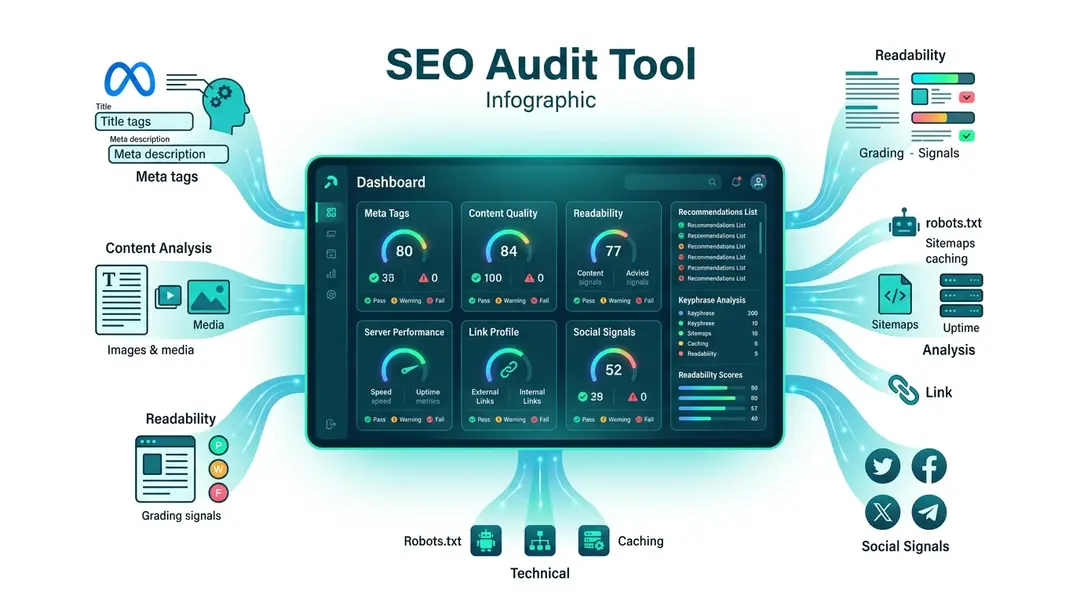
The SEO Check analyzes any web page and gives you a detailed score across 7 categories with 70+ individual checks. Think of it as a full health check for your page’s search engine optimization.
Running an SEO Check
Go to Tools in the sidebar and open SEO Check. Enter the URL you want to analyze and click Check.
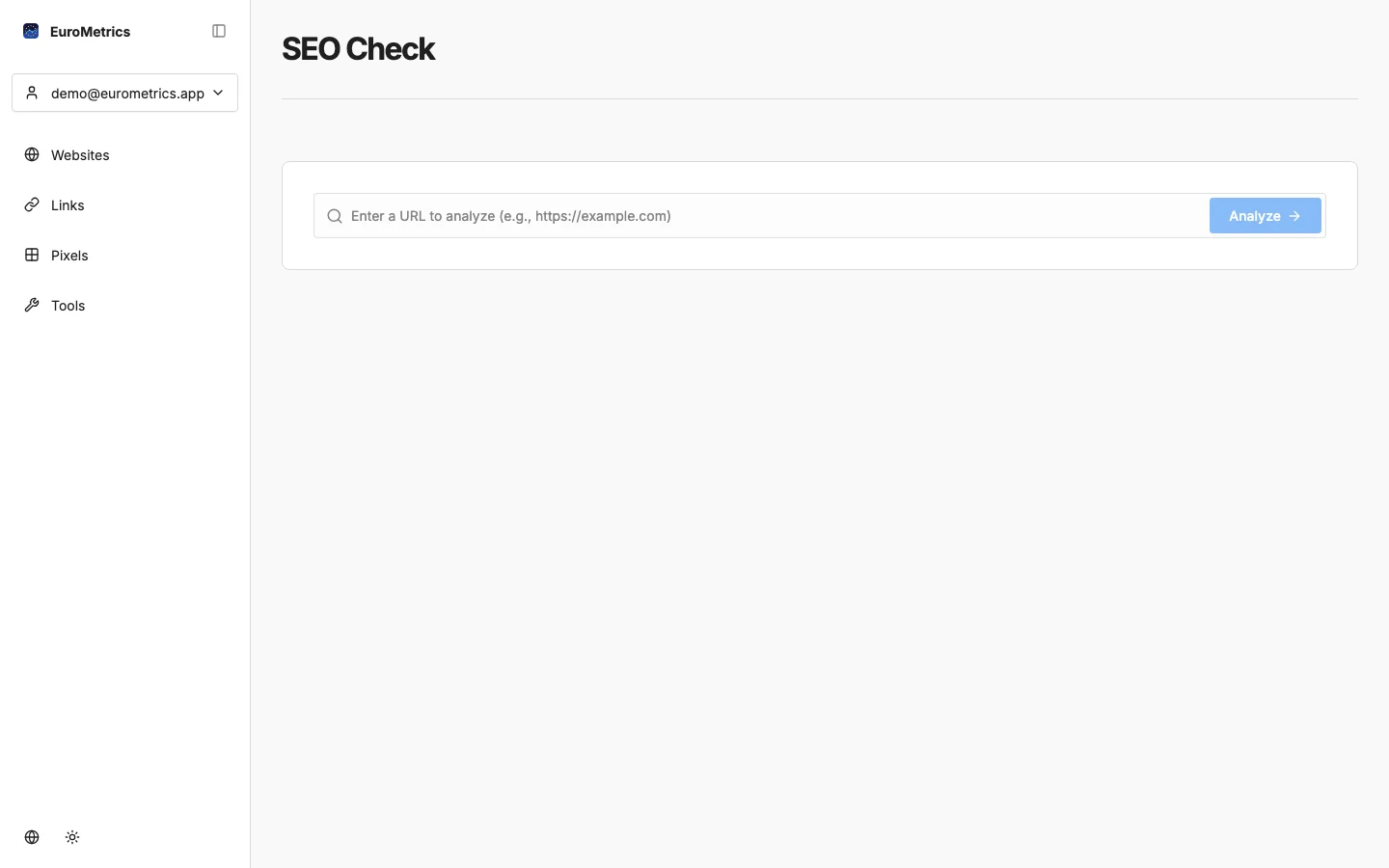
The analysis runs in seconds and returns a detailed report.
Understanding Your Score
Your overall score (0–100) is a weighted average of 7 categories:
Category | Weight | What It Checks |
|---|---|---|
Meta | 20% | Title tag, meta description, Open Graph tags, canonical URL |
Content | 20% | Headings structure, keyword density, word count, images |
Readability | 15% | Flesch reading score, sentence length, passive voice, transition words |
Technical | 15% | Mobile viewport, charset, favicon, structured data, canonical |
Server | 10% | Response time, HTTPS, compression, caching headers |
Links | 10% | Internal and external links, broken links, anchor text |
Social | 10% | Open Graph, Twitter cards, social media metadata |
Drilling Into Results
Click any category to expand it and see individual checks:
Each check shows:
- Status: Pass (green), Warning (yellow), or Fail (red)
- Description: What was checked
- Recommendation: How to fix it if the check failed
Keyphrase Analysis
The tool automatically detects your page’s primary keyphrase from the title and H1 heading, then checks:
- Keyphrase in title, meta description, URL, and H1
- Keyword density (recommended: 1–3%)
- Keyphrase distribution throughout the content
Readability Analysis
The readability section uses natural language processing to evaluate:
- Flesch Reading Ease: How easy your text is to read (60–70 is ideal for web content)
- Sentence length: Flags sentences over 20 words
- Passive voice: Recommends limiting passive constructions
- Transition words: Checks for smooth flow between ideas
Exporting Results
You can export your SEO report in two formats:
- PDF: Professional report ready to share with clients or team members
- Markdown: Machine-readable format perfect for AI tools or documentation
Sharing Results
Click Share to generate a public link to your report. The link stays active for 30 days, which makes it easy to share with colleagues or clients who don’t have an EuroMetrics account.
Rate Limits
Plan | Checks per Day |
|---|---|
Anonymous (no account) | 3 |
Hobby | 5 |
Pro | 30 |
Business | 150 |
What’s Next?
Need help? Reach out to us at support@eurometrics.eu.