installation
installation

Identifying Visitors with umami.identify
What identify Does Besides tracking pageviews and events, the tracker exposes umami.identify(), which attaches extra context to the current visitor’s session. Use it to record session-level attributes (like the plan...

Tracking Script Options
Customizing the Tracking Script The tracking snippet accepts optional data-* attributes that change how it behaves. The basic snippet only needs src and data-website-id; everything below is optional.

Cookie Consent and Fingerprinting
Privacy-First by Default EuroMetrics is designed to work without cookies and without collecting personal data, so in its default configuration you usually do not need a consent banner. Two related...

First-Party Tracking on Your Own Domain
Why Serve the Tracker From Your Own Domain By default the tracking script loads from app.eurometrics.eu. Some ad-blockers and browser privacy lists block requests to third-party analytics domains, which means...
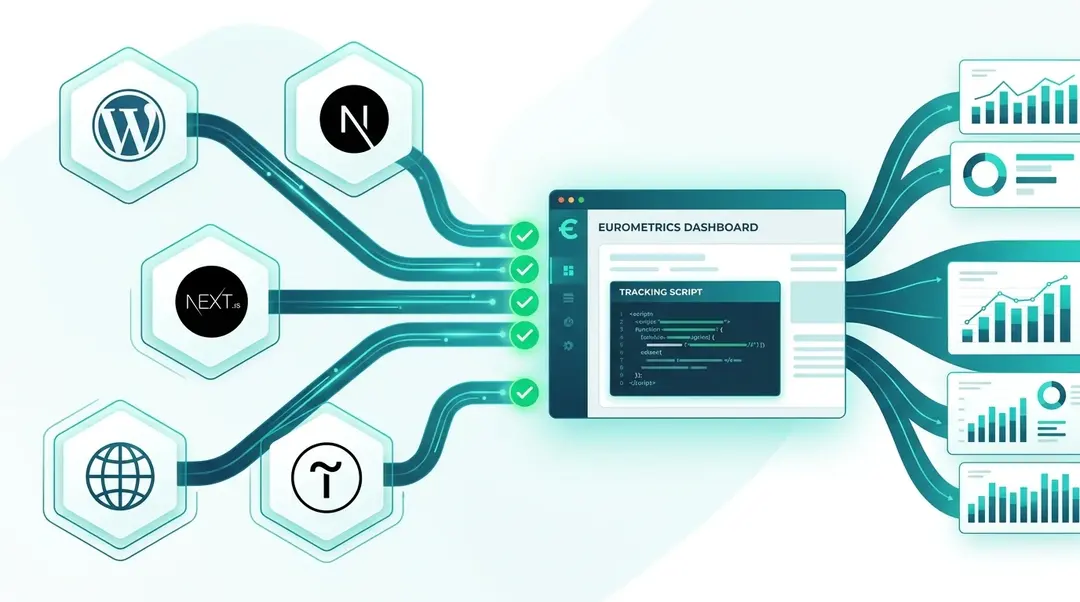
Installation Guide: WordPress, Next.js, Tilda & More
Complete guide to installing the EuroMetrics tracking script on any platform. WordPress plugin, Next.js, Tilda, manual installation, troubleshooting, and CSP configuration.
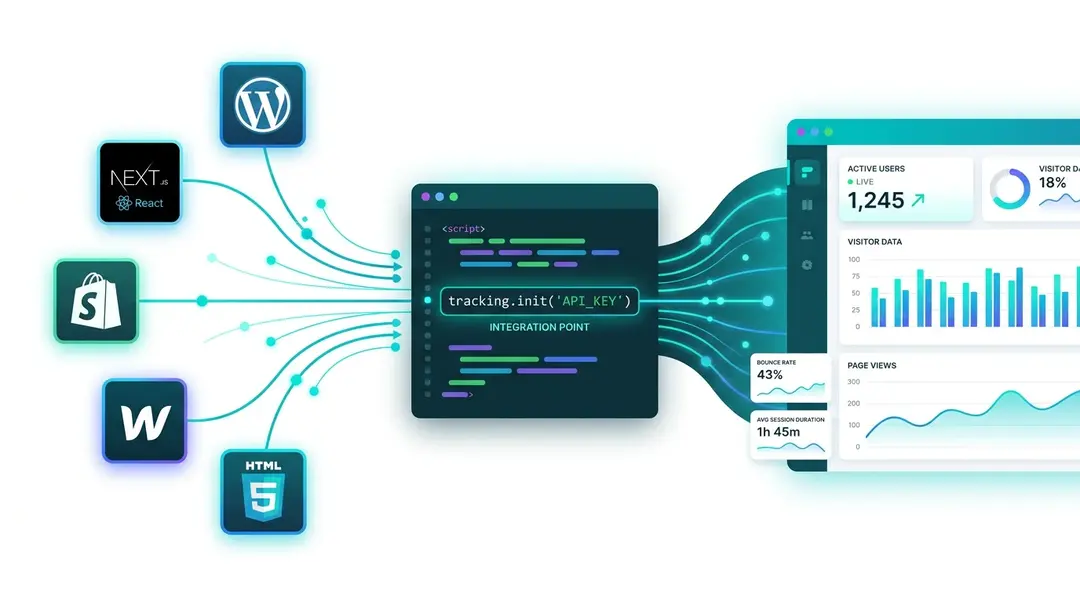
Adding a Website and Installing the Tracker
Add your first website to EuroMetrics, copy the tracking code, install it on any platform (WordPress, Shopify, Next.js, Webflow), and verify it works.
Stay in the loop
Get the latest on GDPR requirements, privacy-first analytics, and product updates.